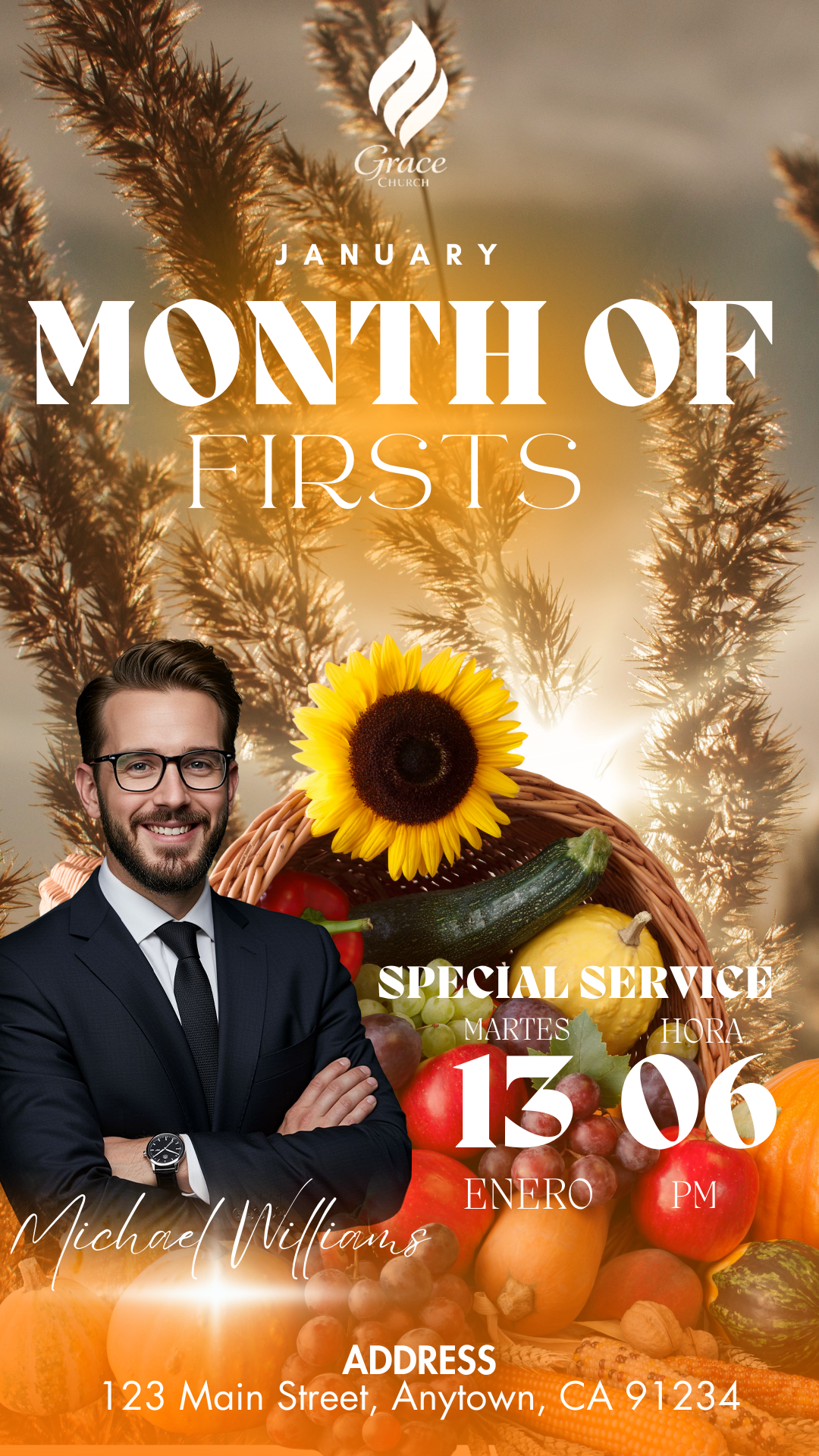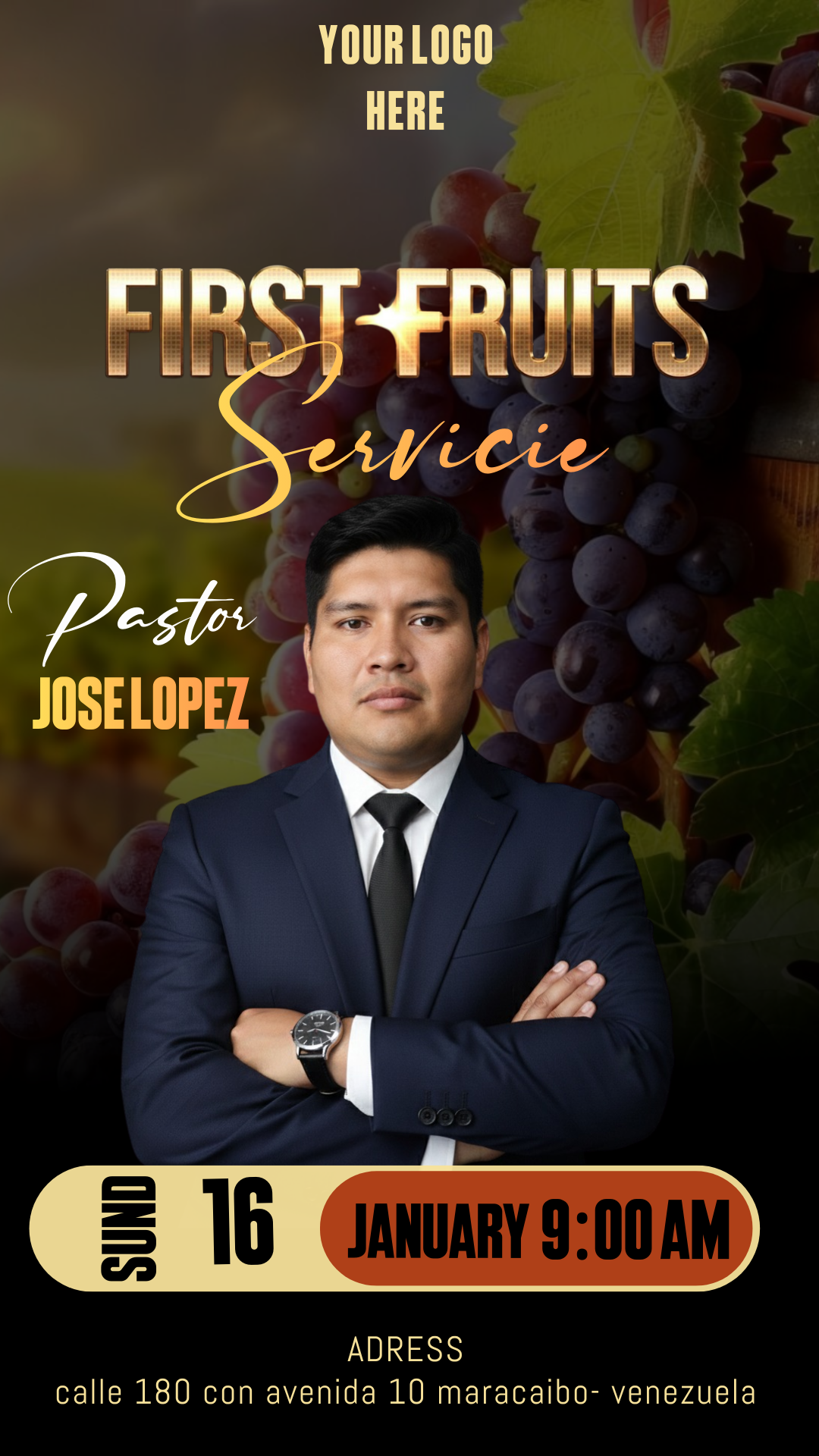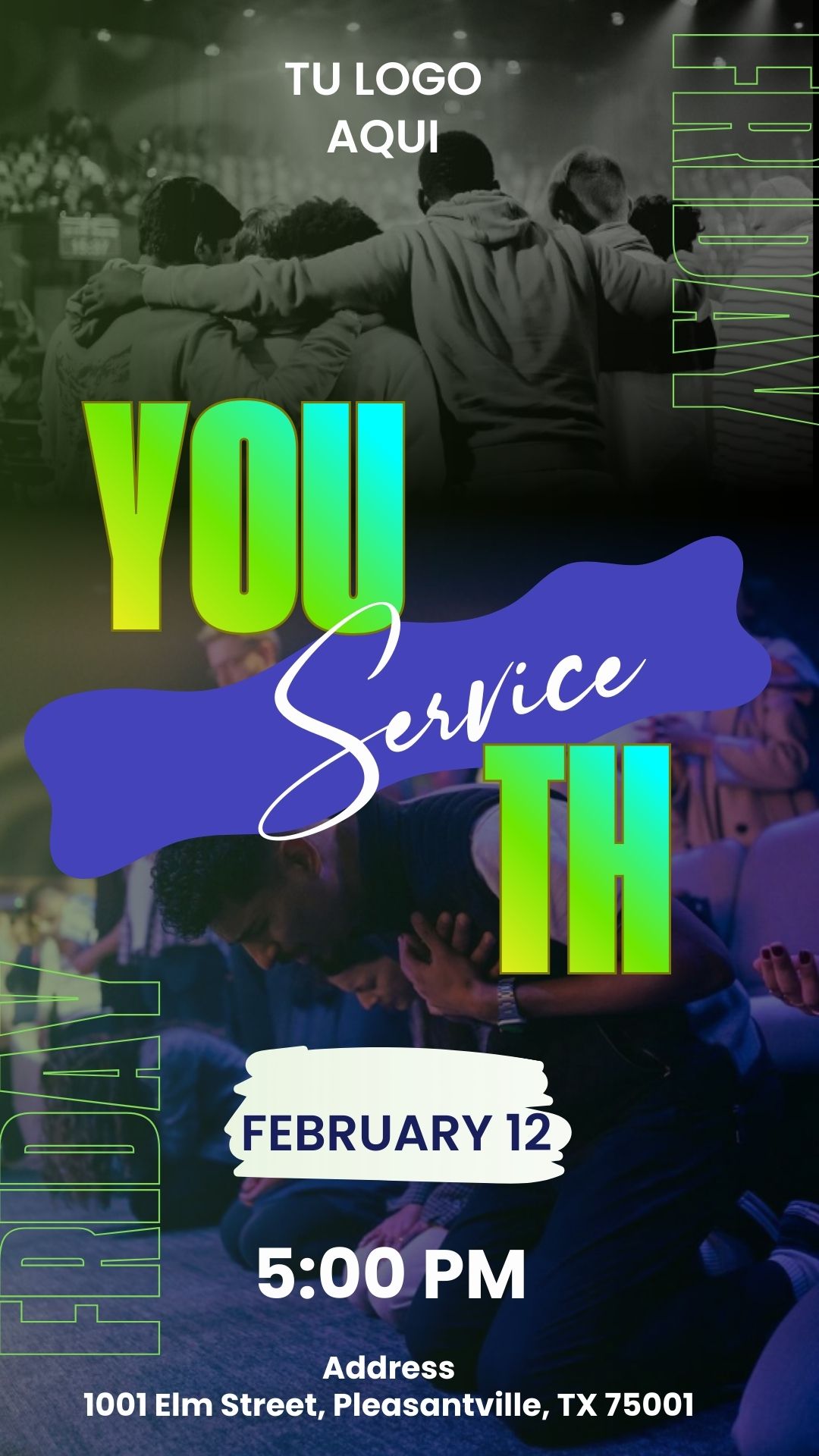
The youth ministry is one of the most dynamic pillars of any congregation, and its communication must reflect that same energy. If you are looking for a Youth Service Flyer editable in Canva, you have come to the right place. Good design not only informs but also connects with the visual identity of new generations. In this article, we present a professional solution that you can customize in minutes, ensuring your next youth event, meeting, or conference has the reach and professionalism it deserves.

Why choose an editable Canva template?
Canva has revolutionized the way churches and ministries create their visual content. By choosing our Youth Service Flyer editable in Canva, you gain access to multiple benefits:
- Total Accessibility: You don’t need to be an expert designer or have expensive software installed on your computer. Everything is done from your browser or the mobile app.
- Time Saving: Instead of starting from scratch, you already have a balanced structure with colors and fonts that work.
- Flexibility: You can update the date, time, and location of your meeting every week without complications.
Key Features of this Canva template
This Youth Service Flyer editable in Canva has been designed specifically with contemporary youth aesthetics in mind:
- Modern Style: Use of gradients, bold typography, and dynamic compositions that capture attention on social media.
- Dual Purpose: The template is configured to look impeccable on cell phone screens and also to maintain sharpness when printed on paper.
- Complete Customization: Every element, from the background shapes to the speaker photos, is 100% modifiable.
How to customize your template
The process is intuitive and fast. Here we guide you step-by-step to get your design ready today.
Select the file.
Browse our resource library and click the download button for the Youth Service Flyer editable in Canva. You will receive a document or a direct link that will grant you exclusive access to the template.
Open and edit
Once the file opens in your Canva account, the magic begins. You can click on the texts to change the event name, slogan, or Bible verses. If you have photos of the worship leaders or the speaker, simply drag and drop them into the predefined image frames.
Save, share, or print:
When you are satisfied with the result, go to the “Share” button in the upper right corner.
- For Digital: Download in JPG or PNG format to send via WhatsApp or post on Instagram.
- For Print: Select “PDF Print” to ensure that the colors and resolution are perfect when going through the printer.
Tips
- Use Quality Photos: A sharp image of the youth from your church generates more connection than a stock photo.
- Less is More: Don’t saturate the flyer with too much text; make sure the date and location are the most visible.
- QR Code: Add a QR code in Canva that links directly to your Instagram account or the event registration form.
Frequently Asked Questions
Do I need Canva Pro to use this template?
No, this Youth Service Flyer editable in Canva is designed with free elements so that any ministry can use it without additional costs.
Can I change the colors to match my youth group’s logo?
Absolutely! You can change the entire color palette with just a couple of clicks.
What size is the flyer?
It comes in the standard size of an Instagram post or flyer (A5/A4), but you can easily resize it within Canva.
Call to action to edit.
Don’t wait any longer to give your group a new look! Download your Youth Service Flyer editable in Canva right now and start creating announcements that impact the lives of young people.