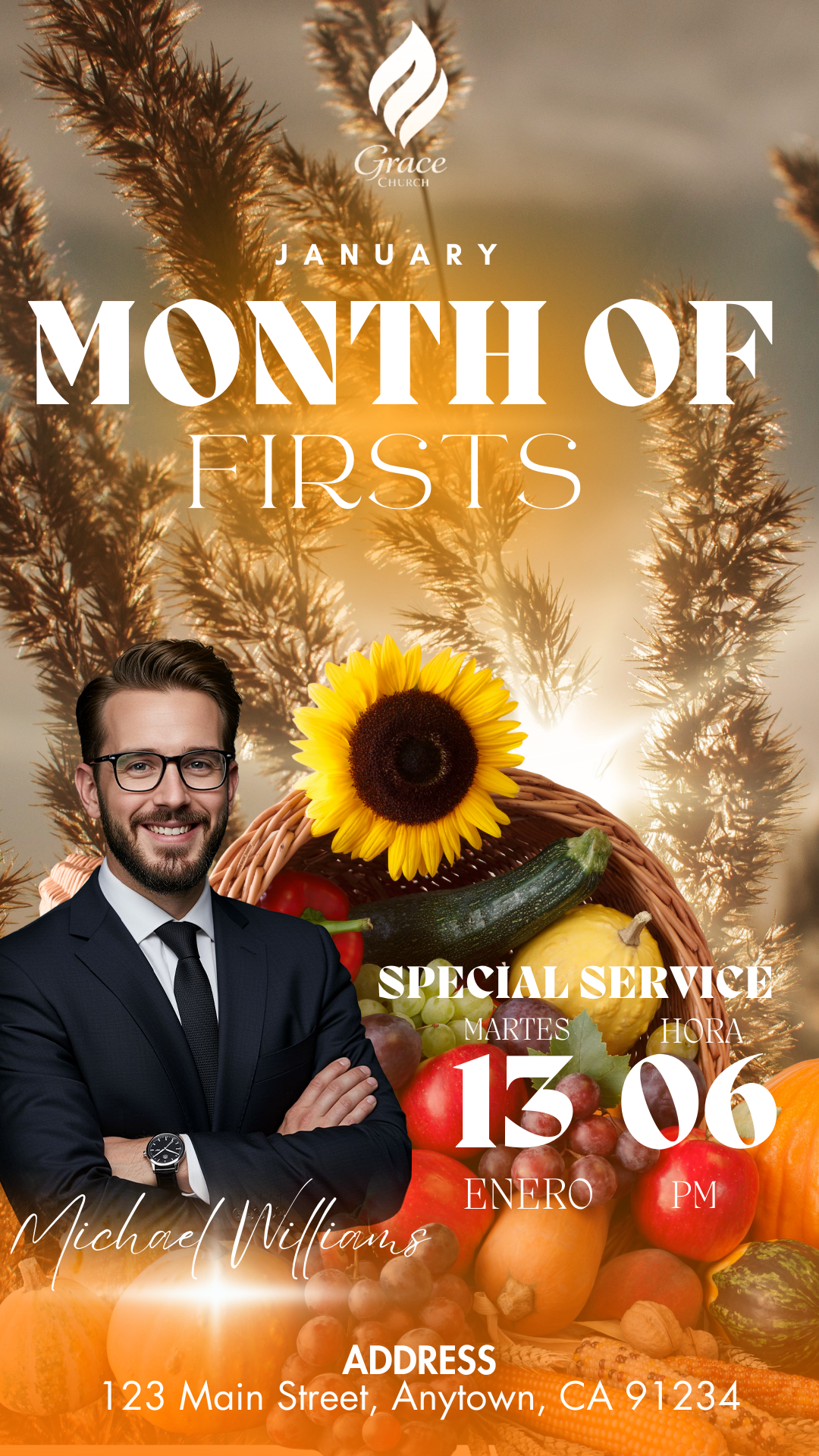
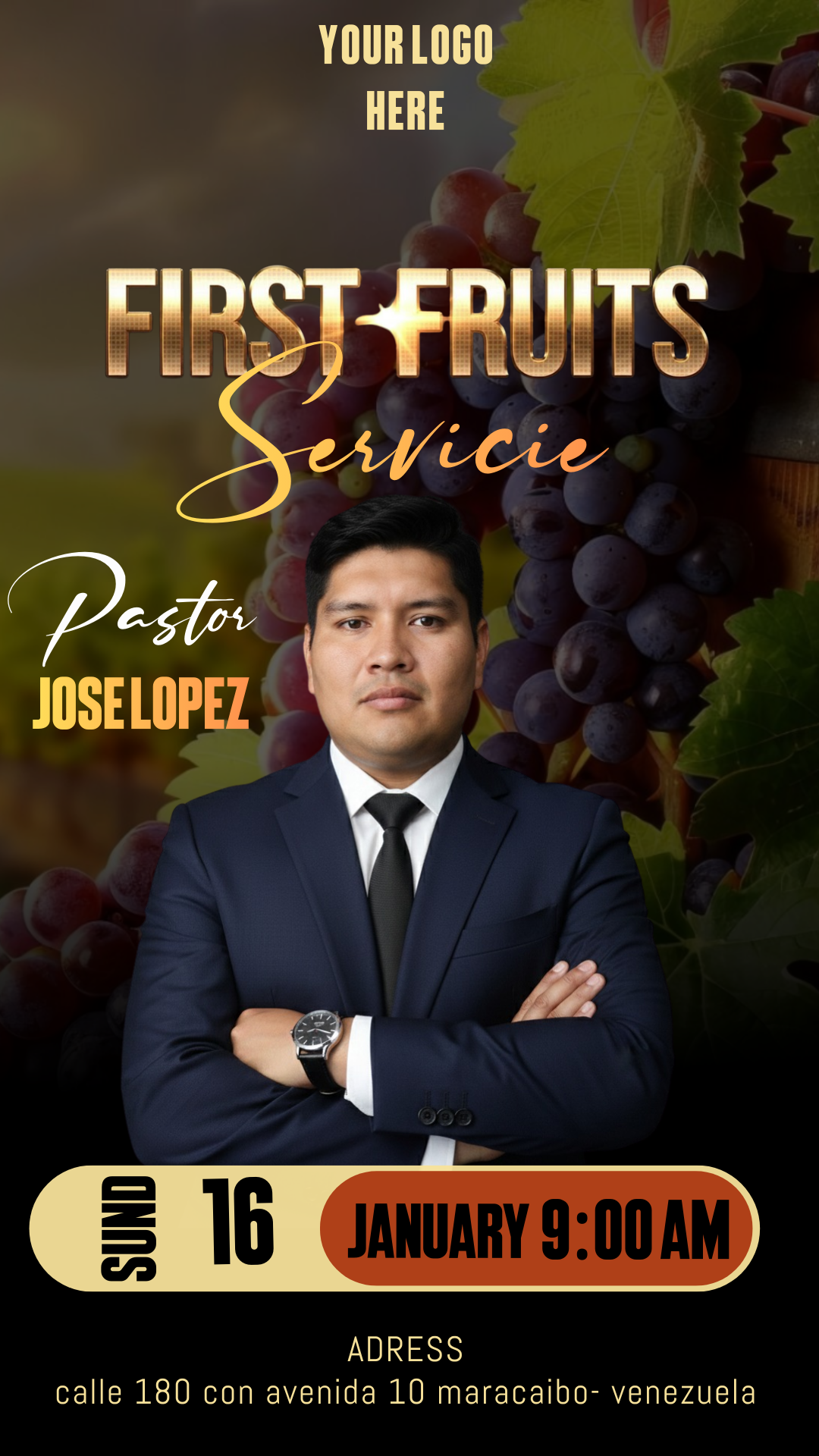
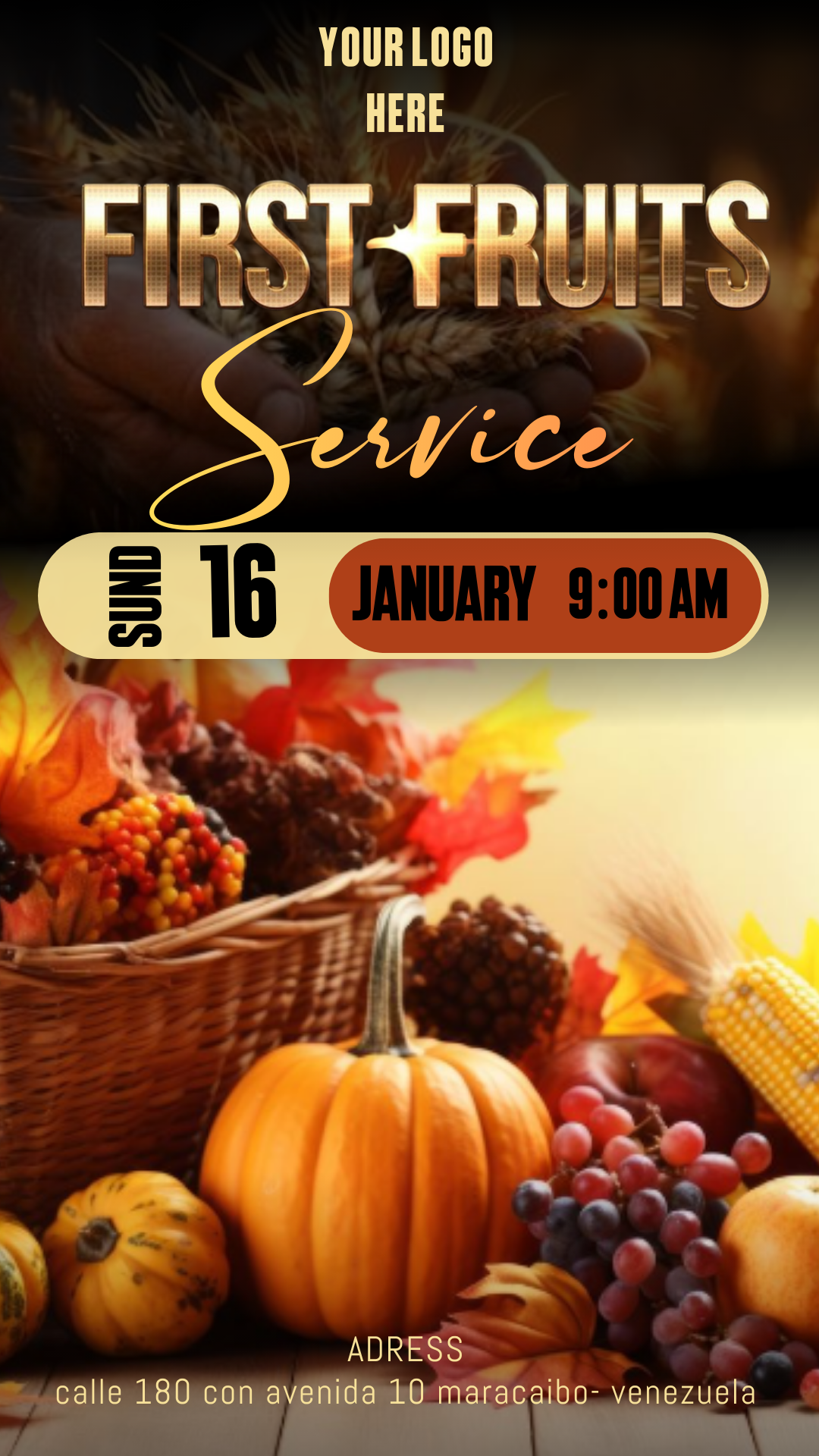
The First Fruits service is a celebration of faith and gratitude that deserves visual excellence. To help your ministry project a professional image, we have designed a First Fruits service flyer editable in Canva and Photoshop. This resource is intended to capture your congregation’s attention and convey the solemnity of this special event, allowing you to customize every detail according to your church’s identity.
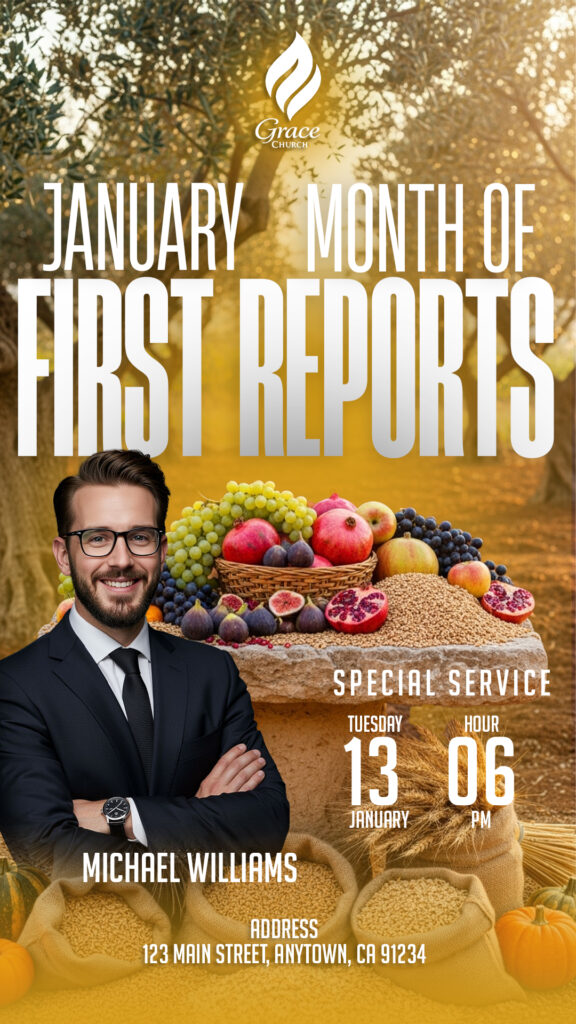
Why Choose a PSD Editable Template?
Using a template in PSD (Adobe Photoshop) format is the best decision for those seeking professional-level quality. As a layer-based file, PSD offers flexibility that other formats cannot match. You can adjust lights, shadows, text effects, and backgrounds independently, ensuring your final design remains sharp when printed in large formats or shared on high-resolution screens.
Main Features of This PSD Template
Our template has been developed under rigorous technical standards to make your work easier:
- Fully Organized Layers: Each group of elements is named so you can quickly find what you want to change.
- High-Quality Resolution: Configured to deliver vibrant colors and sharp edges.
- Modern and Spiritual Design: A balanced aesthetic that combines elegance with the First Fruits message.
- Full Compatibility: The file is optimized for the latest versions of Adobe Photoshop.
How to Personalize Your PSD Template
To edit this resource, it is essential to have Adobe Photoshop software installed on your computer. Below, we guide you step-by-step to make your flyer perfect.
Download the File
Click the download link at the end of this article. The server will provide a secure package containing all the necessary graphic elements for the design.
Unzip It
The resource is downloaded in a compressed format (.zip or .rar). Right-click on the downloaded file and select “Extract Here” to view the folder with the PSD file and the instruction document.
Open the PSD File
Launch Photoshop and open the main file. You will notice the design loads with all its editable elements in the layers panel, usually located on the right side of your screen.
Install the Font
To maintain the original aesthetic, it is vital to install the corresponding fonts. The template does not include pre-installed fonts, but inside the folder, you will find a .txt file with download links. If you are inexperienced with this process, you can watch this video tutorial on how to install fonts in Photoshop (link opens in a new tab) so you don’t lose your editing progress.
Edit Layers and Texts
Select the “Type Tool” (T) and click on the areas you wish to modify, such as the address, date, or the name of your ministry. You can also drag your own congregation photos into the corresponding layers to further personalize the flyer.
Save and Export
Once finished editing, go to File > Export > Save for Web if you plan to publish it on social media like Instagram or WhatsApp. If you need to print flyers or banners, we recommend saving it as a high-quality PDF.
Tips
For optimal results, ensure you do not clutter the design with too much text. Keep the contact information and date at a legible size. If you decide to change the color palette, try to ensure the tones contrast well with the text so that it is easy to read on any device.
FAQ
Can I edit this file on my mobile phone? No, this template requires Adobe Photoshop installed on a computer to manipulate the layers and advanced effects included.
What do I do if I can’t find the fonts? Check the text file (.txt) included in the download; we have left direct links there for you to obtain them for free.
Is the file suitable for large banners? Yes, the PSD resolution is high enough for large-scale printing without the image becoming pixelated.
Call to Action to Edit
Don’t leave your event invitation for the last minute! Elevate the visual quality of your Christian communication today. Download your First Fruits service flyer editable in Canva and Photoshop now and start creating a graphic piece that inspires your community. Click the button below to access the premium file immediately.
Download “#00611 DOWNLOAD PSD HERE” 00611.zip – Downloaded 119 times – 18.55 MB