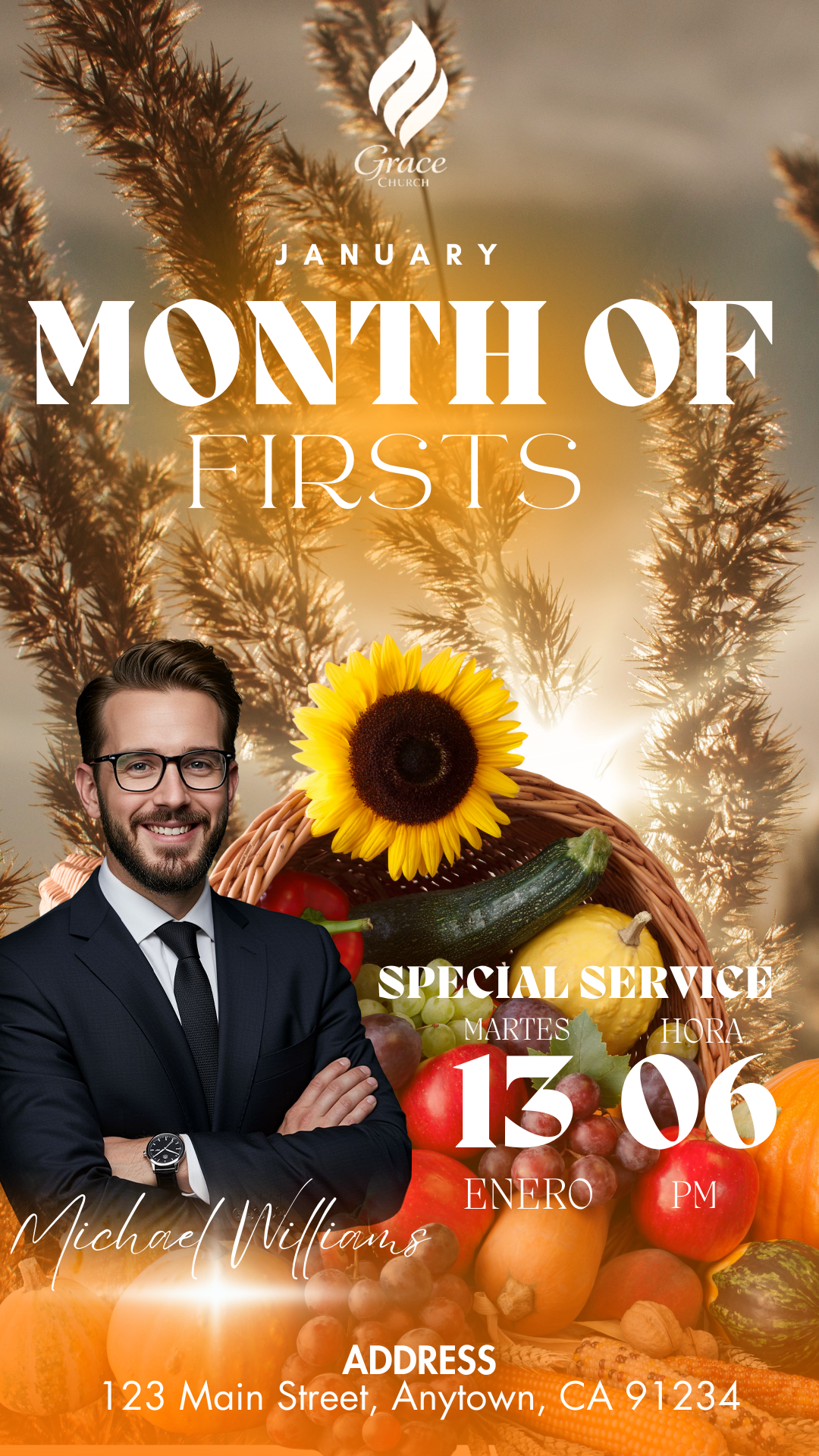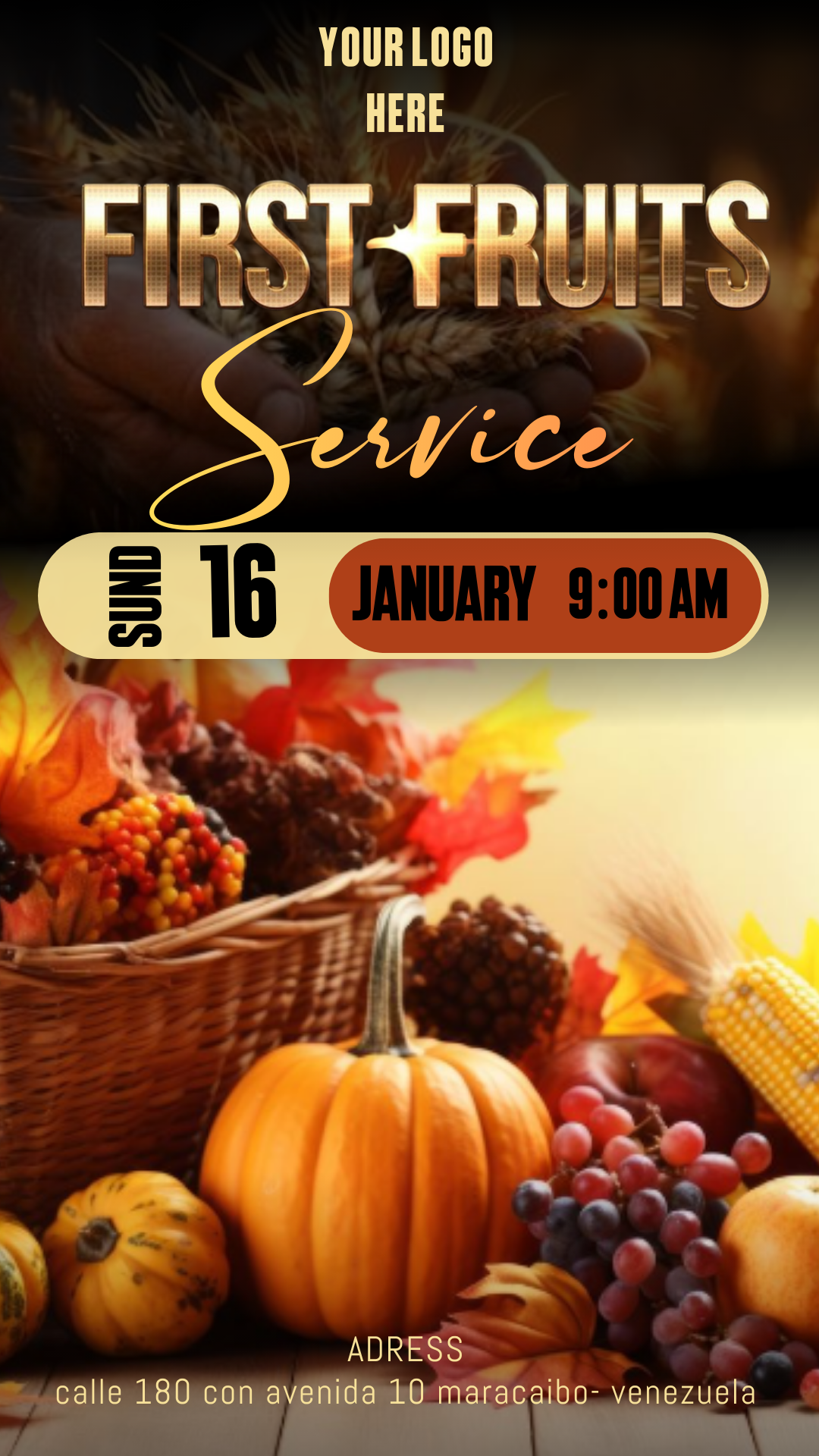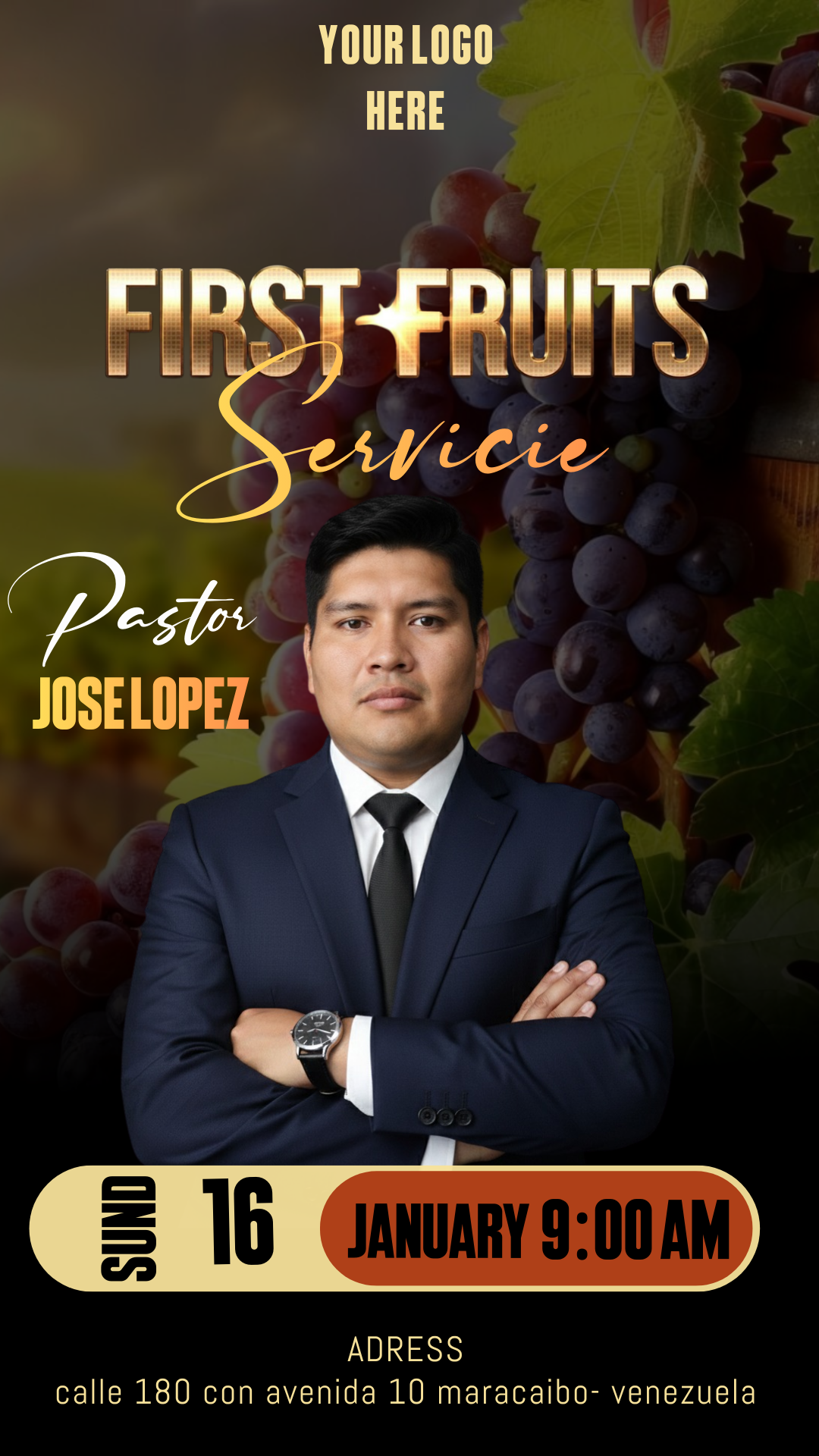
The First Fruits service is a sacred moment of gratitude and consecration within the church. To gather your congregation with excellence, it is essential to have an invitation that reflects the importance of this event. In our resource bank, we offer the best First Fruits service flyer editable in Canva, a tool designed so that any leader or ministry member can create a high-impact design without complications.

Why Choose a Canva Editable Template?
Choosing a Canva template is the smartest option for modern ministries. Unlike complex software, Canva allows you to edit entirely online without installing heavy programs. By using a First Fruits service flyer editable in Canva, you save time and resources, obtaining a professional result that would normally require an expert designer. Additionally, the platform is intuitive and allows for real-time collaboration.
Main Features of This Canva Template
Our templates have been created with the specific needs of Christian communities in mind:
- 100% Flexible Editing: Modify colors, photos, and fonts in seconds.
- Dual Optimization: The design is configured to look amazing on social media (WhatsApp, Instagram, Facebook) and to be printed in high quality.
- Free Premium Elements: We use visual resources that do not require expensive subscriptions.
- Immediate Access: You only need a free Canva account to get started.
How to Personalize Your Template
Personalizing your flyer is a fast process that won’t take more than 5 minutes if you follow these simple steps:
Select the File
Browse our gallery and choose the flyer model that best fits your church’s identity. Once you find it, click the access button.
Open and Edit
Upon clicking, a window will open in your browser or the Canva mobile app. Select “Use template.” Once inside, simply click on the texts to change the address, date, and church name. You can drag and drop your own ministry photos to give it a more personal touch.
Guard, Share, or Print
Once the design is ready, you have total freedom of use. If you need it for WhatsApp or Facebook, download it in JPG or PNG format. If your goal is to print flyers or banners for the temple, select the “PDF Print” option to ensure colors and sharpness are perfect.
Tips
- Use Institutional Colors: Adjust the flyer’s tones to the colors that identify your congregation to generate a greater sense of belonging.
- Clear Information: Do not clutter the design; make sure the date and time are the easiest elements to read.
- Quality Photography: If you decide to change the main image, use photos with good lighting to maintain professionalism.
FAQ
Do I have to pay to use the template? No, this First Fruits service flyer editable in Canva is designed to work perfectly with the free version of the platform.
Can I edit it from my cell phone? Of course! You only need the Canva app installed, and you can make last-minute changes from anywhere.
Does it work for other special services? Yes, although the main theme is First Fruits, the structure is so versatile that you can adapt it for Thanksgiving services or anniversaries.
Call to Action to Edit
Don’t leave your service communication for the last minute! Make this First Fruits season unforgettable with an image that inspires your community. Click the following button to access your First Fruits service flyer editable in Canva and start designing right now.