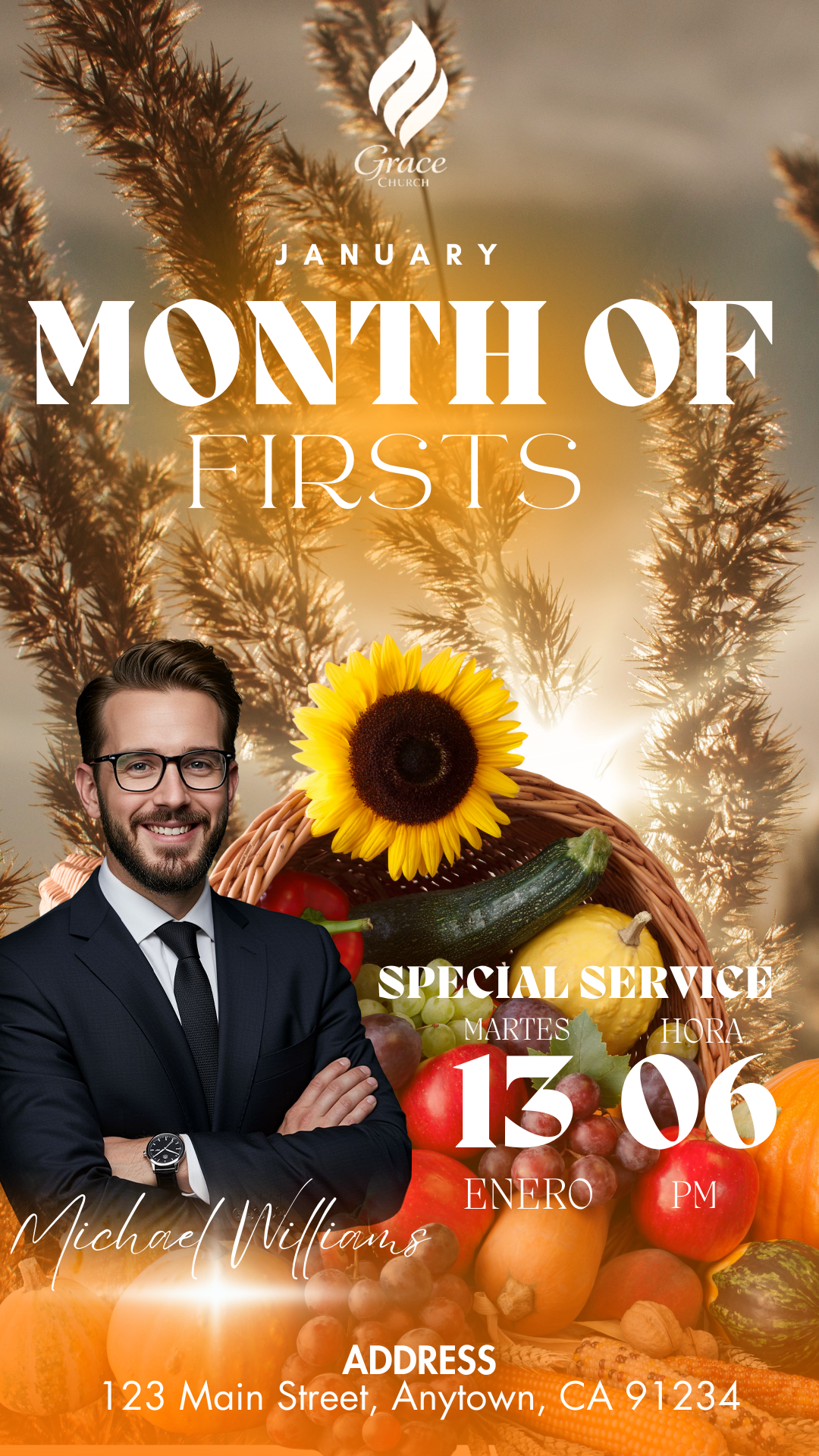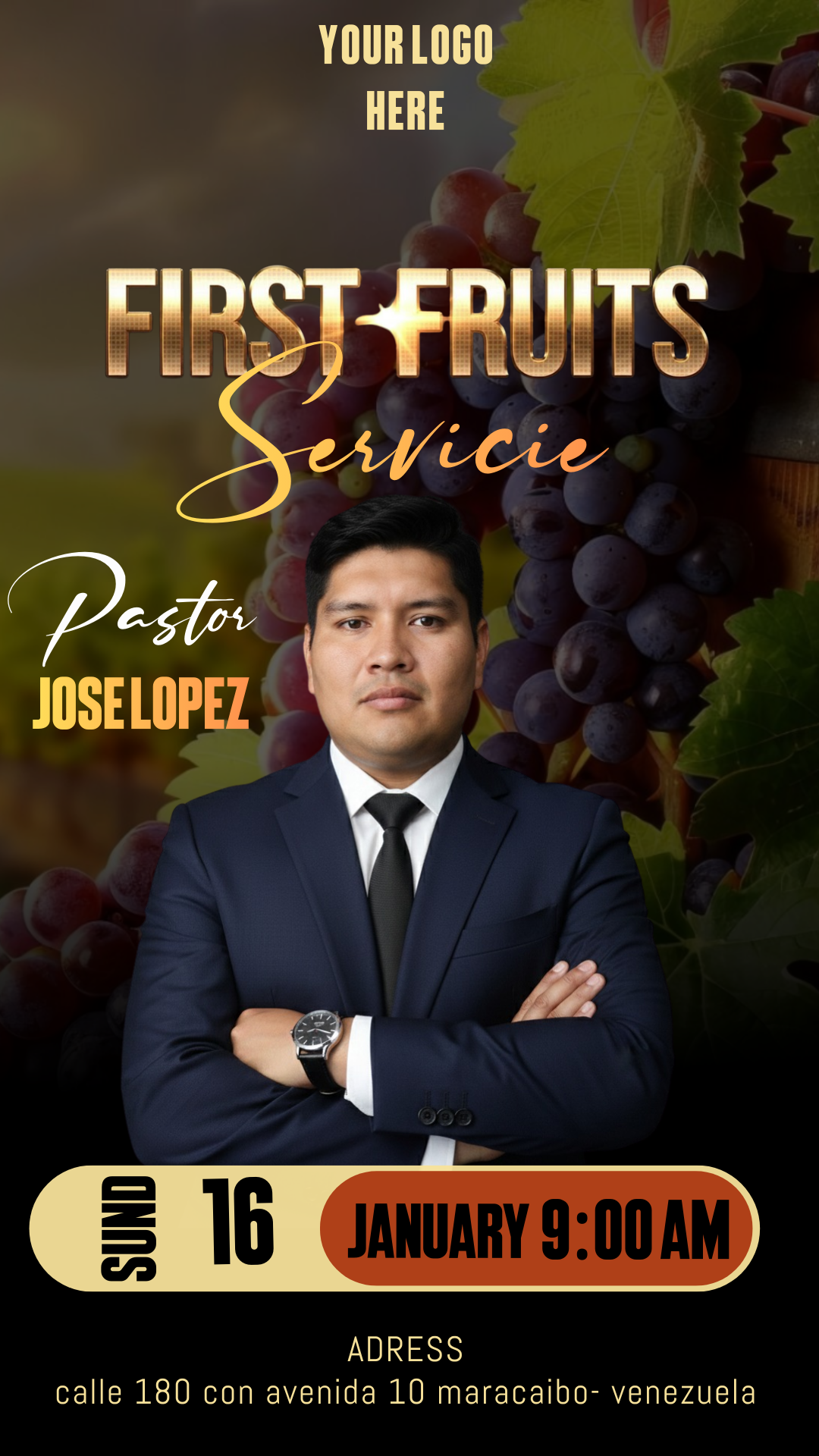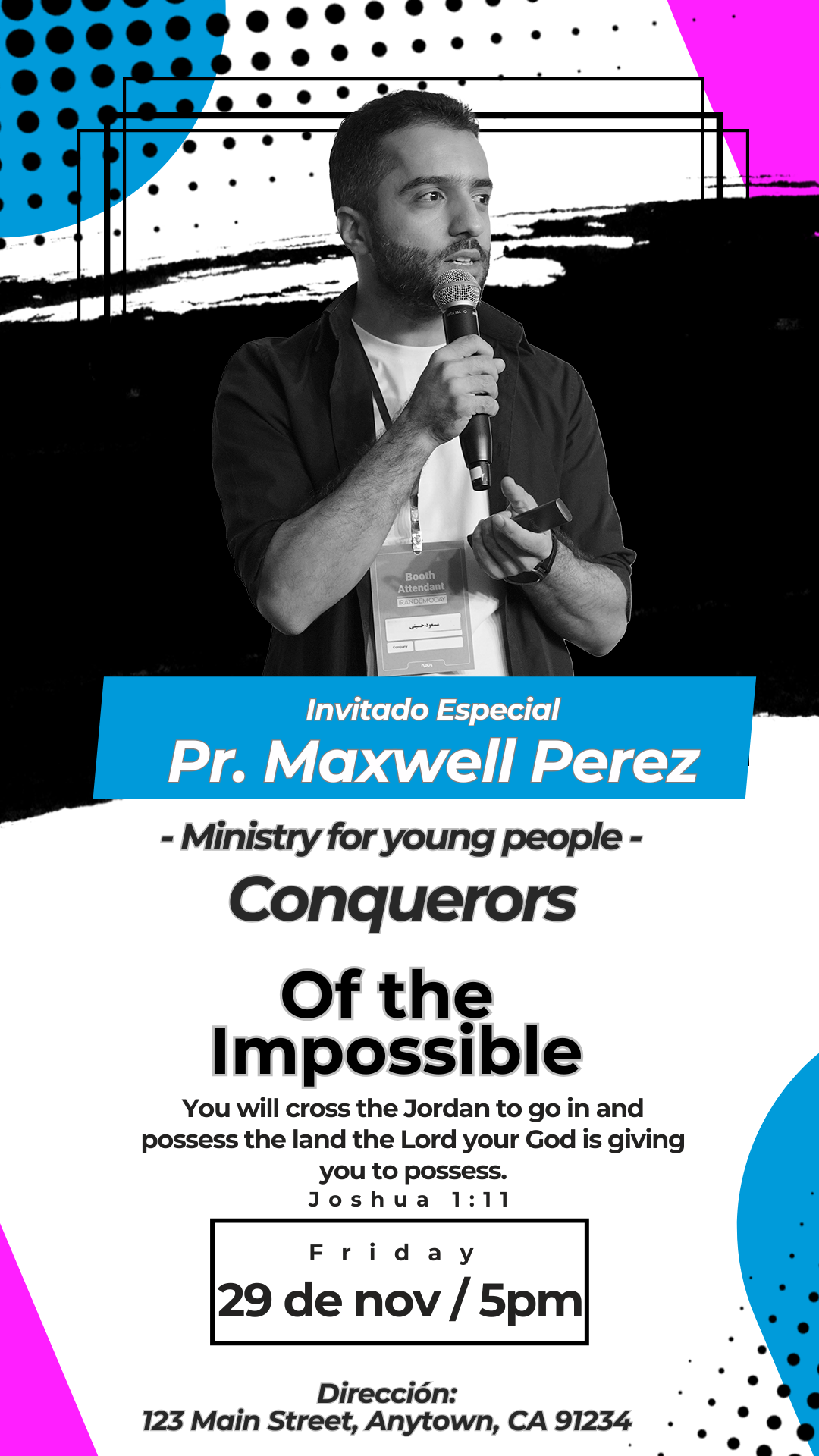
Reaching today’s young audience requires dynamic, high-energy visuals that immediately grab their attention. Whether you are promoting a youth conference, a ministry outreach, a concert, or a social gathering, a professional Flyer para Jovenes Editable en Canva is essential. We offer you a dedicated template, completely free to access and ready for instant personalization. Skip the stress of complex design software; use this template, expertly adapted for the Canva platform, to easily create a clear, visually exciting, and relevant flyer that drives engagement for your next event.
Why Choose an Editable PSD Template?
While our platform specializes in high-fidelity templates in PSD format, known for offering the highest quality and maximum layer control (which requires Adobe Photoshop), we have strategically adapted this specific design for Canva due to its superior accessibility and speed. The main advantage of choosing the Canva-adapted template is its extreme ease of use for rapid promotion. You do not need to install Adobe Photoshop or possess advanced graphic design knowledge. Canva is a free, web-based tool, meaning any youth leader or team member can edit the flyer directly from their browser, tablet, or phone, allowing you to quickly modify texts, upload dynamic visuals, and adjust colors to match modern trends efficiently.
Main Features of This PSD Template
Our Youth Flyer template, adapted for Canva, was designed to appeal to a younger demographic, often utilizing bold, contemporary typography, geometric shapes, and vibrant color schemes that convey energy and excitement. The design is:
- 100% Editable in Canva: Modify every detail, from fonts to images, directly in the online platform—requiring zero desktop software installation.
- Dynamic, Youth-Focused Layout: Structure is optimized with prominent space for speaker/artist information, event hashtags, date, time, and social media handles.
- High-Resolution: Optimized for both clear digital sharing (social media, stories) and crisp printing if needed.
- User-Friendly: Designed for quick text replacement and simple integration of your group’s logo or relevant photos.
How to Personalize Your Plantilla PSD
Follow these simple steps to customize your Youth Flyer using the Canva platform:
- Descarga el Archivo (Get the Link): Click the download button to get the direct link to the Canva template.
- Descomprímelo (Skip This Step): This step is unnecessary for Canva templates. Simply click the link and proceed.
- Abre el archivo PSD (Open the Template): Click the link and then hit the “Use Template” button. Canva will automatically open an editable copy of the template in your account.
- Instala la fuente (Font Installation): The fonts used are included in the standard Canva library and will load automatically. (Note: If you choose to use the original high-resolution PSD file, it does not include the fonts, but the download contains a TXT document where we provide the direct link to download them. If you are using the PSD file and need help installing fonts for Photoshop, please refer to this video tutorial, which will open in a new tab: How to Install Fonts for Photoshop).
- Edita las capas y textos (Edit Layers and Texts): Click on any text box to enter the event title, host/speaker names, the exact date and time, and any required details like registration or cost. Upload trendy photos or visuals.
- Guarda y exporta (Save and Export): Once your design is finished, go to the “Share” button at the top right, and select “Download.” Choose PNG/JPG for optimal quality on social media or PDF Print for physical flyers.
Consejos (Tips)
- Vibrant Colors: Use neon or highly saturated colors to convey energy and attract a young audience.
- Relevant Imagery: Incorporate photos that show activity, groups, and excitement to make the event relatable.
- Social Media Focus: Ensure your Instagram handle, event hashtag, and QR code are prominently displayed for easy sharing.
Frequently Asked Questions
- Is Adobe Photoshop required? No. This template is designed for and adapted to exclusive use in Canva, and does not require any desktop design software.
- Can I change the overall look from a conference to a concert theme? Yes. All colors, texts, and image placeholders are fully editable in Canva, allowing for complete thematic adaptation.
- Is the template really free? Yes, this template is available for use and download completely free of charge.
Call to Action for Editing
Level up your promotion! Download your Flyer para Jovenes Editable en Canva now and create a professional, high-impact design that gets the youth talking. Start customizing your event promo today!