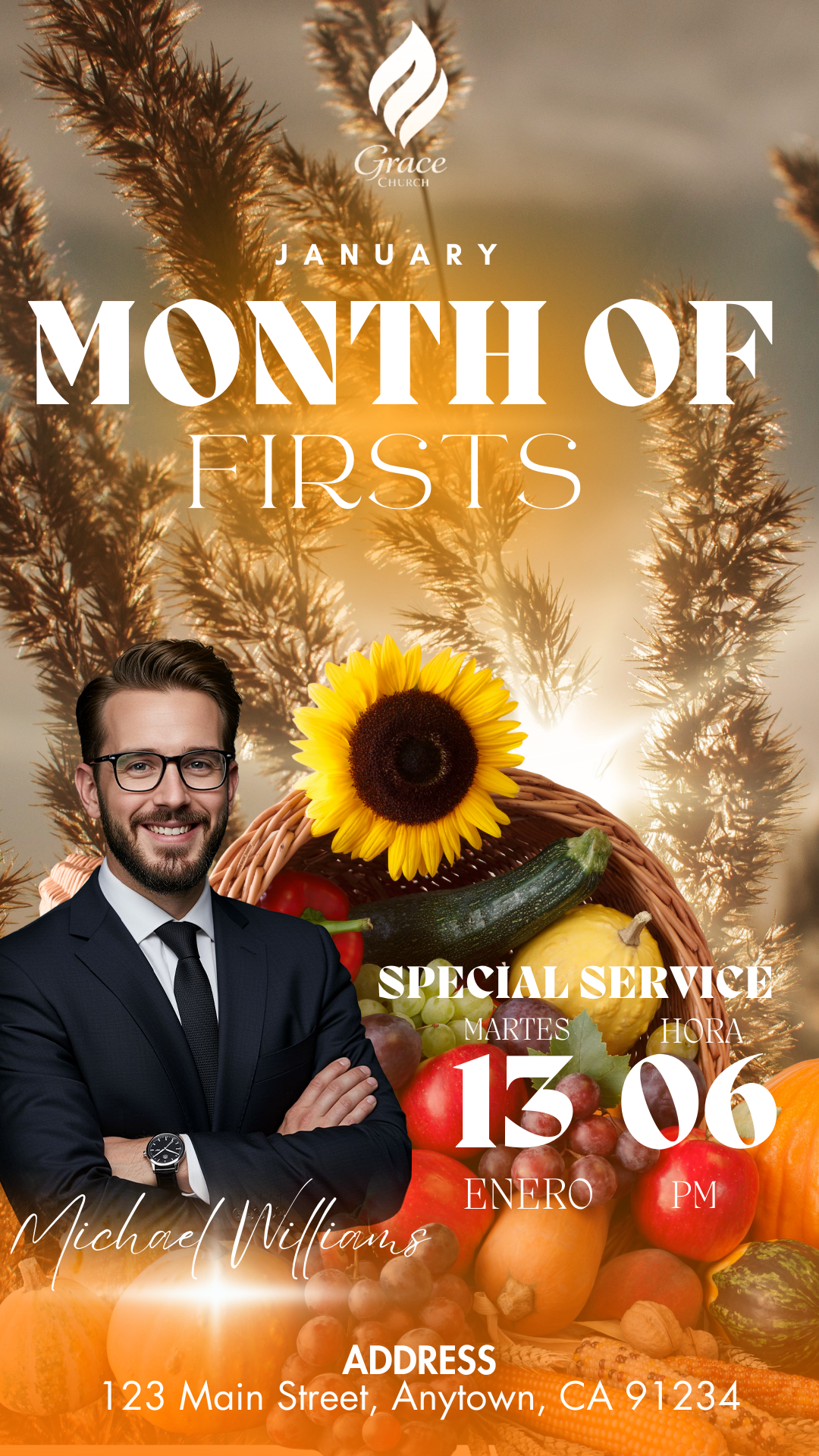
Celebrating the connection with others is essential, and a well-designed invitation or announcement makes all the difference. If you need a Valentine’s Day flyer editable in Canva, you have come to the right place. In our resource bank, we offer modern, ready-to-use designs that allow you to express your feelings or promote your Valentine’s event with a professional finish in just minutes.

Why Choose a Canva Editable Template?
Canva has become the favorite tool for churches, entrepreneurs, and creatives due to its extreme simplicity. By choosing a Valentine’s Day flyer editable in Canva, you eliminate the need to install complex programs. You can work from anywhere, whether on your computer or from the mobile app, ensuring that your message of love and friendship arrives on time and with impeccable aesthetics.
Main Features of This Canva Template
Our templates are designed to be as versatile as they are beautiful:
- Intuitive Editing: Drag and drop elements with total freedom.
- Multi-format: Designs adapted for both social media and physical printing.
- Adjustable Color Palette: Change red and pink tones to your brand or ministry colors with one click.
- Included Fonts: No need to download anything external; all fonts are integrated into the platform.
How to Personalize Your Template
Personalizing your design is a fluid and fun process. You don’t need previous graphic design experience to obtain high-quality results.
Select the File
Browse our selection of templates and choose the one that best fits your event. Once selected, click on the access link that will automatically direct you to your Canva account.
Open and Edit
When the file opens, you will have total control. You can modify the main text, change the dates of your service or event, and upload your own photographs. The Canva interface allows you to see changes in real-time, ensuring every detail is exactly as you imagine.
Save, Share, or Print
Once your Valentine’s Day flyer editable in Canva is ready, the next step is distribution. You have two main options:
- Digital: Download as PNG or JPG to share on WhatsApp, Facebook, or Instagram.
- Printing: Download in “PDF Print” format to get physical flyers with vibrant colors and high definition.
Tips
- Use High-Resolution Photos: If you include photos of your community or partner, make sure they have good lighting.
- Less is More: Keep the central message clear; let the visual elements of love and friendship speak for themselves.
- Add a QR Code: If it’s for an event, include a QR that leads directly to your location or registration.
FAQ
Do I need a Canva Pro account? Our templates are designed to work perfectly with the free version of Canva, although they are also compatible with Pro features.
Can I use the template for a business? Of course! Although they are ideal for churches and friendships, the design is fully adaptable for commercial Valentine’s Day promotions.
How many times can I edit the file? Once you save the template to your account, it’s yours forever. You can edit and download it as many times as you need.
Call to Action to Edit
Don’t let this special date pass without a design that makes an impact! Download your Valentine’s Day flyer editable in Canva now and start creating an unforgettable invitation. Click here, choose your favorite design, and celebrate love in professional style.