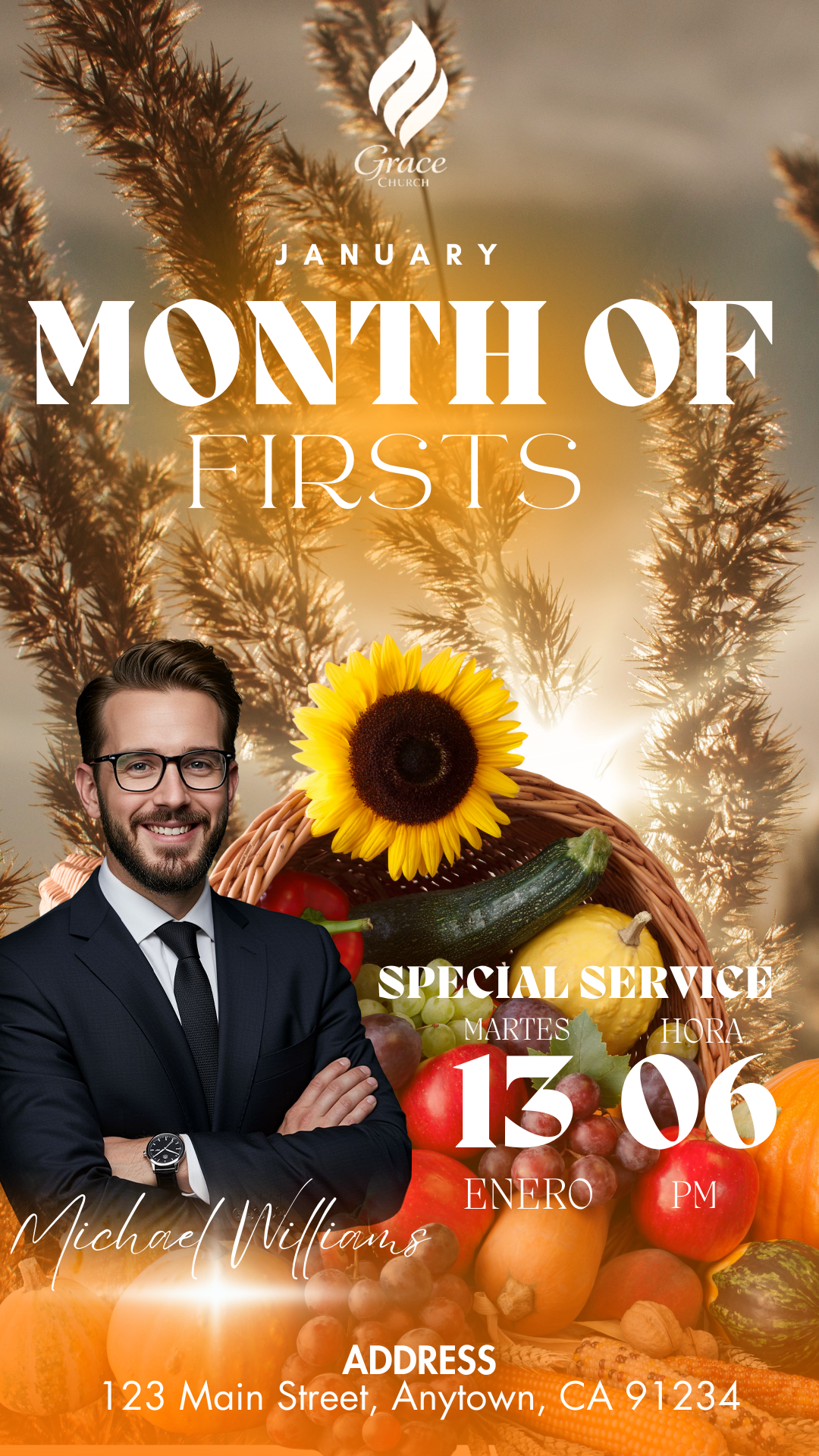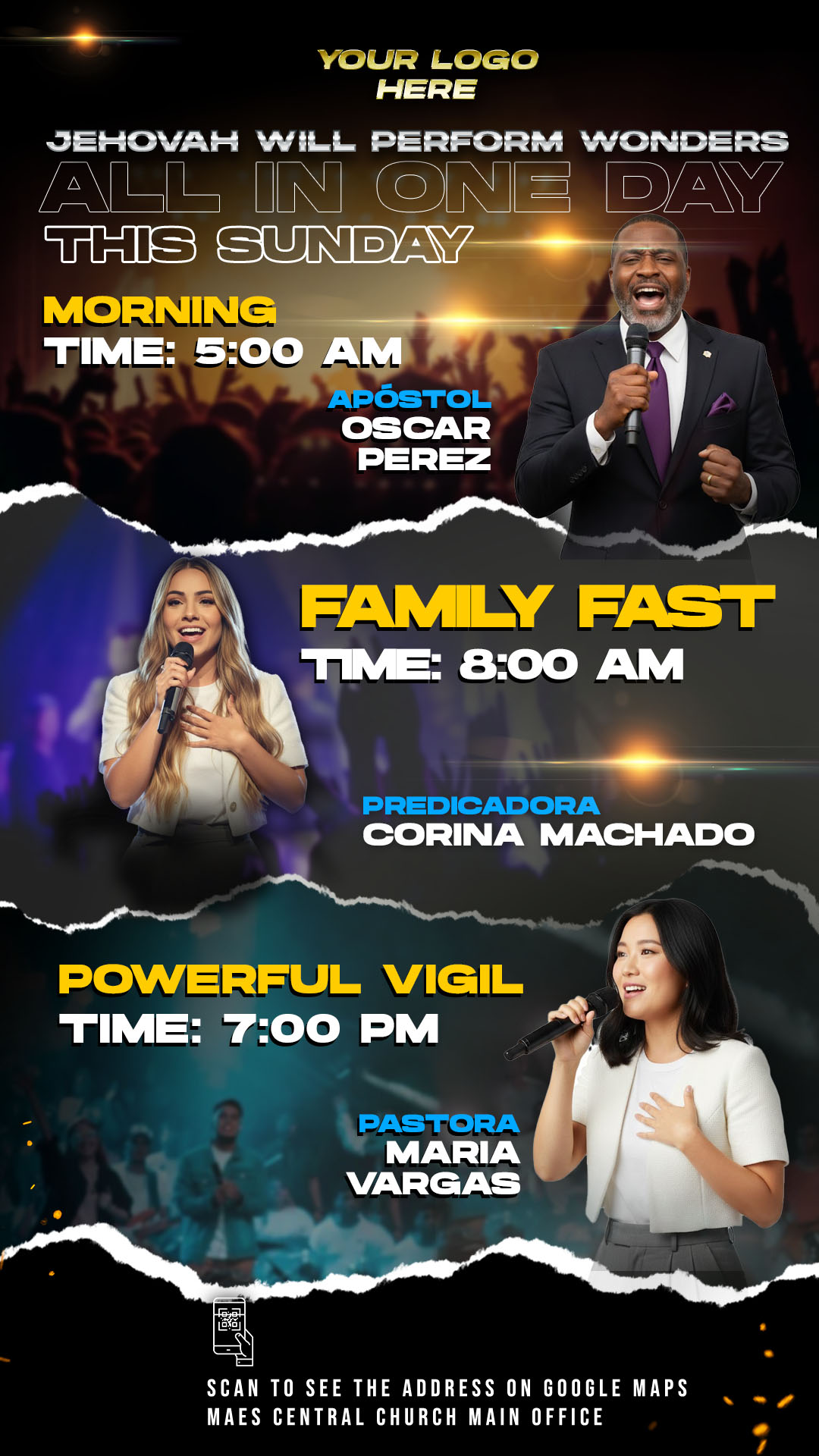
Communicating the message of your church requires visual tools that capture attention and reflect the solemnity of your meetings. In our template bank, we offer the most professional Sunday service flyer editable in Canva and PSD. These designs are specifically crafted to help ministries and religious organizations promote their weekly events with a modern, high-quality aesthetic that invites the community to participate.
Why Choose an Editable PSD Template?
Choosing a Sunday service flyer editable in Canva and PSD gives you a significant advantage in terms of quality and flexibility. While many tools offer basic designs, a PSD (Photoshop) file allows for deep customization. You can adjust layers, effects, and resolutions that ensure your flyer looks perfect both on a mobile screen and on a printed banner at the church entrance. It is the professional choice for those who do not settle for generic designs.
Main Features of This PSD Template
Our templates are built to professional graphic design standards:
- Layered Organization: Every element is neatly grouped and labeled for easy identification.
- High Resolution: Set at 300 DPI, ensuring crisp, clear printing results.
- Full Customization: You can change colors, backgrounds, and images without losing quality.
- Modern Typography: Selected specifically to convey a welcoming and spiritual message.
How to Customize Your PSD Template
To edit these templates effectively, you must have Adobe Photoshop installed on your computer. Follow these technical steps to get the best result:
Download the File
Browse our collection and select the design that best fits your church’s vision. Once you click download, you will receive a compressed file with all the necessary assets.
Unzip It
Locate the downloaded folder and use a tool like WinRAR or 7-Zip. Right-click and select “Extract here” to access the PSD file and the documentation.
Open the PSD File
Double-click the file with the .psd extension to launch it in Adobe Photoshop. You will see the workspace ready with all the visual elements of the flyer.
Install the Font
To maintain the professional look of the design, it is crucial to use the correct fonts. Our templates do not include the font files directly, but you will find a txt document inside the folder with the download links. If you are unsure how to add them to your system, watch this video tutorial on how to install fonts for Photoshop (it will open in a new tab so you don’t lose your place here).
Edit Layers and Texts
Using the “Layers” panel, you can select the text tool (T) to change the service times, the preacher’s name, and the church’s address. You can also replace the placeholder images with photos of your own congregation by simply dragging and dropping them into the designated smart objects.
Save and Export
Once you are satisfied with the result, save your project. For social media use, go to “File > Export As” and choose JPG or PNG. If you need to print physical flyers, export the file as a High-Quality PDF.
Tips
- Visual Balance: Don’t overcrowd the design; let the most important information (date and time) stand out.
- Image Quality: Always use high-resolution photos of your speakers to maintain the professional feel of the template.
- Color Matching: Feel free to adjust the primary colors of the PSD to match your church’s logo or branding.
Frequently Asked Questions
Do I need professional design skills? No, our templates are designed to be intuitive. As long as you have Adobe Photoshop and follow our steps, you can achieve professional results.
Can I use these for Instagram and Facebook? Yes! The resolution and format are perfect for sharing on all digital platforms and social networks.
Are the fonts free? The fonts linked in the txt file are generally free for personal or church use, ensuring no hidden costs for your ministry.
Call to Action
Elevate the visual impact of your ministry today. Download your Sunday service flyer editable in Canva and PSD from our library and start inviting your community with excellence.
Download “#0458 DOWNLOAD HERE IN PSD” 0458.zip – Downloaded 134 times – 43.66 MB