
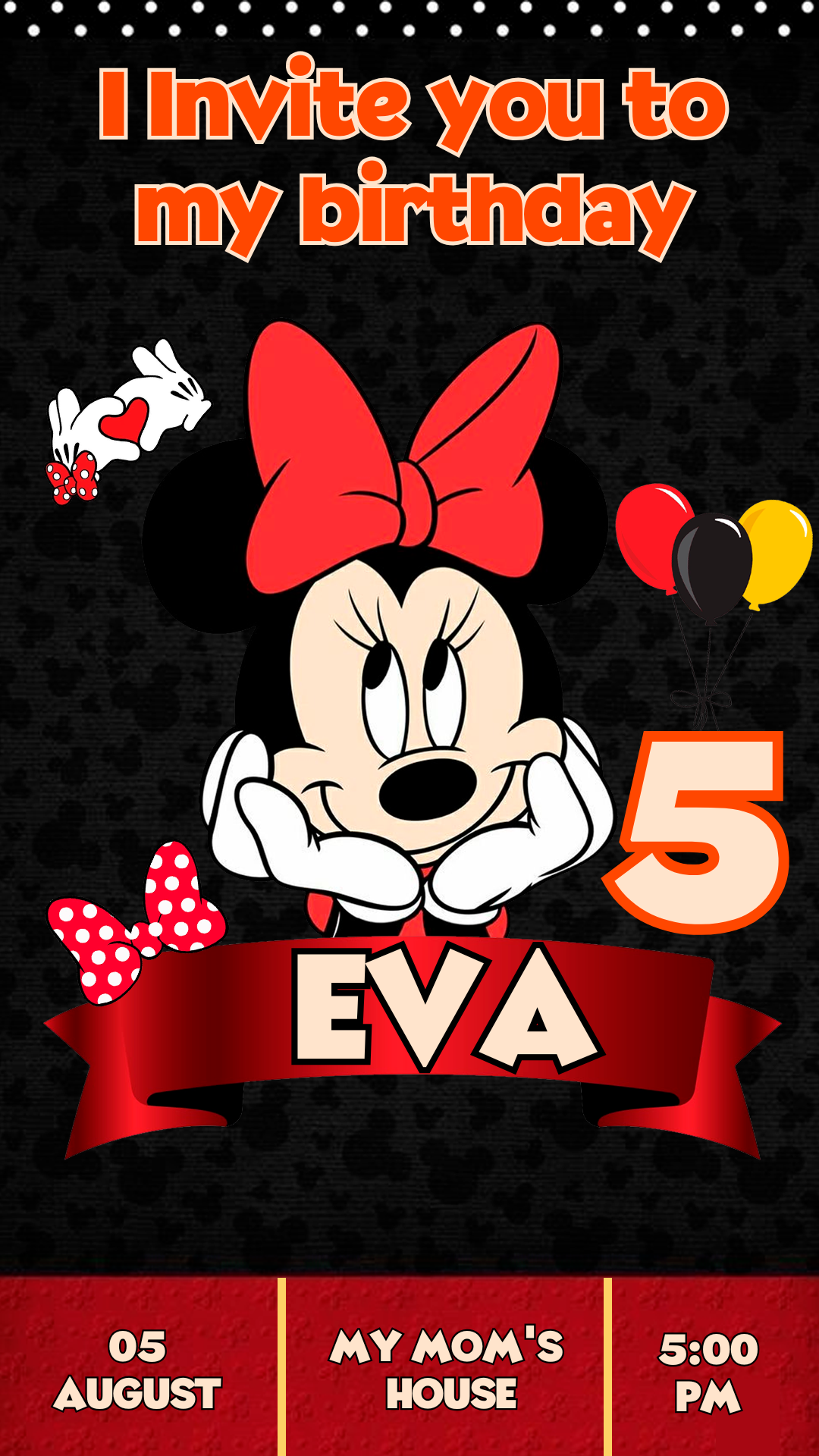
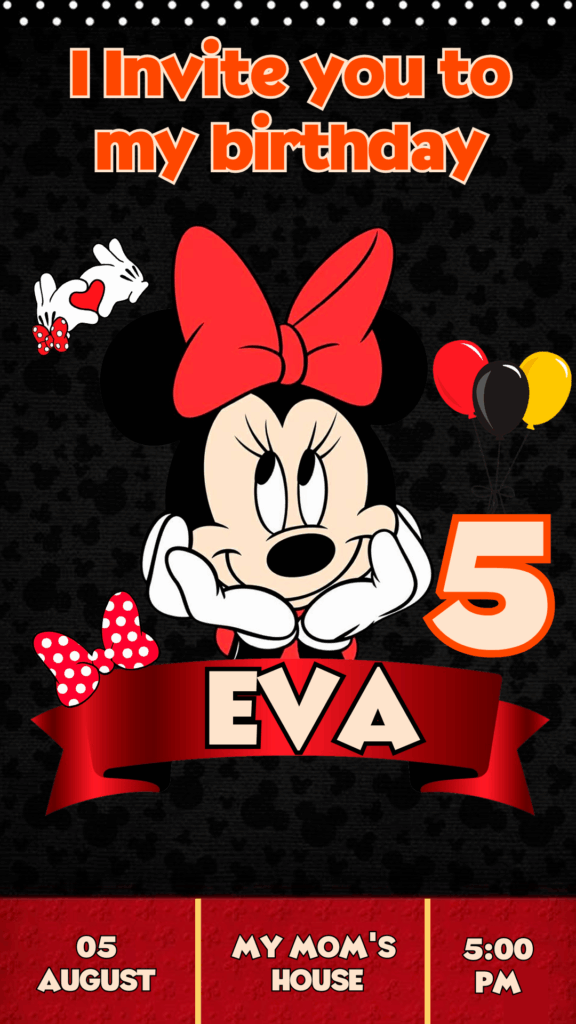
Get your polka dot bow and best dress ready! Your little girl’s birthday party deserves the timeless magic of Minnie Mouse. We are offering you a Minnie Birthday Card editable in Canva, completely free to access and ready for instant personalization. Skip the complicated software; use this template to create an invitation that captures Minnie’s elegance, fun, and classic charm, and gets all your guests excited!
Why Choose an Editable PSD Template?
While our professional template library often features PSD (Photoshop Document) files requiring Adobe Photoshop, this classic Minnie invitation has been specially adapted for Canva. The primary advantage of choosing a Canva template is its superior accessibility and extreme ease of use. You do not need any advanced design knowledge or costly desktop software. Canva is a free, web-based tool, meaning you can edit the template right from your browser, tablet, or phone. Its simple drag-and-drop system allows you to modify text, colors, and images quickly and efficiently.
Main Features of This PSD Template
Our Minnie invitation template was designed with the iconic colors (red, pink, black, and white), polka dots, and editing efficiency in mind. The design is:
- 100% Editable in Canva: Modify every detail right in your web browser.
- High-Resolution: Optimized for both high-quality printing and digital sharing.
- Themed Elements: Features the famous bows, polka dots, and Minnie graphics.
- User-Friendly: Designed for quick text replacement and simple adjustments.
How to Personalize Your Plantilla PSD
Follow these simple steps to customize your magical invitation using the Canva platform:
- Descarga el Archivo (Get the Link): Click the download button to get the direct link to the Canva template.
- Descomprímelo (Skip This Step): This step is unnecessary for Canva templates. Simply click the link and proceed.
- Abre el archivo PSD (Open the Template): Click the link and then hit the “Use Template” button. Canva will automatically open an editable copy of the template in your account.
- Instala la fuente (No Installation Needed): The fonts used are included in the standard Canva library and will load automatically. (Note: The tutorial link below is for Photoshop font installation and is NOT needed for this Canva template: How to Install Fonts for Photoshop – opens in a new tab).
- Edita las capas y textos (Edit Layers and Texts): Click on any text box to change the name, age, date, time, venue address, and any other event details. You can easily move the Minnie graphics or change the bow color.
- Guarda y exporta (Save and Export): Once your design is finalized, go to the “Share” button at the top right, and select “Download.” Choose PDF Print for the highest quality printing or PNG/JPG for digital sharing.
Consejos (Tips)
- Color Palette: Use the classic Minnie palette (red and black) or the more modern version (pink and black) for an authentic design.
- Fun Typography: Use a playful, script, or rounded font for the event details that is still easy to read.
- Personal Touch: Consider adding a photo of the birthday girl inside a Minnie ears frame.
Frequently Asked Questions
- Do I need to install Photoshop? No. This template is designed exclusively for Canva and does not require any desktop design software.
- Are the fonts included? Yes. All fonts are available in the free Canva library and load automatically.
- Is the template really free? Yes, this template is available for use and download completely free of charge.
Call to Action for Editing
Get your bows ready and let the fun begin! Download your Minnie Birthday Card template editable in Canva now and create a classic Disney magic invitation that your guests will adore. Your perfect design is ready to be customized!




