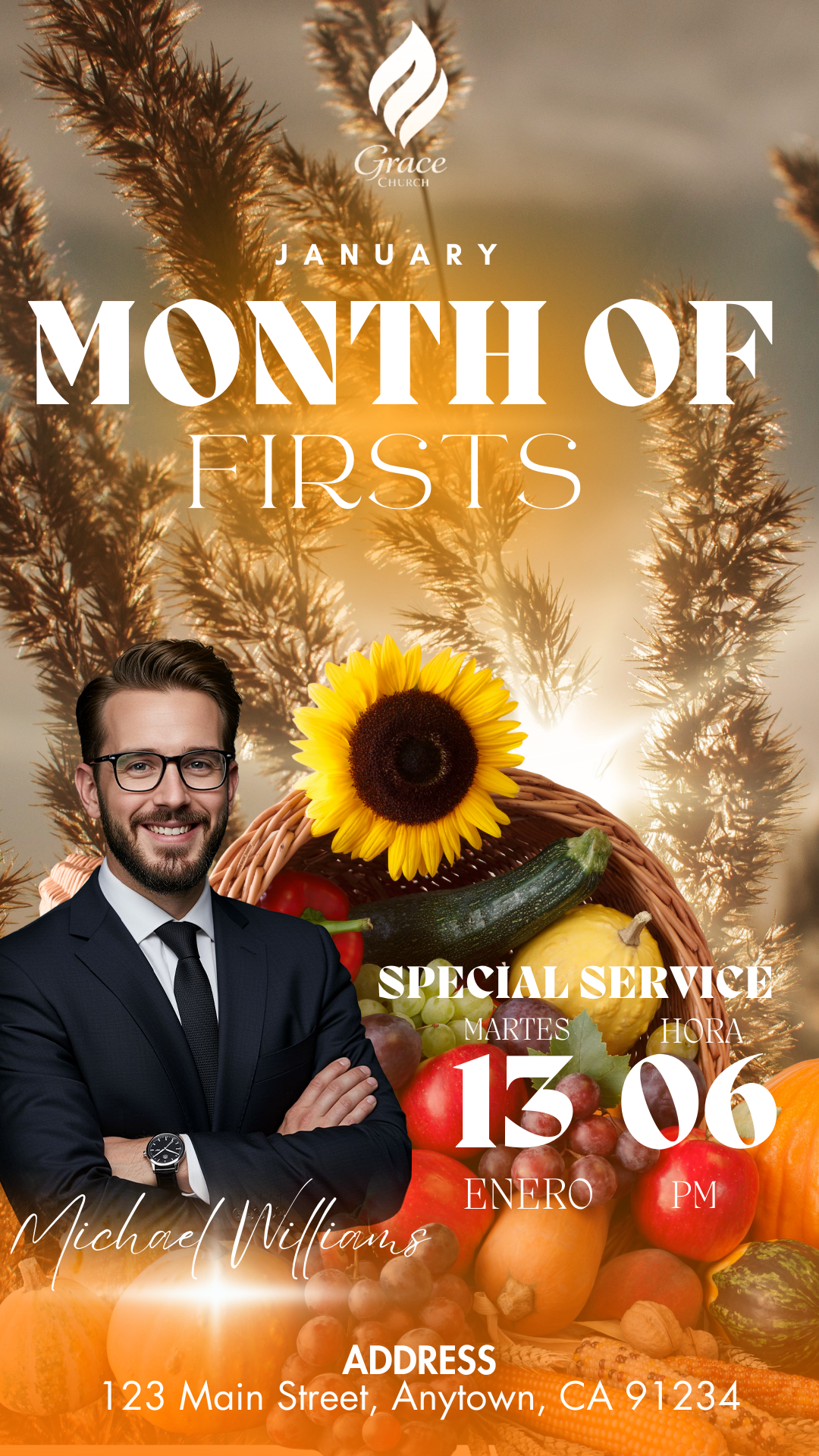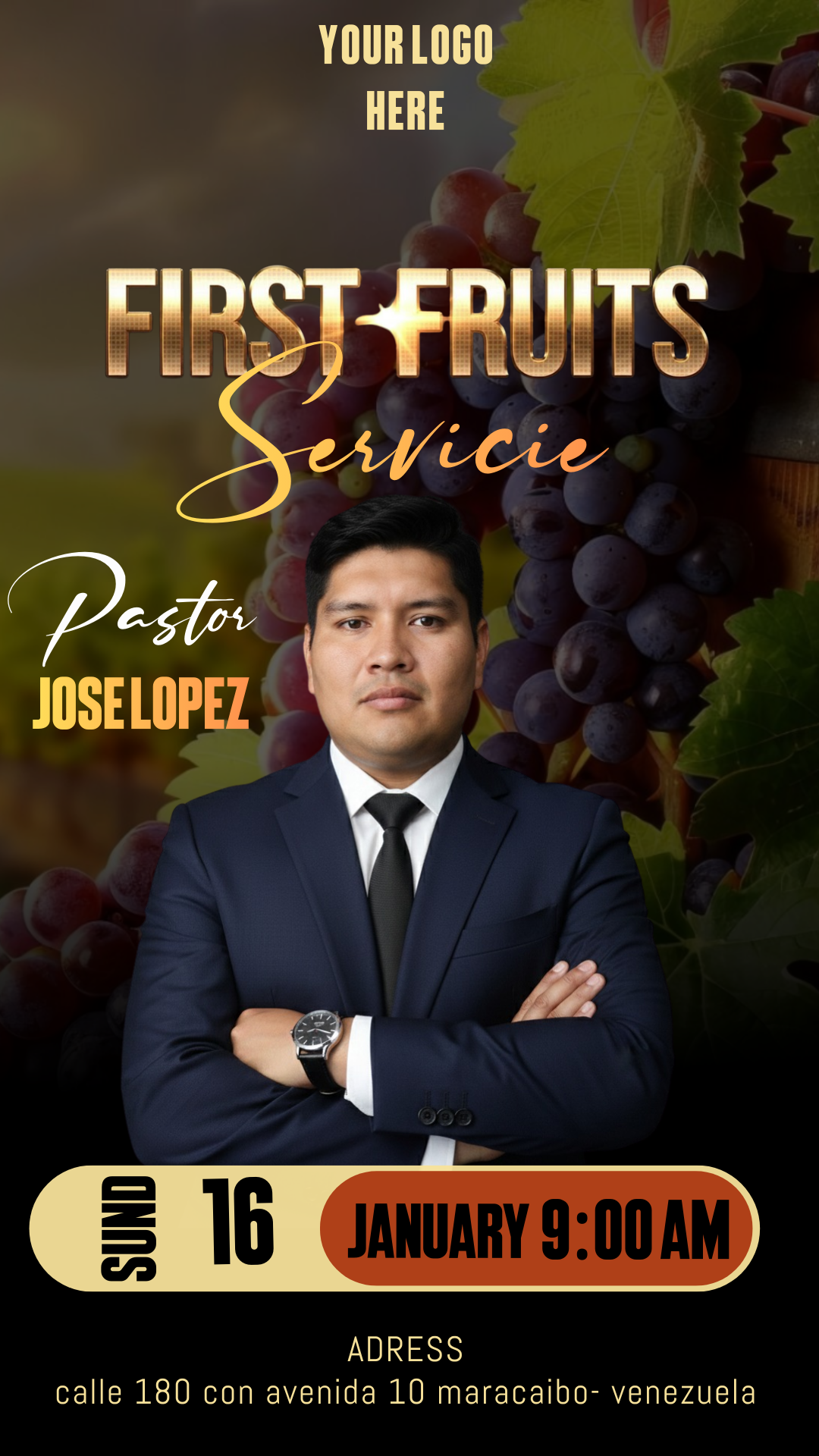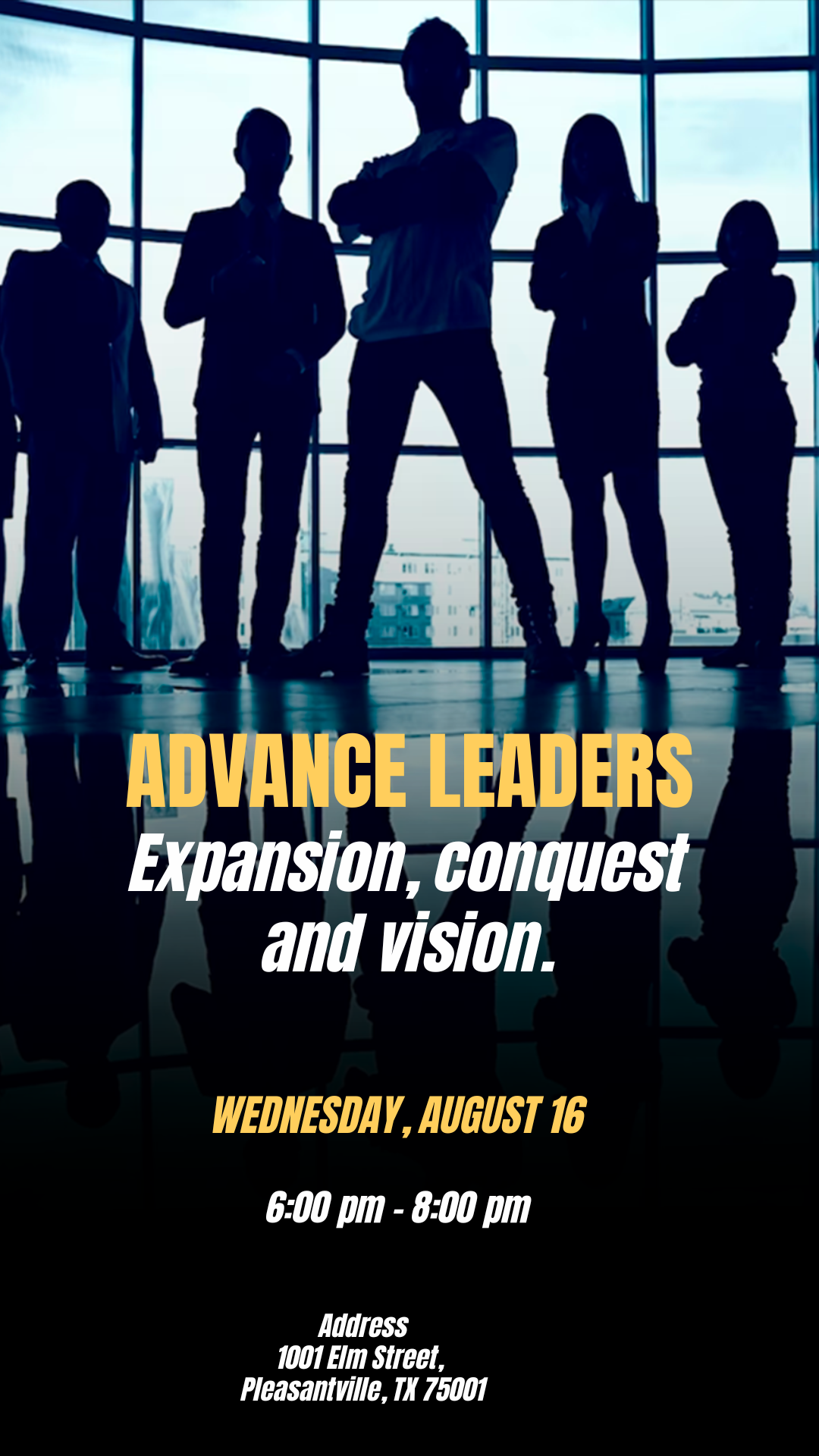
A leadership event—whether it’s an executive summit, a ministry workshop, or a personal development seminar—requires an announcement that conveys authority, professionalism, and vision. A Leaders Flyer editable in Canva is the essential marketing tool to attract professionals, executives, and community members. We offer you a dedicated template, completely free to access and ready for instant personalization. Forget about complicated design programs; use this high-quality template, designed for the Canva platform, to easily create a clear, visually impactful, and relevant brochure.
Why Choose an Editable Canva Template?
Our platform is a template bank specializing in maximum quality designs directly in Canva, the preferred tool for its accessibility and ease of use. The main advantage of choosing a Canva template is its superior ease of use. You do not need to install desktop design software or possess advanced graphic design knowledge. Canva is a free, web-based tool, meaning anyone can edit the flyer directly from their browser, tablet, or phone, allowing you to modify texts, upload speaker photos, and adjust the color palette to match your event’s corporate identity efficiently.
Main Features of This Canva Template
Our Leaders Flyer template was designed to evoke themes of growth, strategy, and success, often utilizing serious typography, clean designs, and a structure that communicates value directly. The design is:
- 100% Editable in Canva: Modify every detail, from fonts to images, directly in the online platform, requiring no desktop software installation.
- Executive and Clear Design: Optimized structure with prominent space for the keynote speaker, agenda, date, time, cost, and the central leadership theme.
- High-Resolution: Optimized for both clear digital sharing (social media, email) and crisp printing for physical distribution.
- User-Friendly: Designed for quick text replacement and simple integration of corporate logos or speaker photographs.
How to Personalize Your Canva Template
Follow these simple steps to customize your leaders flyer using the Canva platform:
- Descarga el Archivo (Get the Link): Click the download button to get the direct link to the Canva template.
- Descomprímelo (Skip This Step): This step is unnecessary. Simply click the link.
- Abre el archivo en Canva (Open the File in Canva): Click the link and then hit the “Use Template” button. Canva will automatically open an editable copy of the template in your account.
- Instala la fuente (Font Installation): The fonts used are included in the standard Canva library and will load automatically in the Canva version. (Note: If you have the version in PSD format that requires Adobe Photoshop, this template does not include the fonts, but in the files there is a TXT document with the download link. For those who do not know how to install the font to use in Photoshop, we leave a link where you can watch a video tutorial on how to do it, and be sure that the link opens in a new tab: How to Install Fonts for Photoshop).
- Edita las capas y textos (Edit Layers and Texts): Click on any text box to enter the conference title, speaker names, the exact date and time, and registration details. Upload high-quality professional photos that highlight the theme.
- Guarda y exporta (Save and Export): Once your design is finished, go to the “Share” button at the top right, and select “Download.” Choose PNG/JPG for optimal quality on social media or PDF Print for physical flyers.
Consejos (Tips)
- Professional Typography: Use clean, sans-serif fonts to convey modernity and clarity (e.g., Montserrat, Roboto, Open Sans).
- Color Palette: Favor corporate colors (blue, gray, black) or gold/silver accents for an executive look.
- Speaker Focus: If you have a well-known keynote speaker, their image should be the focal point of the design.
Frequently Asked Questions
- Is Adobe Photoshop required? No. This template is designed for exclusive use in Canva and does not require any desktop design software.
- Can I include my company logo on the flyer? Yes. You can easily upload your logo and place it in the design through the Canva interface.
- Is the template really free? Yes, this template is available for use and download completely free of charge.
Call to Action for Editing
Lead with vision from the first announcement! Download your Leaders Flyer editable in Canva now and create a professional and motivating design. Start customizing your leadership event today!