
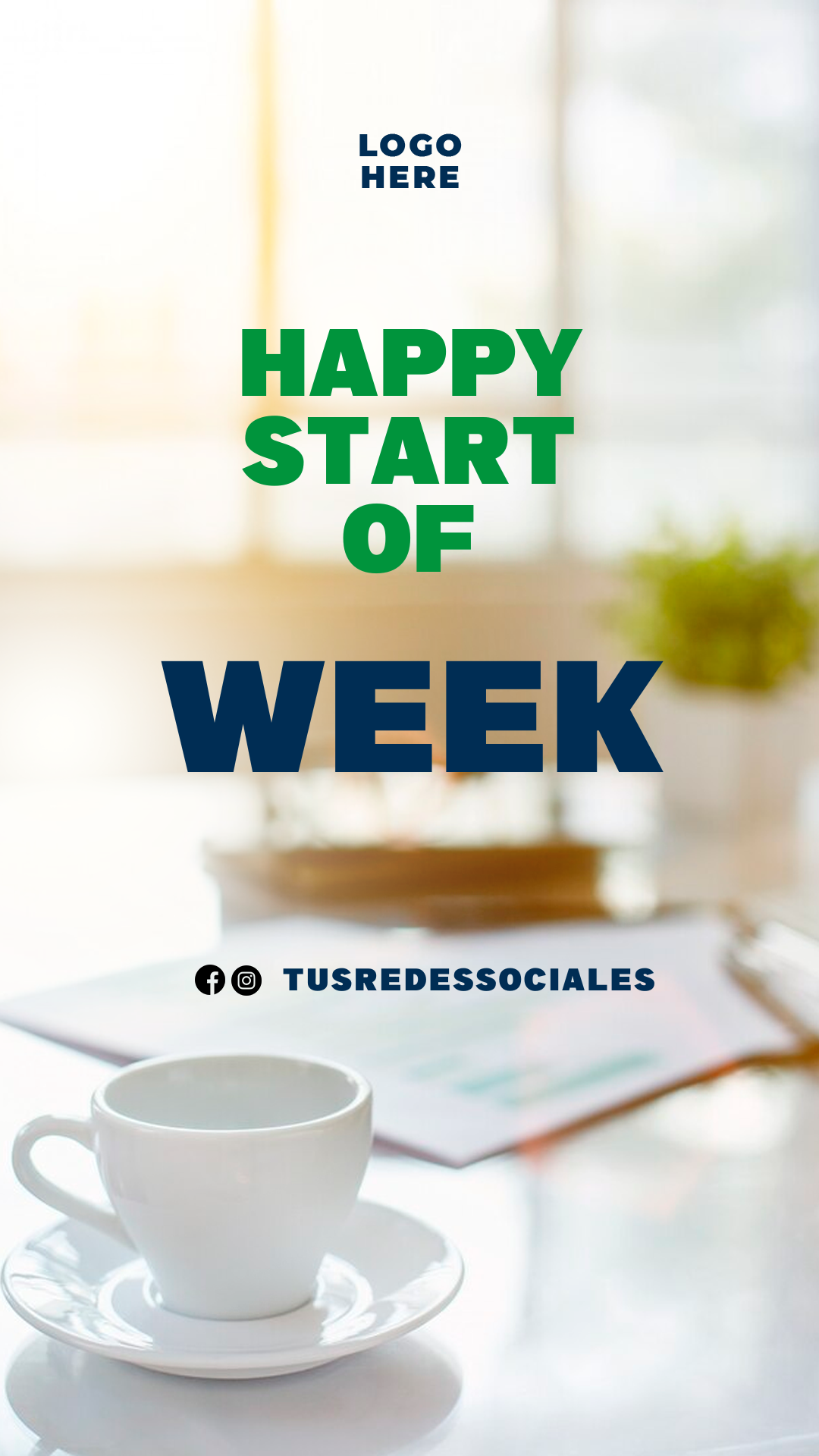
Monday is the key day to reconnect with your audience and set a positive tone for the entire week. A simple image with a motivational message like “Happy New Week” (Feliz inicio de semana) is a powerful tool for boosting the engagement of your personal brand or business on social media. We offer you a “Happy New Week” Flyer editable in Canva, completely free to access and ready for instant personalization. Forget about complicated software; use this template to create a vibrant greeting that lifts your followers’ spirits and keeps your brand visible.
Why Choose an Editable PSD Template?
While our platform is known for being a bank of professional templates in PSD format (which requires Adobe Photoshop), we have strategically adapted this design for Canva with immediacy and social reach in mind. The main advantage of using a Canva template is its superior ease of use. You do not need to install Adobe Photoshop or have advanced graphic design skills. Canva is a free, web-based tool, meaning you can edit the flyer directly from your browser, tablet, or phone. Its intuitive system allows you to modify text, add your logo, and change your brand colors quickly and efficiently.
Main Features of This PSD Template
Our weekly greeting flyer template, adapted for Canva, was designed to be positive and modern, using bright colors, optimistic typography, and clear space for any quote or inspirational message. The design is:
- 100% Editable in Canva: Modify every element without the need for external software.
- Professional Design: Structure optimized for engagement messages and social media visibility.
- High-Resolution: Perfect for sharing on Instagram Stories, Facebook posts, and WhatsApp statuses.
- User-Friendly: Designed for quick text replacement and background image customization.
How to Personalize Your Plantilla PSD
Follow these simple steps to customize your motivational flyer using the Canva platform:
- Descarga el Archivo (Get the Link): Click the download button to get the direct link to the Canva template.
- Descomprímelo (Skip This Step): This step is unnecessary for Canva templates. Simply click the link and proceed.
- Abre el archivo PSD (Open the Template): Click the link and then hit the “Use Template” button. Canva will automatically open an editable copy of the template in your account.
- Instala la fuente (No Installation Needed): The fonts used are included in the standard Canva library and will load automatically. (Note: The tutorial link provided below is for Photoshop font installation and is NOT needed for this Canva template: How to Install Fonts for Photoshop – opens in a new tab).
- Edita las capas y textos (Edit Layers and Texts): Click on the “Happy New Week” message to add a personalized greeting, an inspirational quote, or a reminder of your weekly specials. Upload your logo to maintain branding.
- Guarda y exporta (Save and Export): Once your design is finished, go to the “Share” button at the top right, and select “Download.” Choose PNG or JPG for optimal distribution on social media platforms.
Consejos (Tips)
- Brand Mark: Add your brand logo in a discrete corner to ensure recognition.
- Consistency: Post this greeting every Monday at the same time to create a habit for your audience.
- Brief Message: Keep the flyer’s central message concise and easy to read to quickly capture attention.
Frequently Asked Questions
- Is Adobe Photoshop required? No. This template is adapted for exclusive use in Canva and does not require any desktop design software.
- Can I change the background color? Yes. In Canva, you can easily modify all the colors in the template to match your business’s color palette.
- Is the template really free? Yes, this template is available for use and download completely free of charge.
Call to Action for Editing
Boost your brand engagement! Download your “Happy New Week” Flyer editable in Canva now and start the week with energy, professionalism, and a positive message for your entire community.




