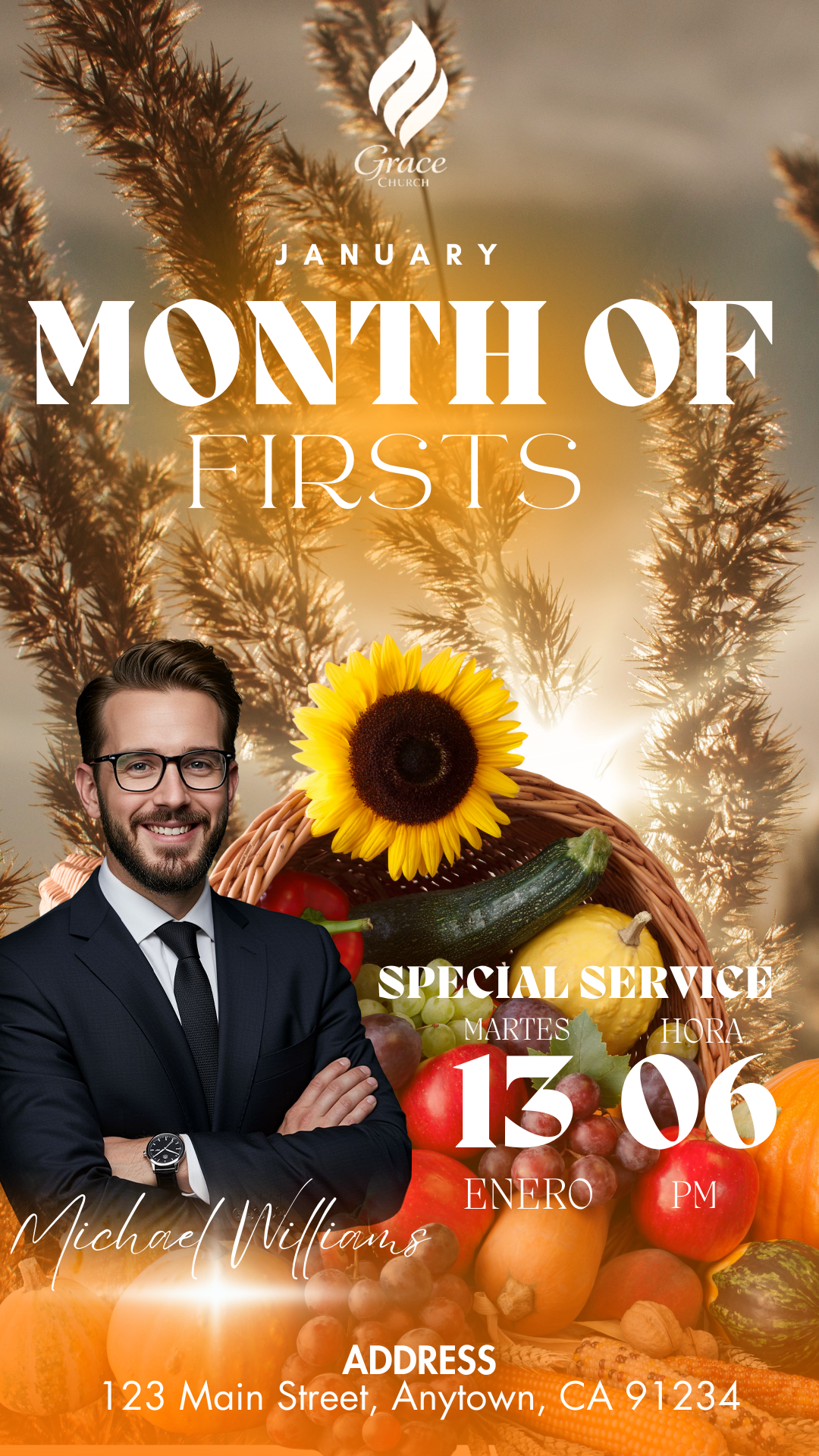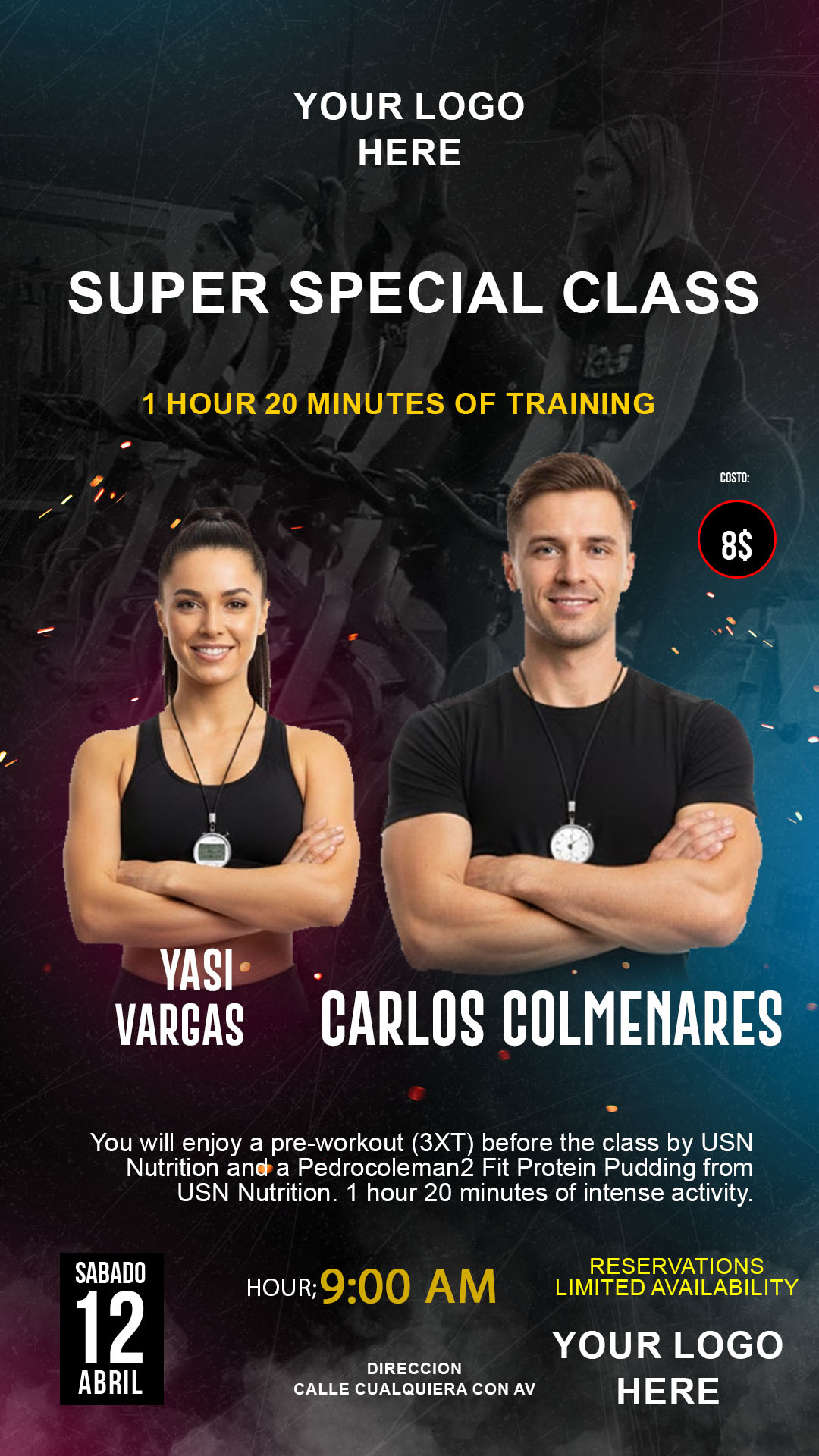
Introduction If you are looking to attract new clients to your fitness center, having a gym flyer editable in Canva and PSD is the fastest and most professional solution. In our template bank, we offer high-quality visual resources specifically designed to highlight the strength, energy, and discipline of your business, allowing you to save hours of designing from scratch.
Why Choose an Editable PSD Template? Using a PSD (Photoshop Document) file gives you total control over every graphic element. Unlike other formats, PSD allows for non-destructive editing through layers, ensuring that the resolution remains impeccable for large-scale printing or sharp social media posts.
Main Features of This PSD Template Our templates are created with versatility in mind:
- Organized layers with clear naming.
- Optimal resolution for printing (CMYK) and digital use (RGB).
- Modern and dynamic design that highlights fitness promotions.
- Fully compatible with Adobe Photoshop.
How to Customize Your PSD Template Editing your advertising material is a simple process if you follow these detailed steps:
Download the File: Click the download button to get the compressed package containing all the necessary material.
Unzip It: Use tools like WinRAR or 7-Zip to extract the .psd file and the attached documents into a folder on your computer.
Open the PSD File: Launch Adobe Photoshop and drag the file directly into the program to start editing.
Install the Font: To maintain the original design, it is vital to install the corresponding fonts. Inside the downloaded folder, you will find a document.txt file with direct links for free downloads.
Important Note: If you don’t know how to do it, you can watch this <a href=”https://www.youtube.com/watch?v=XE5jgJ0KnwA” target=”_blank” rel=”noopener”>video tutorial on how to install fonts for Photoshop</a> which will guide you step-by-step (the link will open in a new tab so you don’t lose your progress here).
Edit Layers and Text: Look for the text section in the Photoshop layers panel. Double-click on the layer you want to modify to enter your gym’s name, schedules, or prices.
Save and Export: Once satisfied with the result, go to File > Export As and select JPG or PNG format for social media, or PDF for high-quality printing.
Tips for a Successful Flyer
- Use high-resolution photos of your own facilities if possible.
- Maintain high contrast between text and background for easy reading.
- Don’t forget to include a clear Call to Action (e.g., “Join Today!”).
Frequently Asked Questions
- Do I need Photoshop to edit the PSD? Yes, for files in this format, having Adobe Photoshop installed is essential.
- Are photos included? Generally, images are placeholders, but you can easily replace them in the smart object layer.
- Where do I find the font links? They are detailed in the
.txtfile included with your download.
Call to Action Don’t waste any more time! Click the button below, download your gym flyer editable in PSD, and start bringing more fitness enthusiasts to your community today.
Download “#0453 FREE PSD DOWNLOAD” 0453.zip – Downloaded 314 times – 14.54 MB