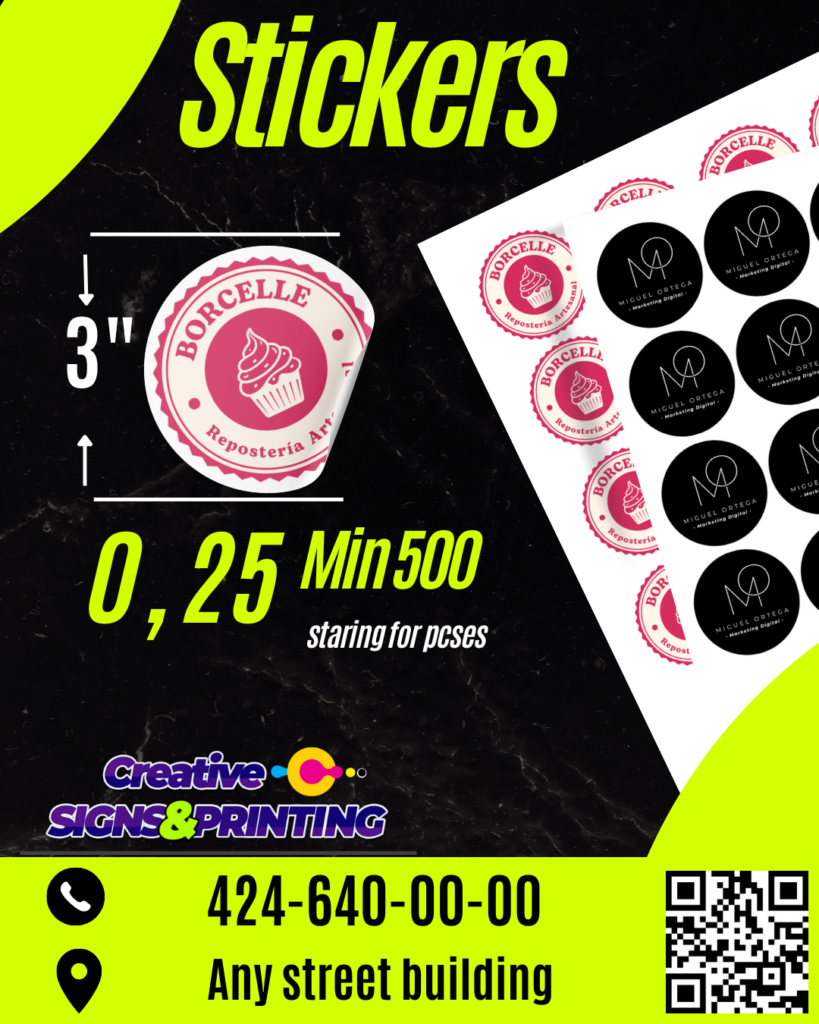
Stickers are a fun and versatile way to express yourself, personalize items, or promote your brand. With our free, editable sticker templates in Canva, you can easily create custom stickers for any occasion. Whether you need stickers for your business, events, or personal use, Canva makes it simple and fun.
Why Choose an Editable Canva Template?
Canva’s user-friendly platform makes designing stickers accessible to everyone. Here’s why you should use our Canva sticker templates:
- Easy Customization: Personalize every element, from text and colors to images and shapes.
- Time-Saving: Start with a professionally designed template and customize it in minutes.
- Cost-Effective: Design and print your own stickers without hiring a graphic designer.
- Versatility: Create stickers for any purpose, from branding to personal expression.
Main Features of This Canva Template
Our sticker templates are designed to provide you with everything you need to create amazing stickers:
- Variety of Designs: Choose from a wide range of templates to suit your needs.
- High-Quality Graphics: Access Canva’s extensive library of images, icons, and fonts.
- Print-Ready Files: Download your designs in high-resolution formats for printing.
- Digital Sharing: Easily share your sticker designs online.
How to Customize Your Template
Personalizing your sticker design is easy with Canva. Follow these steps:
1. Select the File
- Click on the provided link to access the Canva sticker template.
- If you don’t have a Canva account, sign up for free.
2. Open and Edit
- Once in Canva, you can customize every element of the template.
- Change the text, colors, and fonts to match your style.
- Upload your own images or choose from Canva’s library.
- Resize and reposition elements to create your desired design.
3. Save, Share, or Print
- After customizing, save your sticker design.
- Download it as a PNG, JPG, or PDF for printing.
- Share your digital sticker design on social media or via email.
- Print your stickers at home or through a professional printing service.
Tips for Success
- Use high-resolution images for the best print quality.
- Choose colors that complement your brand or style.
- Keep the design simple and easy to understand.
- Ensure your text is legible and easy to read.
Frequently Asked Questions
- Q: Can I use these templates with a free Canva account?
- A: Yes, all templates are designed to be fully editable with a free Canva account.
- Q: Can I change the size of the stickers?
- A: Yes, Canva allows you to resize your designs easily.
- Q: What file formats can I download my stickers in?
- A: You can download your stickers as PNG, JPG, or PDF files.
Ready to create your own custom stickers? Click here to access our free Canva sticker templates and start designing today!