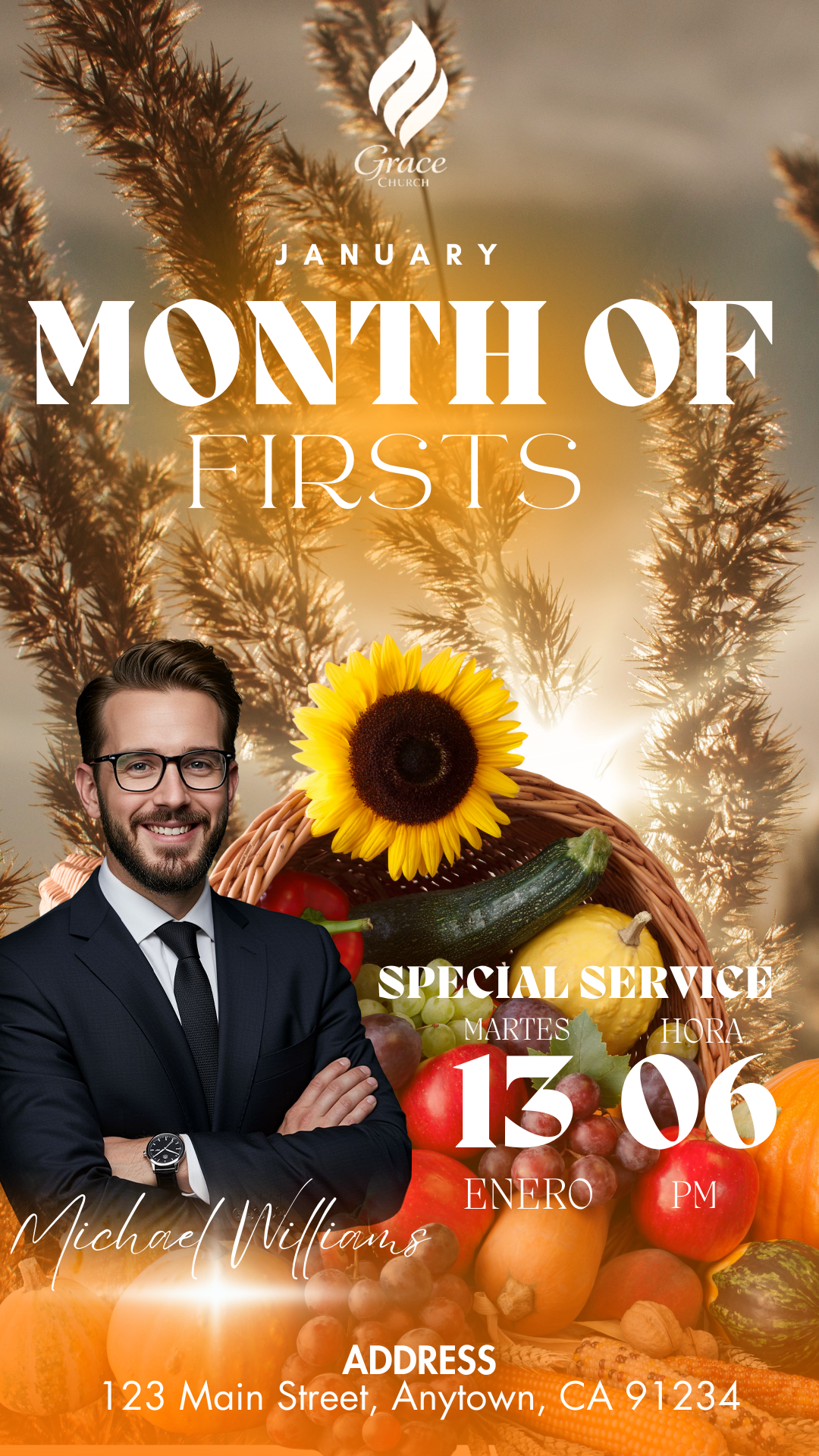
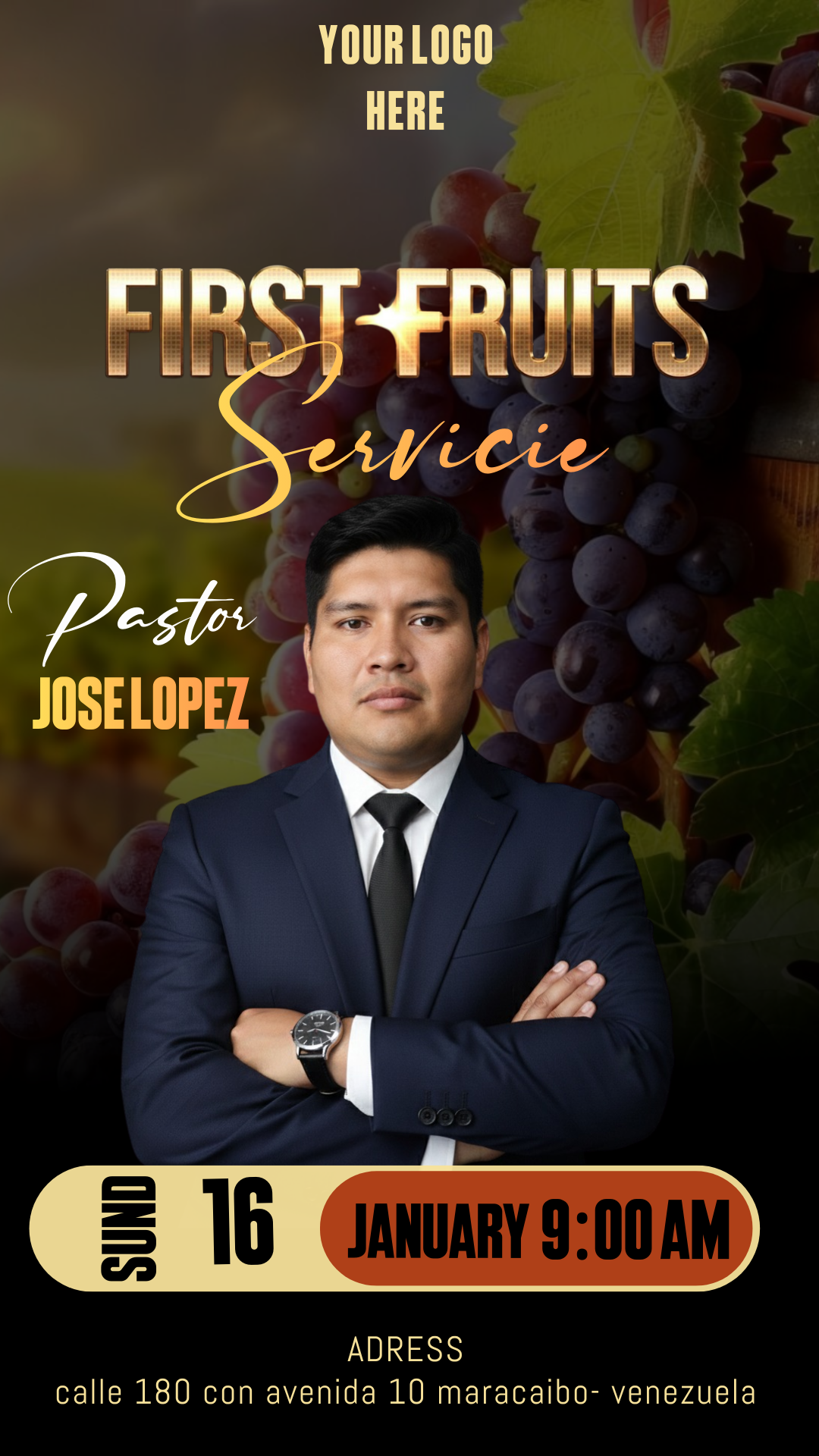
Visual communication is a fundamental tool for inviting the congregation and reaching new people. Having a flyer for Sunday service editable in Canva and PSD allows you to announce your meetings with excellence and professionalism without needing to be a design expert. In our resource bank, we focus on providing you with creative solutions that save time and enhance your ministry’s aesthetic.
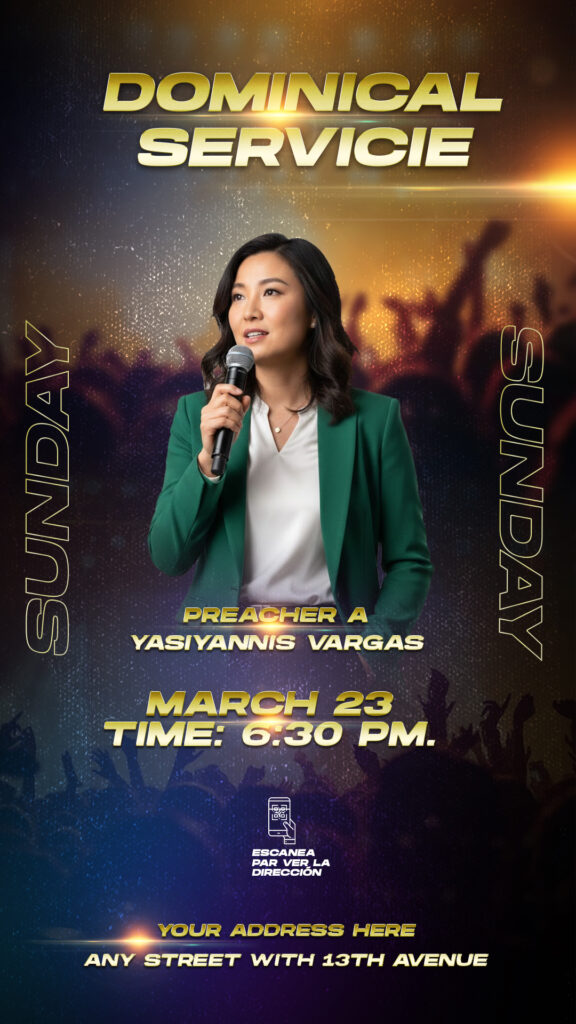
Why Choose an Editable PSD Template?
While quick tools are useful, choosing a template in PSD format (Adobe Photoshop) offers versatility that other formats simply cannot match. A flyer for Sunday service editable in Canva and PSD gives you the freedom to adjust every technical detail, from lighting to depth effects. By working in PSD, you ensure the design maintains its sharpness for both social media and large-format printing for your church’s altar or entrance.
Main Features of This PSD Template
Our templates are designed under high-quality standards, always keeping ease of use in mind for multimedia teams:
- 300 DPI Resolution: Ideal for crisp and clear prints.
- Fully Organized Layers: Every element is named and grouped for hassle-free editing.
- Smart Objects: Change photos of speakers or worship teams with just two clicks.
- CMYK/RGB Color Mode: Configured to be compatible with both screens and printed media.
How to Customize Your PSD Template
To achieve the best results and maintain design quality, you must have Adobe Photoshop installed on your computer. Follow these steps to customize your flyer:
Download the File
Click the download link to get the package. This compressed file contains everything you need to start working immediately.
Unzip It
Once downloaded, use tools like WinRAR or 7-Zip to extract the content. You will find the source file and usage instructions inside.
Open the PSD File
Launch Adobe Photoshop and open the .psd file. You will see the design structured by layers, which makes navigating the project significantly easier.
Install the Font
To keep the design identical to the sample, it is vital to use the original typography. The template does not include the fonts directly, but inside the downloaded files, you will find a txt document with the download link for each font used. If you don’t know how to add them to your system so they appear in the program, we have prepared this video tutorial on how to install fonts for Photoshop{target=”_blank”} (it will open in a new tab) so you can learn the process in seconds.
Edit Layers and Texts
Using the Type Tool (T), select the date, time, and sermon theme fields. Since the layers are organized, you can change colors and move graphic elements according to your specific needs.
Save and Export
Once editing is finished, go to File > Export As > JPG or PNG if you want to post it on Instagram or Facebook. For printing, we recommend saving it as a high-quality PDF.
Tips for an Impactful Design
- Real Photos: Try to use photos of your own congregation or pastors to create a closer connection.
- Contrast: Ensure important text (like the time) stands out against the background.
- Hierarchy: The service title should be the first thing people read.
Frequently Asked Questions (FAQ)
Can I edit the PSD file without Photoshop? No, for the PSD version, having Adobe Photoshop installed is essential to access all features and layers.
Are the fonts free? Yes, all fonts recommended in the txt document are free to download or open-use.
Does it come with Canva support? Yes, we include a direct link so you can make quick edits via Canva if you don’t have access to Photoshop at the moment.
Call to Action
Don’t wait any longer to professionalize your announcements. Download your flyer for Sunday service editable in Canva and PSD now and surprise your community this coming Sunday. Click the download button and start creating!
Download “#00604 DOWNLOAD PSD HERE” 00604.zip – Downloaded 156 times – 23.61 MB