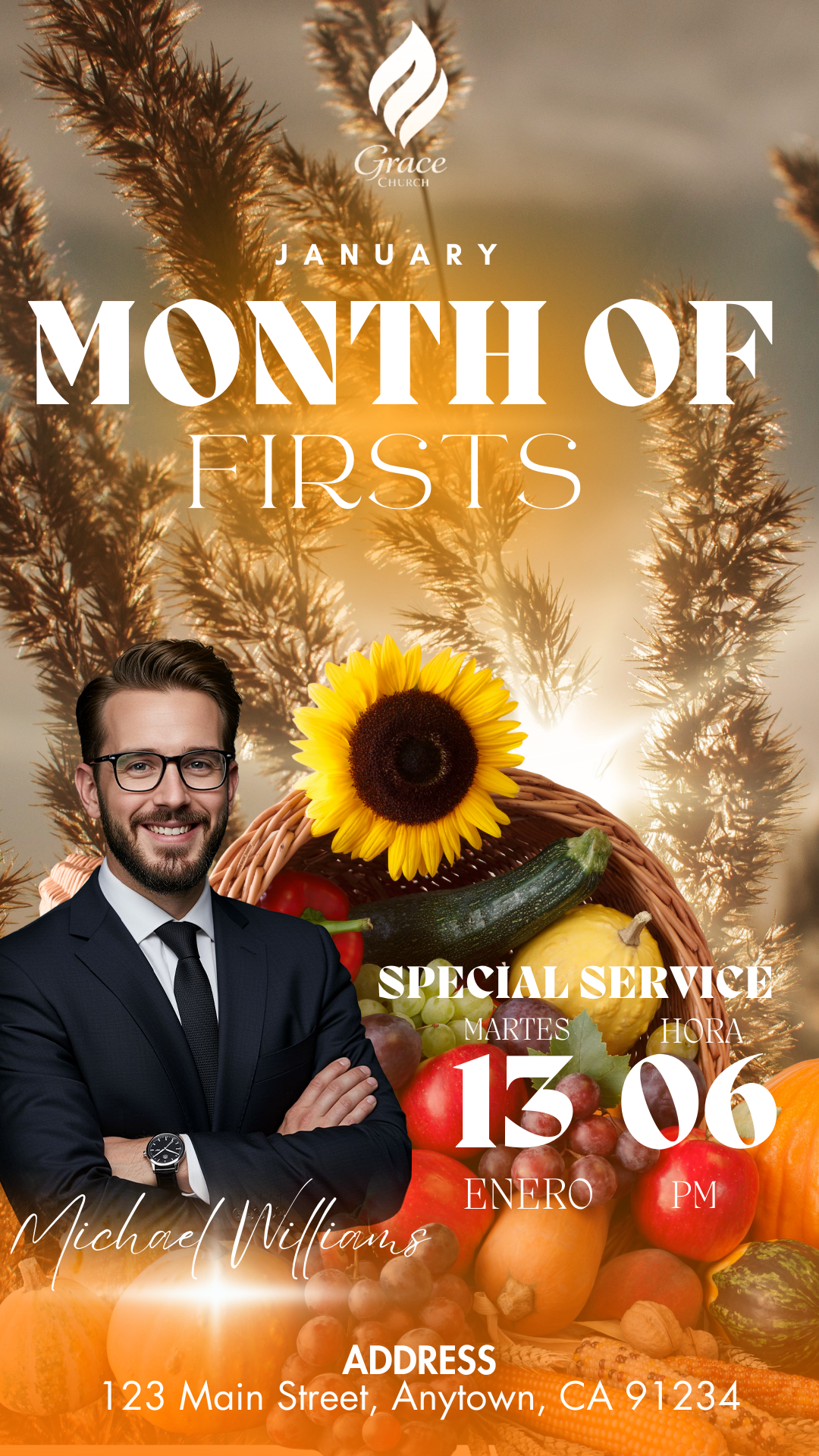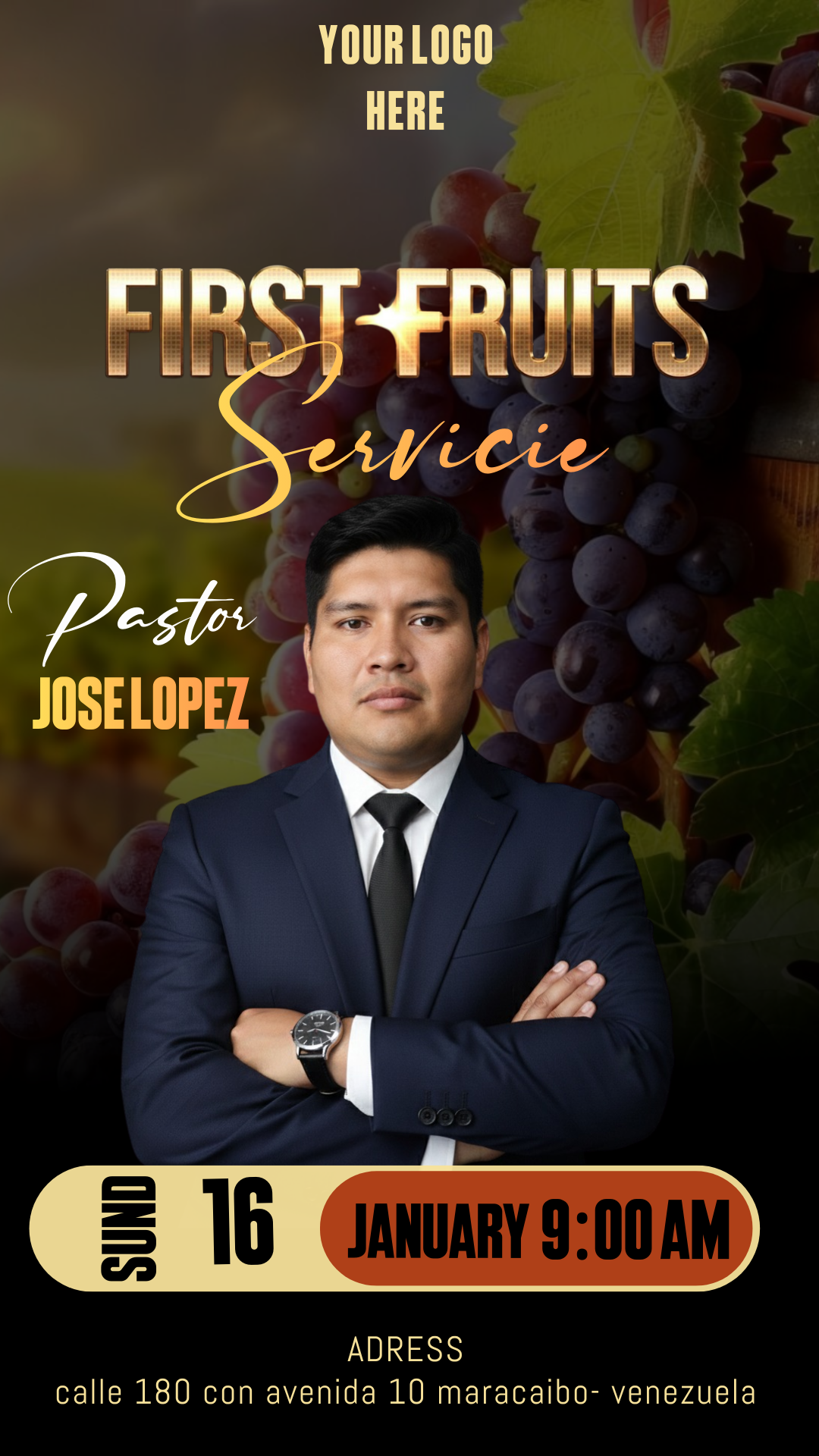
Valentine’s Day, or Día de los Enamorados, is one of the biggest commercial opportunities of the year. Whether you run a restaurant, a flower shop, or a gift boutique, your visual presentation is key to attracting couples. Using a flyer día de los enamorados editable en Canva is the ultimate solution to create professional, high-impact advertisements without needing advanced design skills.

Why Choose an Editable Canva Template?
Choosing a flyer día de los enamorados editable en Canva gives you the freedom to customize every detail instantly. Canva is a user-friendly platform that works in your browser or mobile app, allowing you to update prices or offers on the fly. It is cost-effective, fast, and ensures your brand looks modern and romantic, matching the festive spirit of February 14th.
Main Features of This Canva Template
Our templates are specifically designed to maximize engagement:
- Hybrid Utility: Perfect resolution for both high-quality printing and digital sharing (Social Media).
- Romantic Aesthetics: Pre-set palettes of reds, pinks, and golds with elegant typography.
- Fully Flexible: Drag-and-drop elements including hearts, frames, and icons.
- Business Ready: Clear sections for your logo, contact info, and “Call to Action” buttons.
How to Customize Your Template
Personalizing your flyer is an intuitive process. Follow these simple steps:
Select the File
First, click on our template link. You will be redirected to Canva, where a preview will appear. Click the “Use template for new design” button to save a private copy to your dashboard.
Open and Edit
Once the editor is open, let your creativity flow. You can swap the sample photos for your own product images. Double-click the text boxes to add your Valentine’s deals. Since this is a flyer día de los enamorados editable en Canva, you can also change the font styles and colors to perfectly match your brand.
Save, Share, or Print
When your masterpiece is ready, click the “Share” button:
- For Digital: Download as a PNG or JPG to post on Instagram Stories or Facebook.
- For Print: Choose “PDF Print”. This ensures your flyer día de los enamorados editable en Canva maintains perfect color and sharpness for paper flyers or posters.
Tips
- Use Authentic Photos: Real photos of your food or gifts create more trust than stock images.
- Create Urgency: Use phrases like “Limited spots available” or “Pre-order today.”
- Keep it Readable: Ensure there is a high contrast between your text and the background.
Frequently Asked Questions
Is this template free? Yes! We design our flyer día de los enamorados editable en Canva using free elements, so you don’t need a Pro subscription to download it.
Can I use it for WhatsApp? Absolutely. The digital format is optimized to look great on mobile screens.
Can I add my QR code? Yes, Canva has a built-in QR code generator that you can easily add to your flyer.
Call to Action for Editing
Don’t wait until the last minute to promote your Valentine’s specials! Click the button below to access your flyer día de los enamorados editable en Canva and start falling in love with your marketing results