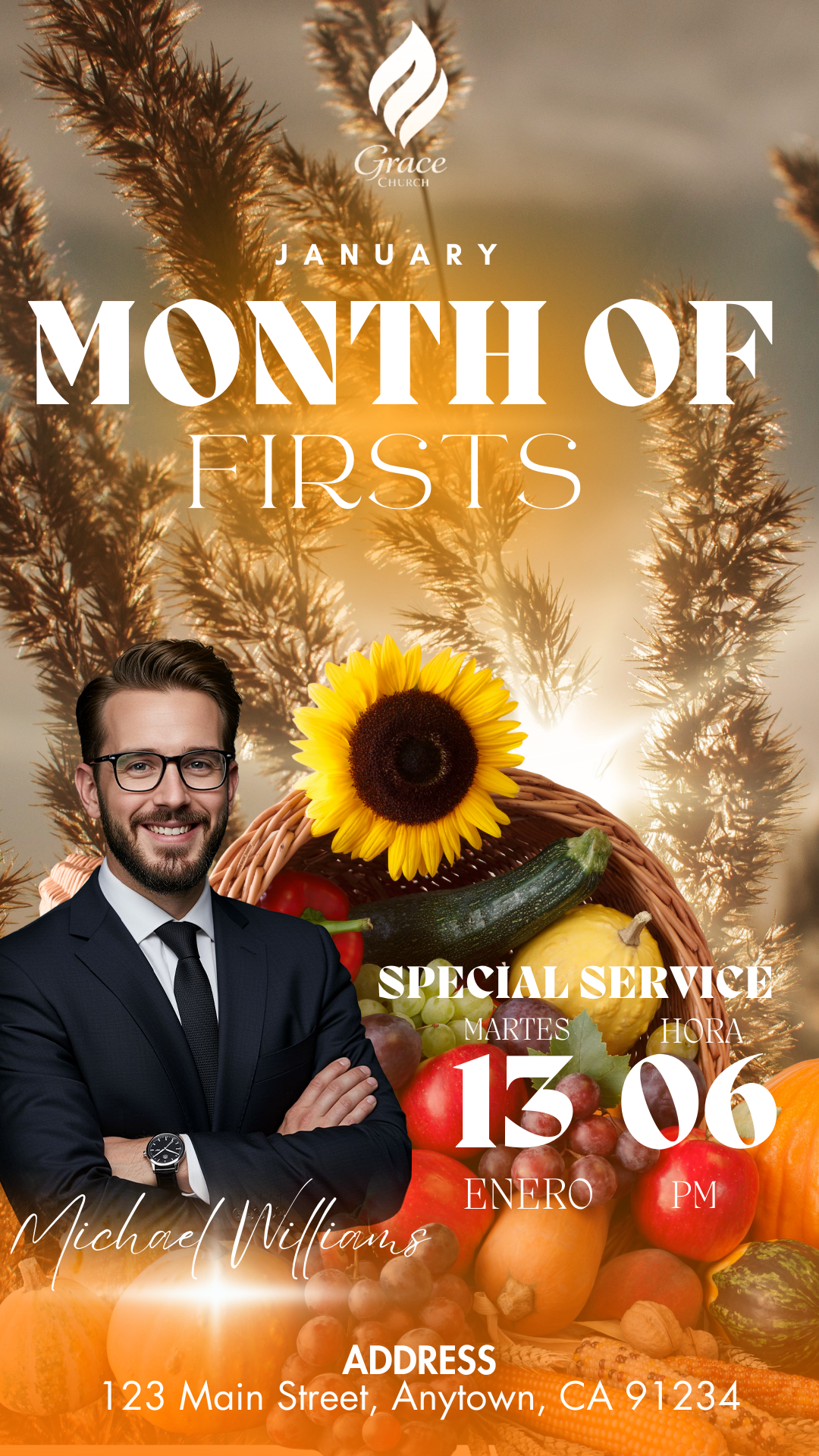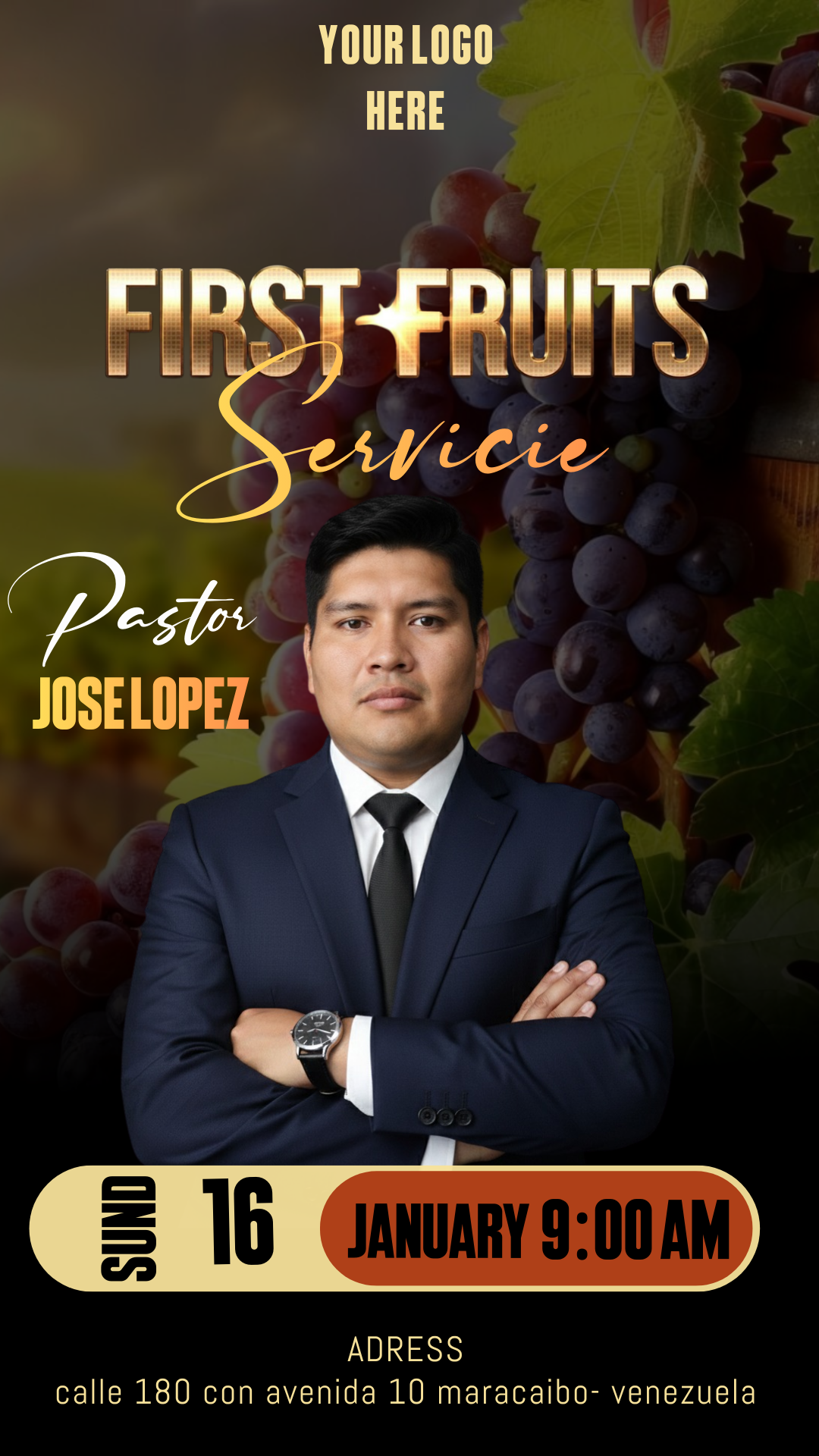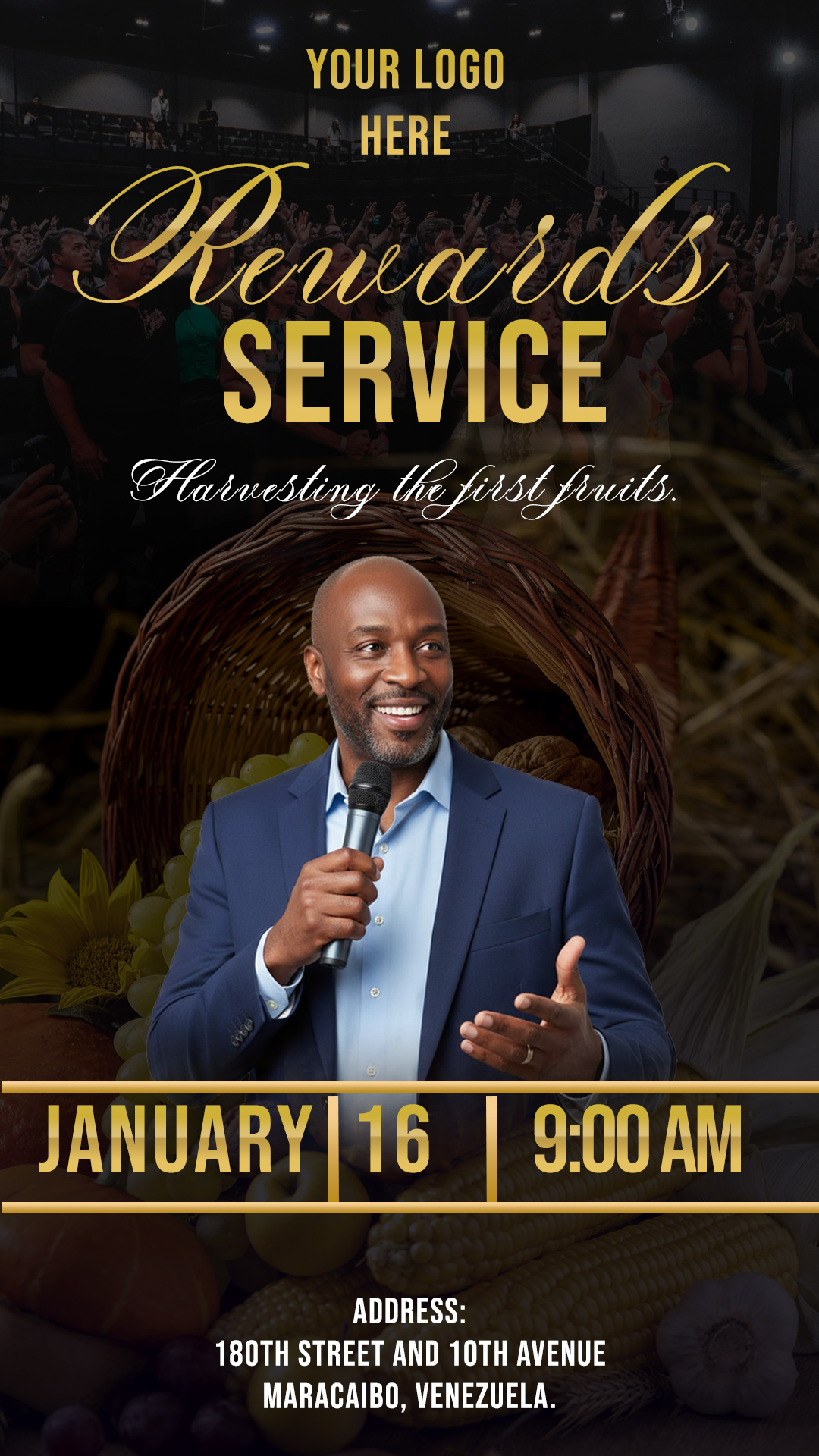
The First Fruits service is one of the most significant moments for any congregation, marking the beginning of a season of blessing and gratitude. For the call to be a success, having a professional image is vital. In our resource bank, we offer you a First Fruits service flyer editable in Canva and Photoshop, designed with high visual quality so that your church stands out both on social media and in physical prints.
Why Choose a PSD Editable Template?
Choosing a template in PSD format (Adobe Photoshop) gives you creative freedom that other formats do not allow. Being a layer-based file, you can modify each element independently: from lights and shadows to the exact placement of texts. This ensures that your design is not just a copy, but a unique piece adapted to the visual identity of your ministry.
Main Features of This PSD Template
This resource has been created by professional designers keeping the needs of modern churches in mind:
- Ultra HD Resolution: Perfect for large format printing without loss of quality.
- Organized Layers: The entire file is named and divided into groups for quick editing.
- CMYK/RGB Color Mode: Configured to look great on screens and flawless when printed.
- Contemporary Design: Clean and elegant aesthetic that conveys both solemnity and joy.
How to Personalize Your PSD Template
Personalizing your flyer is very simple if you follow these steps. Please remember that for this specific file, you must have Adobe Photoshop installed on your computer.
Download the File
Click the download button at the end of this article. You will receive a compressed file containing everything you need to start working on your First Fruits design.
Unzip It
Once downloaded, right-click on the .zip or .rar file and select “Extract Here.” Inside you will find the main file in .PSD format and complementary documents.
Open the PSD File
Run Adobe Photoshop and drag the template file into the workspace. You will see all the elements appear in the layers panel on the right, ready to be modified.
Install the Font
It is important to note that the template does not include the fonts pre-installed due to copyright. However, inside the folder, you will find a .txt file with direct download links. If you don’t know how to add them to your system, we invite you to watch this video tutorial on how to install fonts in Photoshop (which will open in a new tab), so you can use the design exactly as shown in the preview.
Edit Layers and Texts
Use the “Type Tool” (T) to change the date, time, and address of your event. You can hide or show decorative elements according to your personal preference by simply clicking the eye icon next to each layer.
Save and Export
When you are satisfied with the result, go to File > Export > Save for Web (if it is for social media like Instagram or Facebook) or Save As PDF (if you plan to take it to a professional print shop).
Tips
To make your flyer even more effective, we recommend using real photos of your congregation if you decide to replace the sample images. Maintain visual hierarchy: the “First Fruits Service” title should be the most eye-catching, followed by the date and location.
FAQ
Can I edit this file on my phone? As this is a complex PSD file, using a computer with Adobe Photoshop is strictly recommended to take advantage of all layers and effects.
Are the fonts free? Yes, the links provided in the text file will take you to fonts that are free to download and use.
Does the design work for other events? Absolutely! Although it is optimized for First Fruits, you can change the texts and use it for conferences, anniversaries, or special services.
Call to Action to Edit
Don’t wait any longer to professionalize your church’s image! Download our First Fruits service flyer editable in Canva and Photoshop now and prepare for a celebration of blessing. Click the link below and start editing today.
Download “#00610 DOWNLOAD PSD HERE” 00610.zip – Downloaded 58 times – 16.08 MB