
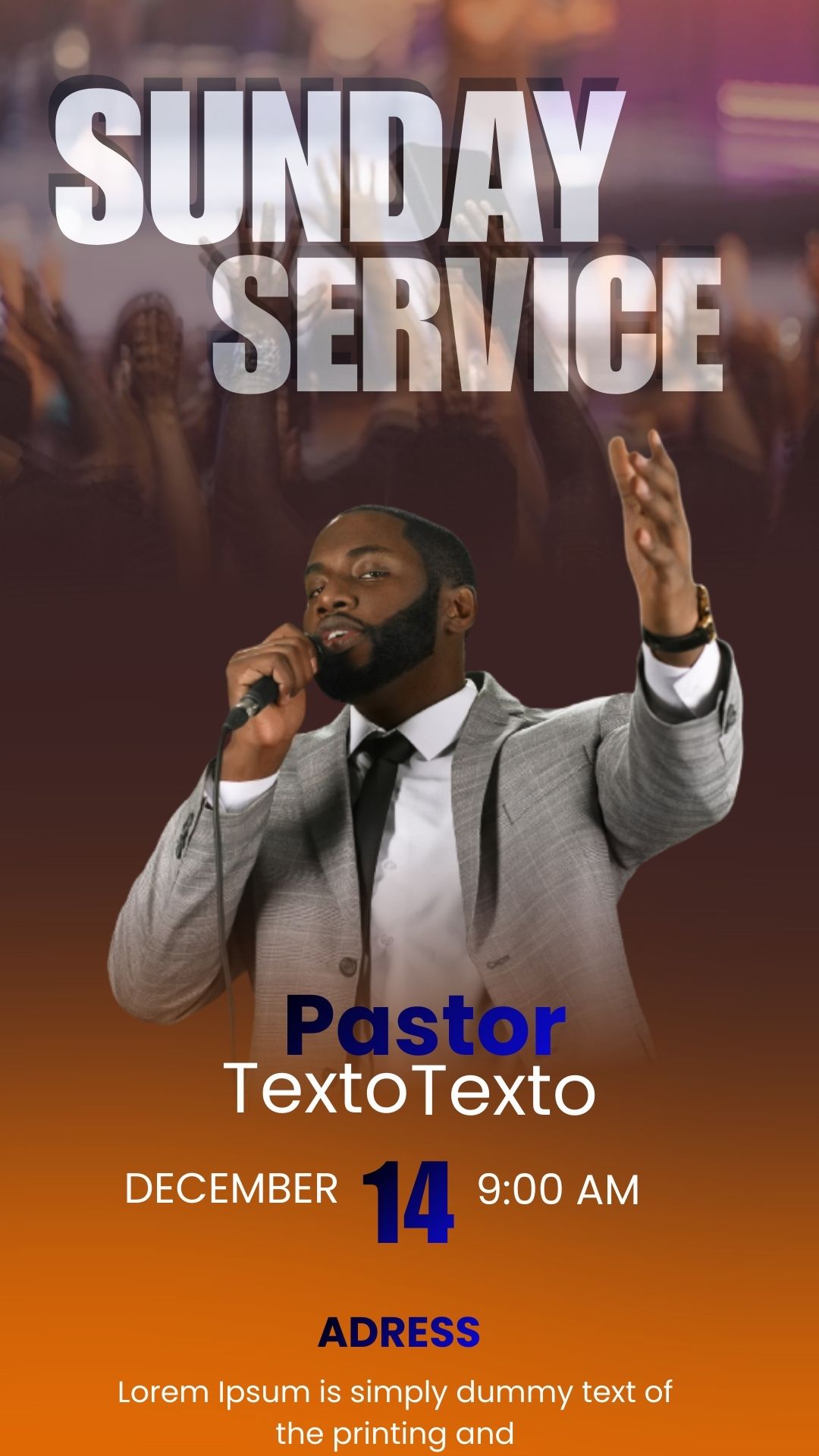
The Sunday service is the central event of your church and requires visual promotion that inspires, invites, and communicates the key details of the gathering. If you searched for “Flyer servicio Dominical editable en canva,” you are looking for the simplest and fastest way to create a high-quality announcement. We offer a premium template entirely designed to be edited on the Canva platform, ideal for worship leaders, communicators, or volunteers. Forget complex software; with this template, you can customize the message, time, and sermon topic in minutes, ensuring a professional design for your community every week.
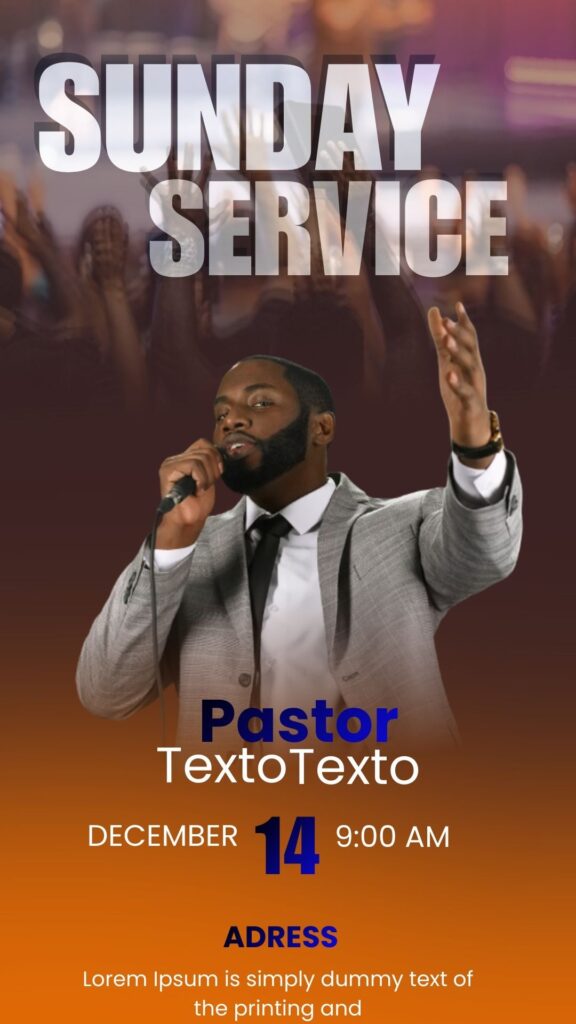
¿Por qué elegir una plantilla editable en canva? (Why Choose an Editable Canva Template?)
Choosing our Canva-optimized design offers unparalleled advantages for weekly ecclesiastical communication:
- 100% Online Editing: You do not need to download or install any software. Customize the flyer from any device (computer, tablet, or mobile) directly in the web browser.
- Update Speed: You can duplicate the template from one week to the next and only change the topic and speaker names in seconds, saving valuable time.
- Inspirational Design: The template uses a sober and elegant visual language, with predefined spaces for biblical messages, verses, or the central theme of your Sunday service.
Características principales de esta plantilla canva (Key Features of This Canva Template)
This template has been designed for the effective dissemination of the Sunday service:
- Adjustable Color Palette: Uses a color combination that you can easily modify to match your church’s branding.
- Highlighted Key Spaces: Clear zones for the message topic, the preacher’s name, the start time, and live stream links.
- Integrated Graphics: Subtle background elements and ornaments (like lights or textures) that add depth without distracting from the message.
Cómo personalizar tu plantilla canva (How to Customize Your Canva Template)
Follow these simple steps to adapt your Flyer servicio Dominical editable en canva weekly:
Descarga el Archivo (Download the File):
Download the PDF or the link file we provide. Click on the link to access the template directly in Canva.
Abre el archivo canva (Open the Canva File):
Once in Canva, click “Use Template” to copy the design to your own account.
Edita las capas y textos (Edit Layers and Texts):
Double-click any text to update the message topic, key verse, time, and preacher’s name. Drag and drop your own logo or background image if desired.
Guarda y exporta (Save and Export):
Click “Share” and then “Download.” Choose JPG, PNG, or PDF format to share on social media, WhatsApp, or project at your church.
Consejos (Tips)
- Maintain Consistency: Use the same template with slight adjustments each week so your community immediately recognizes your announcement.
- Key Information: Always prioritize the event name, time, and the church’s address/link.
- Use Your Own Logo: Be sure to replace the template logo with your congregation’s logo to reinforce your brand.
Preguntas frecuentes (FAQ)
Q: Do I need a Canva Pro account to use this template?
A: No. This template has been designed using only elements from the free version of Canva so that anyone can use it.
Q: Can I use this template for non-Sunday events?
A: Yes. It is perfect for Bible studies, prayer meetings, or any weekly event, simply by changing the main text.
Q: Will the design adapt if I share it on an Instagram story?
A: Yes. You can use Canva’s resize feature or simply adapt the original design to story dimensions before downloading.
Llamado a la acción para editar (Call to Action)
Simplify your weekly communication! Download the Flyer servicio Dominical editable en canva now and announce the Word professionally and effortlessly.




