
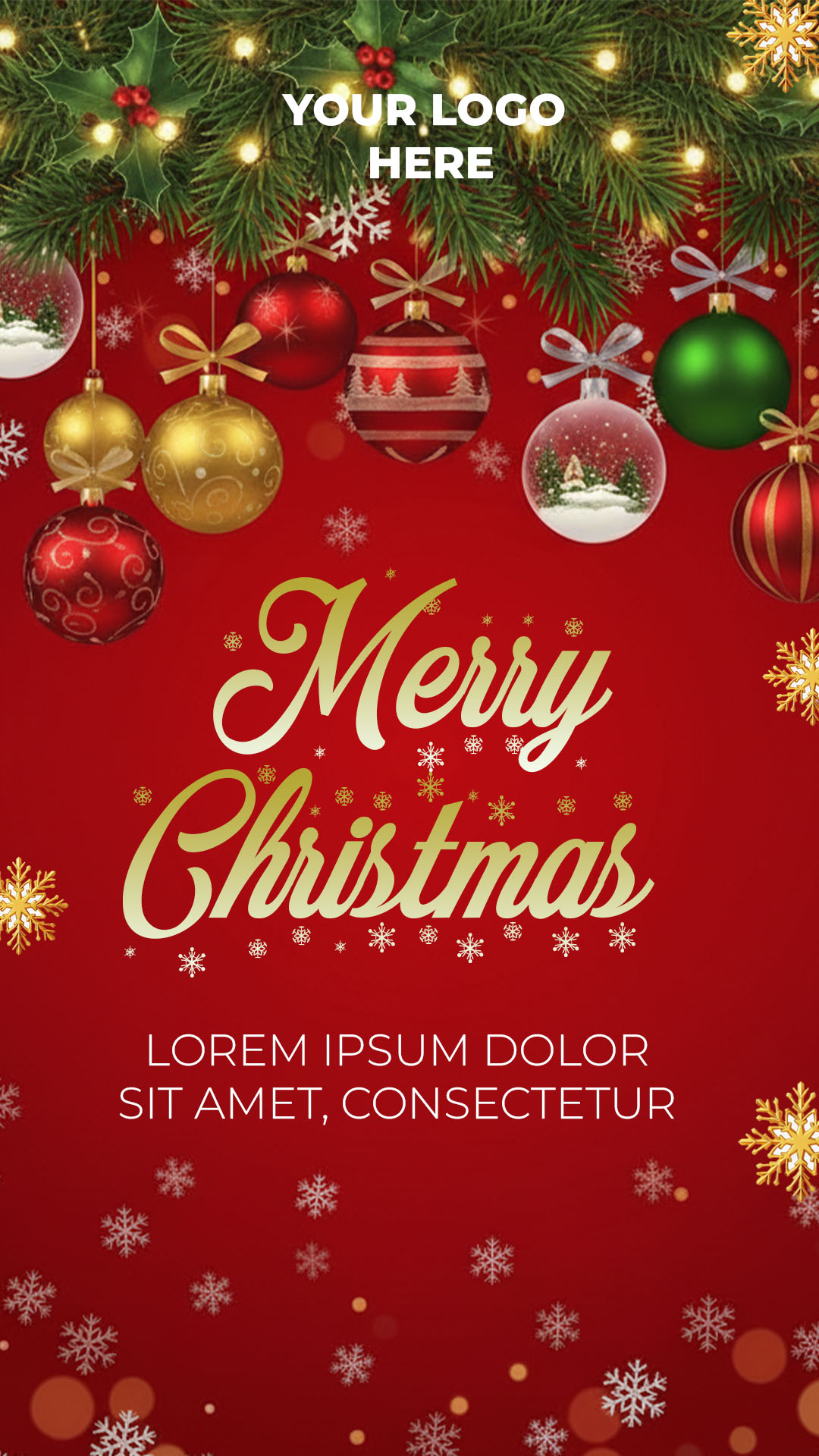
The Christmas season is crucial for promoting events, special offers, or church services. If you are looking for a design that combines festive magic with professional flexibility, you have found the perfect resource: our Flyer navideño editable en PSD. This template is crafted with high-quality layers, allowing you to use Adobe Photoshop to customize every glow, color, and text, guaranteeing a spectacular and polished final result.
¿Por qué elegir una plantilla editable PSD? (Why Choose an Editable PSD Template?)
In our template bank, we prioritize quality and total design control. Choosing a PSD (Photoshop Document) format is the superior professional option:
- Professional Editing: Offers unmatched control over lighting effects, shadows, and graphic elements that are difficult to replicate in simple online editors.
- Print-Ready: The file is configured with the correct resolution and color mode (CMYK, if needed) for crisp, high-quality printing.
- Total Customization: You can modify, relocate, or remove any element, from the background to the smallest snowflake, thanks to its layered structure.
Note: To edit and manipulate the layers of this template, it is mandatory to have and use Adobe Photoshop installed on your computer.
Características principales de esta plantilla PSD (Key Features of This PSD Template)
This holiday design has been created to be versatile and eye-catching:
- Modern Festive Design: Combines classic Christmas colors (red, green, gold) with a contemporary graphic style.
- Key Content Areas: Clearly defined spaces to include the event title, date, time, location, and Call-to-Action.
- Smart Layers: Includes layers set up as Smart Objects for easy image replacement with a single click.
Cómo personalizar tu plantilla PSD (How to Customize Your PSD Template)
Follow this step-by-step guide to adapt your Christmas flyer:
Descarga el Archivo (Download the File):
Download the compressed ZIP file containing your professional template from our platform.
Descomprímelo (Unzip It):
Extract the contents of the ZIP file. Inside, you will find the main .psd file and an essential text document (.txt).
Abre el archivo PSD (Open the PSD File):
Open the .psd file directly using Adobe Photoshop.
Instala la fuente (Install the Font):
Mandatory Step: The professional fonts used in the design are not included directly in the file. You must open the attached .txt document; inside, you will find the links to download the necessary typefaces. Install these fonts on your system before editing the text in Photoshop. If you need help with the installation, please watch this video tutorial (ensure the link opens in a new tab):
Click here for the font installation video tutorial (Opens in a new tab)
Edita las capas y textos (Edit Layers and Texts):
Use Photoshop’s text tool to modify the titles and event information. Use the Layers panel to select and replace the main image with your photo or logo.
Guarda y exporta (Save and Export):
Save a copy of the file in .psd format and then export it at high resolution as JPG or PDF, depending on whether the destination is digital or print.
Consejos (Tips)
- Warm Atmosphere: Use warm tones or glowing light effects to evoke the cozy spirit of Christmas.
- Text Contrast: Ensure the main text has enough contrast with the background to guarantee easy readability.
- Call-to-Action: Include a clear and concise message about what the reader should do (e.g., “Book Your Spot!”, “Visit Us Today!”).
Preguntas frecuentes (FAQ)
Q: Can I open the file in GIMP or similar programs?
A: While some programs can open PSD files, only Adobe Photoshop guarantees the correct viewing and editing of all layers, effects, and smart objects.
Q: What happens if the text appears distorted or with errors when I open the file?
A: This means the fonts are not installed. You must close the file, install the fonts listed in the .txt document, and then reopen the template.
Q: Is the template ready for printing?
A: Yes. PSD files are typically ready for high-quality printing, but always verify specifications (resolution, CMYK color mode) with your print shop.
Llamado a la acción para editar (Call to Action)
Don’t leave your holiday promotion until the last minute! Download our Flyer navideño editable en PSD today and create an unforgettable design using Adobe Photoshop.
[DOWNLOAD YOUR CHRISTMAS PSD TEMPLATE NOW]
Download “#0448 The Best Christmas Flyer PSD Template: Fully Editable for Your Business” 0448.zip – Downloaded 113 times – 10.34 MB




