
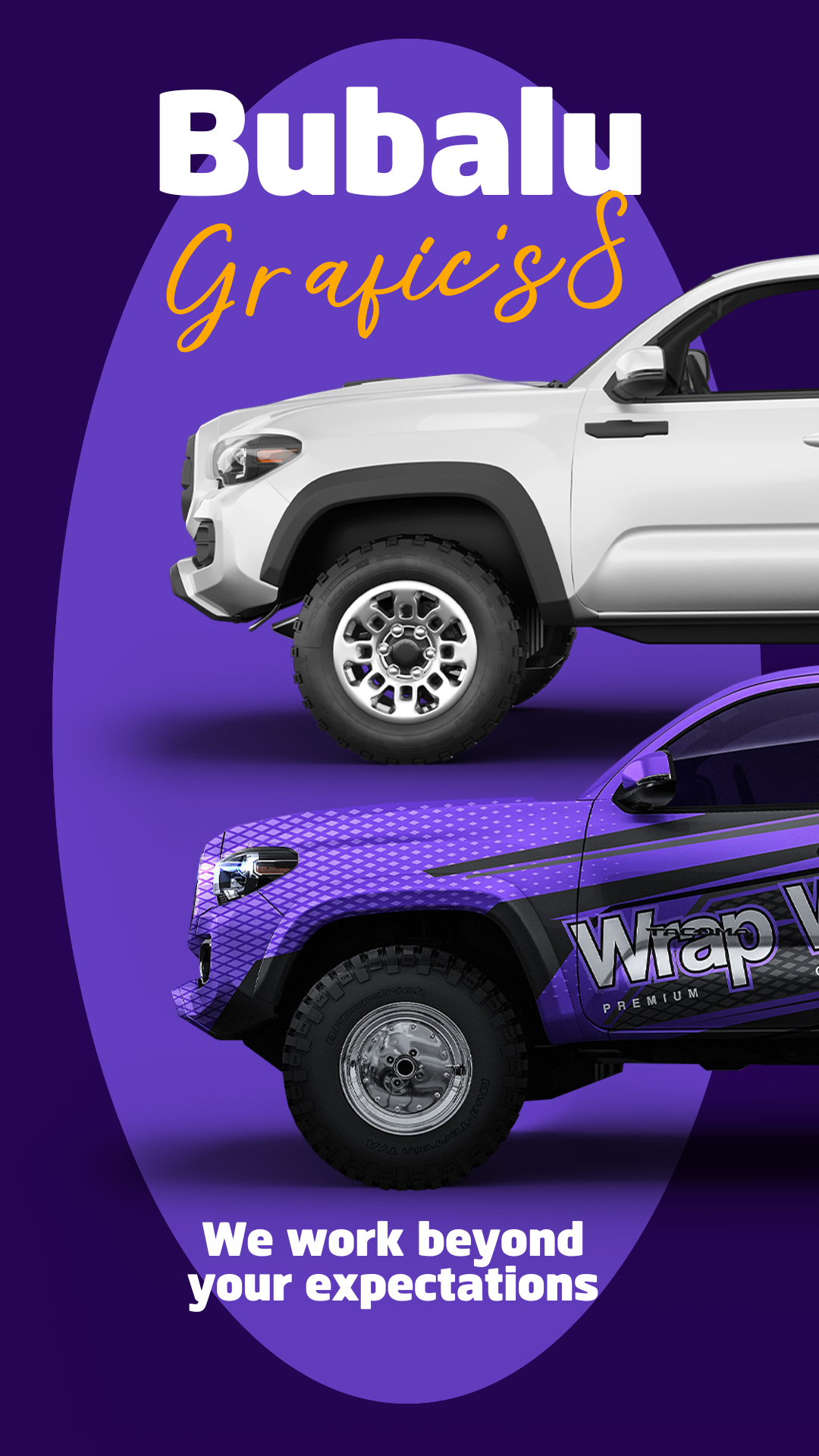
If you run a business specializing in vehicle wraps, vinyl lettering, or general signage, you know that a professional image is crucial for attracting clients. You need a flyer that effectively communicates the quality and range of your services. We offer you a Vehicle Graphics Flyer editable in Canva, completely free to access and ready for instant personalization. Forget about complex design software; use this template to create promotional material that highlights your work on vehicle wraps, storefronts, and more.
Why Choose an Editable PSD Template?
Although our template bank specializes in professional PSD format templates (which require Adobe Photoshop), we have adapted this specific design for Canva with user accessibility in mind. The main advantage of using a Canva template is its superior ease of use. You do not need to install Adobe Photoshop or possess advanced graphic design knowledge. Canva is a free, web-based tool, meaning you can edit the flyer directly from your browser, tablet, or phone. Its intuitive system allows you to modify text, upload photos of your work, and change brand colors quickly and efficiently.
Main Features of This PSD Template
Our flyer template for vehicle graphics, adapted for Canva, was designed with a professional focus, prioritizing space for high-quality images (of vehicle wraps or storefront signage) and clarity in service descriptions. The design is:
- 100% Editable in Canva: Modify every element without the need for external software.
- Professional Layout: Structure optimized for promoting technical services (vinyl, wraps, signage).
- High-Resolution: Perfect for printing or for sharing on social media and digital platforms.
- User-Friendly: Designed for quick text replacement and easy inclusion of portfolio images.
How to Personalize Your Plantilla PSD
Follow these simple steps to customize your signage services flyer using the Canva platform:
- Descarga el Archivo (Get the Link): Click the download button to get the direct link to the Canva template.
- Descomprímelo (Skip This Step): This step is unnecessary for Canva templates. Simply click the link and proceed.
- Abre el archivo PSD (Open the Template): Click the link and then hit the “Use Template” button. Canva will automatically open an editable copy of the template in your account.
- Instala la fuente (No Installation Needed): The fonts used are included in the standard Canva library and will load automatically. (Note: The tutorial link provided below is for Photoshop font installation and is NOT needed for this Canva template: How to Install Fonts for Photoshop – opens in a new tab).
- Edita las capas y textos (Edit Layers and Texts): Click on any text box to include your services (vehicle wrapping, 3D lettering, decorative vinyl, etc.), pricing, and contact information. Upload photos of your best signage projects.
- Guarda y exporta (Save and Export): Once your design is finished, go to the “Share” button at the top right, and select “Download.” Choose PDF Print for the highest quality printing or PNG/JPG for sharing on social media.
Consejos (Tips)
- Clear Images: Use high-resolution photographs of your actual signage work. Show before-and-after results, if possible.
- Text Hierarchy: Highlight your main service or a special offer using a bold, larger font.
- Contact Details: Ensure your phone number, social media handles, and website are highly visible.
Frequently Asked Questions
- Is Adobe Photoshop required? No. This template is adapted for exclusive use in Canva and does not require any desktop design software.
- Is the template compatible with my printer? Yes. When exporting as a Print PDF from Canva, you can choose margins and bleeds compatible with most printers.
- Is the template really free? Yes, this template is available for use and download completely free of charge.
Call to Action for Editing
Take your business to the next level! Download your Vehicle Graphics Flyer editable in Canva now and promote your vinyl and signage services with an attractive, professional design. Your marketing campaign starts here!




