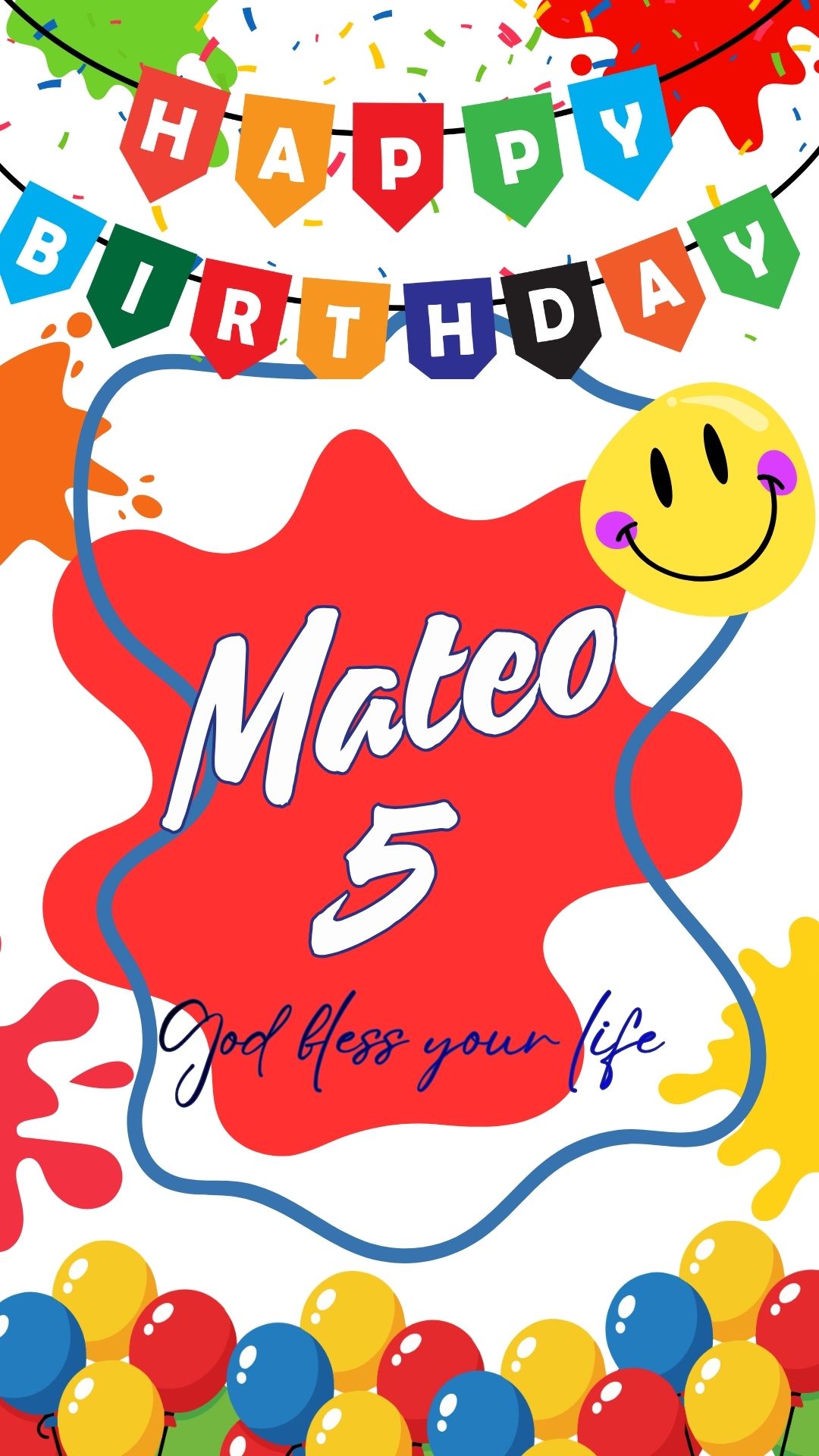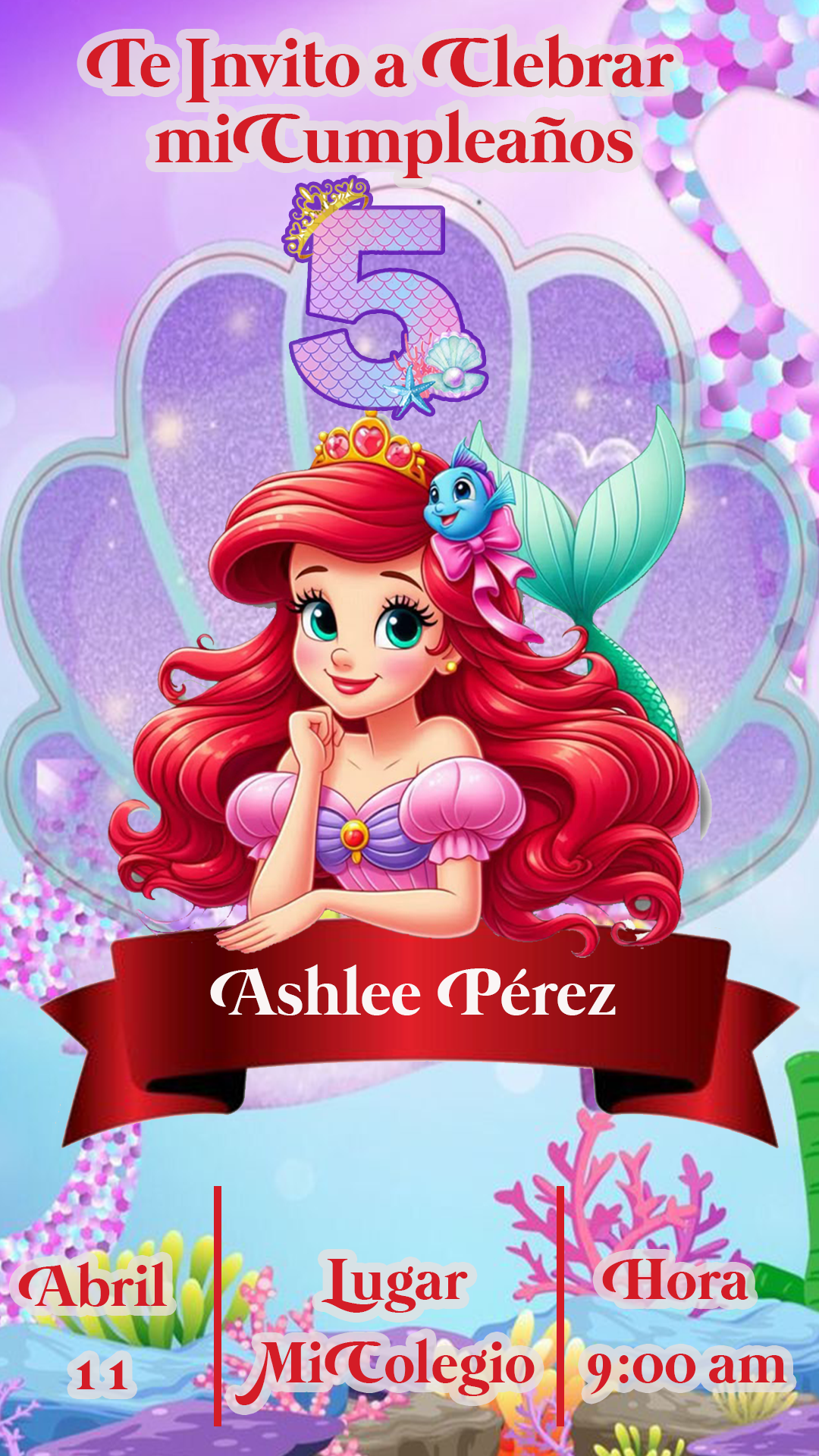
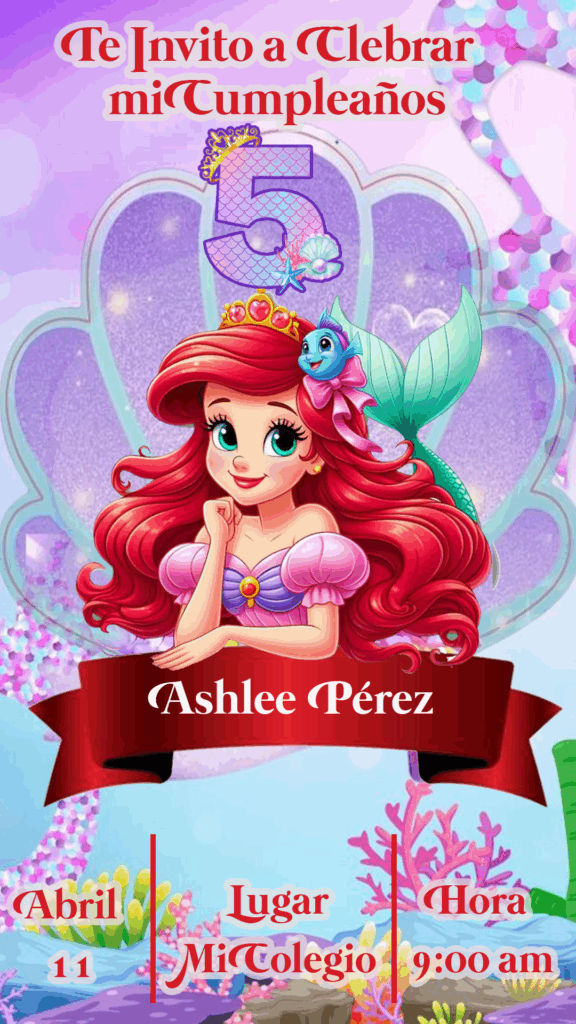
Planning an enchanting mermaid-themed celebration? Dive into our collection of beautiful Mermaid Invitation PSD: Editable Card for Photoshop templates! Perfect for birthdays, under-the-sea parties, and more, these templates offer the flexibility and high quality that Adobe Photoshop users will appreciate. Create stunning, personalized invitations for printing or digital sharing with our easy-to-use PSD designs.
Why Choose an Editable PSD Template?
For those who desire complete creative control and professional-level customization, an editable Mermaid Invitation PSD: Editable Card for Photoshop template is the ideal choice. PSD files, designed for Adobe Photoshop, allow you to modify every aspect of the invitation, from colors and fonts to images and layout. If you’re familiar with Photoshop or require the ultimate flexibility in your design process, our PSD templates are perfect for bringing your vision to life.
Main Features of This PSD Template
Our Mermaid Invitation PSD: Editable Card for Photoshop templates come with a range of powerful features:
- Beautiful Mermaid Designs: Featuring captivating illustrations and graphics inspired by the magic of mermaids and the ocean.
- Fully Layered PSD Files: Providing complete control over individual design elements within Adobe Photoshop.
- Editable Text Layers: Easily personalize your invitations with party details, names, dates, times, and RSVP information.
- Organized Layers: Ensuring a smooth and efficient editing process within Photoshop.
- High-Resolution for Printing: Designed for crisp and vibrant print quality, making your invitations truly stand out.
- Versatile for Digital Sharing: Once customized, you can easily export your design in various formats for online sharing with guests.
- Font Information Included: Often, a separate file or instructions within the download will specify the fonts used, allowing you to maintain the design’s aesthetic.
How to Personalize Your PSD Template
Customizing your Mermaid Invitation PSD: Editable Card for Photoshop template is a rewarding process for Photoshop users. Follow these steps to create your unique invitations:
Select the File:
Download the ZIP file containing the Mermaid Invitation PSD: Editable Card for Photoshop template.
Unzip the File:
Extract the contents of the ZIP file to access the .PSD file.
Open the PSD File:
Open the .PSD file using Adobe Photoshop on your computer.
Edit the Layers and Texts:
Navigate the “Layers” panel in Photoshop. Here, you can:
- Modify Text: Locate the text layers and use the Type Tool (T) to change the wording, font (you may need to install the specified fonts if you don’t have them), size, color, and alignment.
- Adjust Colors: Select different layers and use Photoshop’s color tools to customize the color schemes.
- Replace Images: If the template allows, you can replace existing mermaid graphics or backgrounds with your own.
- Move and Resize Elements: Use the Move Tool (V) to reposition and resize different design elements to achieve your desired layout.
Save and Export:
Once you’ve personalized your Mermaid Invitation PSD: Editable Card for Photoshop:
- Save: Save your work as a
.PSDfile to retain all editable layers for future modifications. - Export for Print: Go to “File” > “Save As” and choose a print-ready format like
.PDF. Ensure the resolution is set to at least 300 DPI for optimal printing. - Export for Digital Sharing: Go to “File” > “Export” > “Save for Web (Legacy)” or “File” > “Export As” and choose a web-friendly format like
.JPGor.PNG. Adjust the image size and quality as needed.
Tips for Stunning Mermaid Invitations
- Install Fonts: If specific fonts are recommended, ensure you install them in Photoshop before editing the text layers.
- Organize Your Layers: Keep your Layers panel well-organized as you make changes for easier navigation.
- Use High-Resolution Images: If incorporating your own graphics, use high-resolution files for the best results.
- Proofread Carefully: Double-check all text for any errors before finalizing your invitations.
- Consider Paper Type: If printing, think about the type of paper that will best complement your mermaid theme (e.g., shimmery or textured paper).
Frequently Asked Questions
- Do I need Adobe Photoshop to use these templates? Yes, these templates are in PSD format and require Adobe Photoshop for editing.
- Are the fonts included in the download? Typically, fonts are not included due to licensing. However, information on where to download them is usually provided.
- Can I resize these templates? Yes, within Photoshop, you can adjust the dimensions of the template, but be mindful of maintaining print quality.
- Can I change the mermaid graphics? This depends on the specific template. Some templates offer separate layers for graphics, allowing for easy replacement.
Create Your Under-the-Sea Magic with a Mermaid Invitation PSD!
Ready to craft enchanting invitations for your mermaid celebration? Explore our collection of Mermaid Invitation PSD: Editable Card for Photoshop templates and start creating your personalized designs today! Dive into creativity and make your event truly memorable.
Download “0002 Mermaid Invitation PSD: Easily Editable Cards for Photoshop” 0002.zip – Downloaded 298 times – 18.78 MB