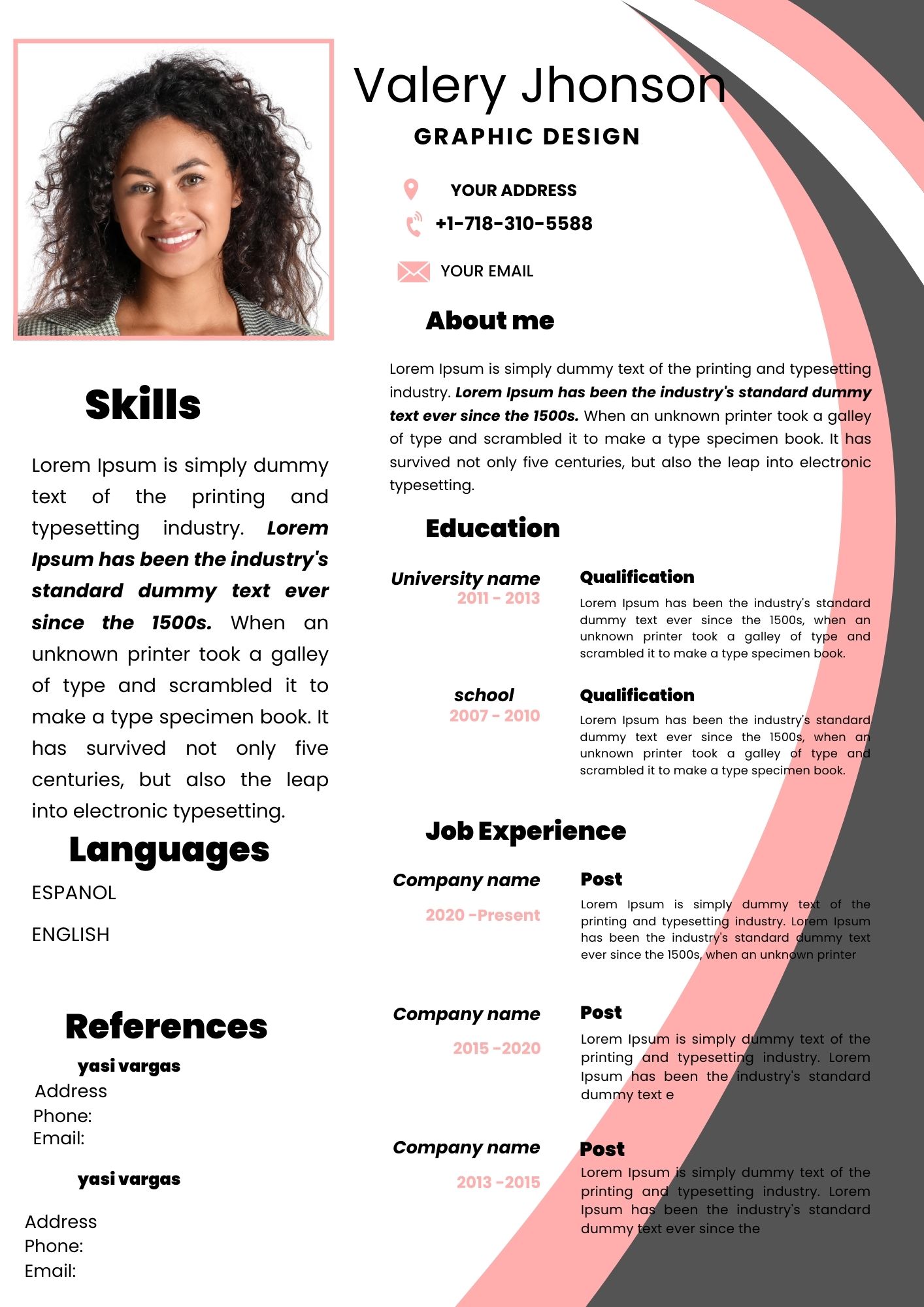
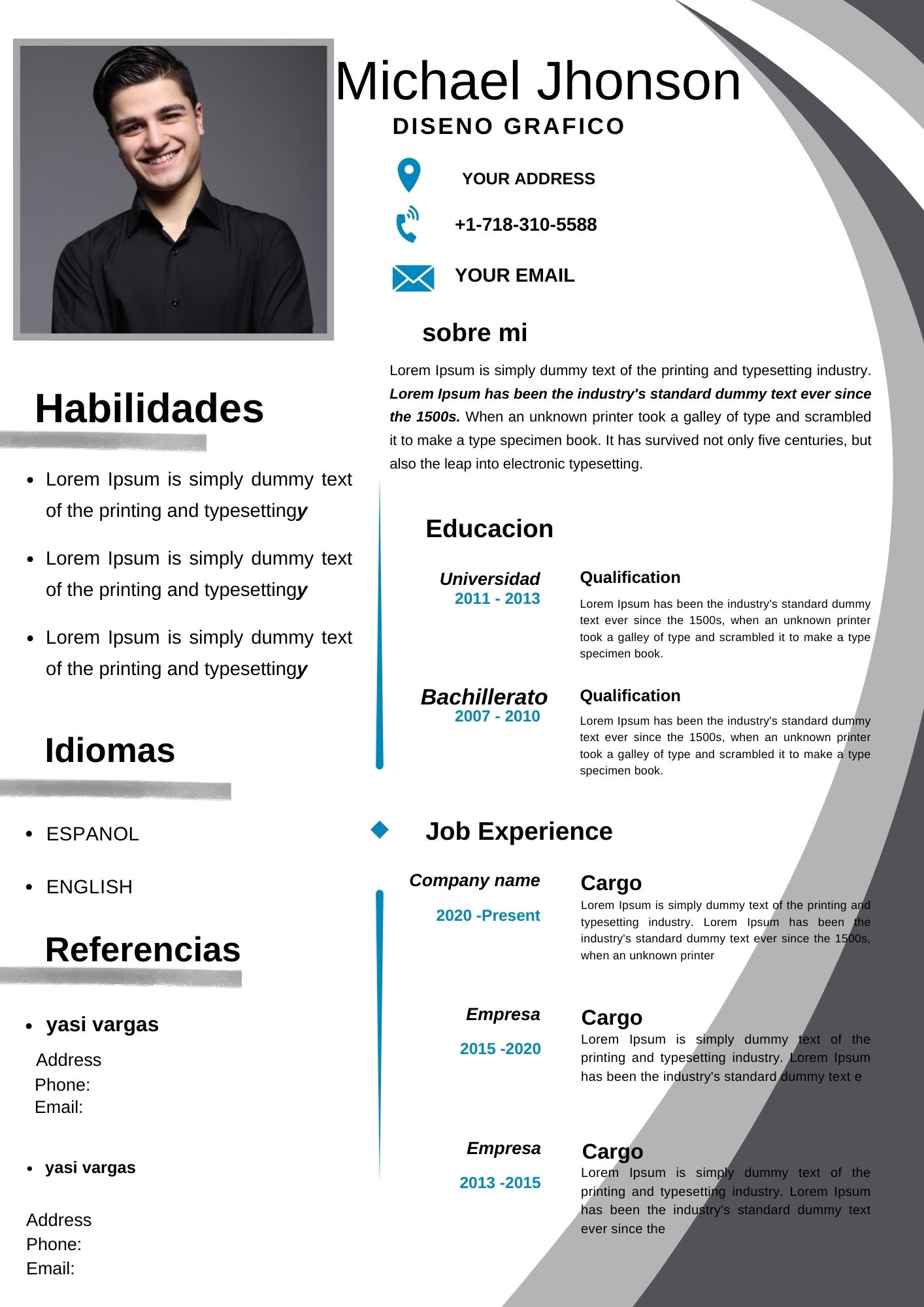
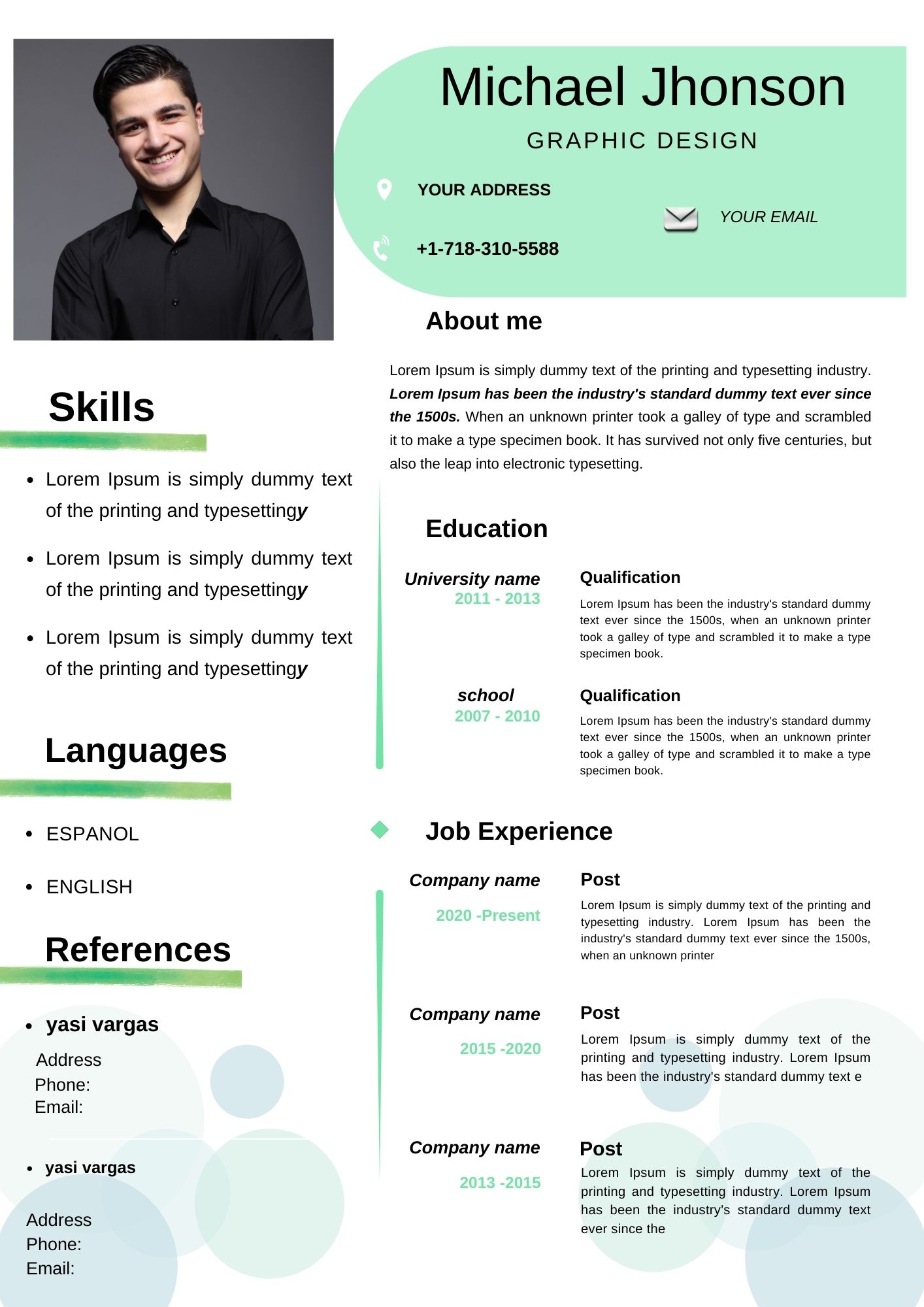
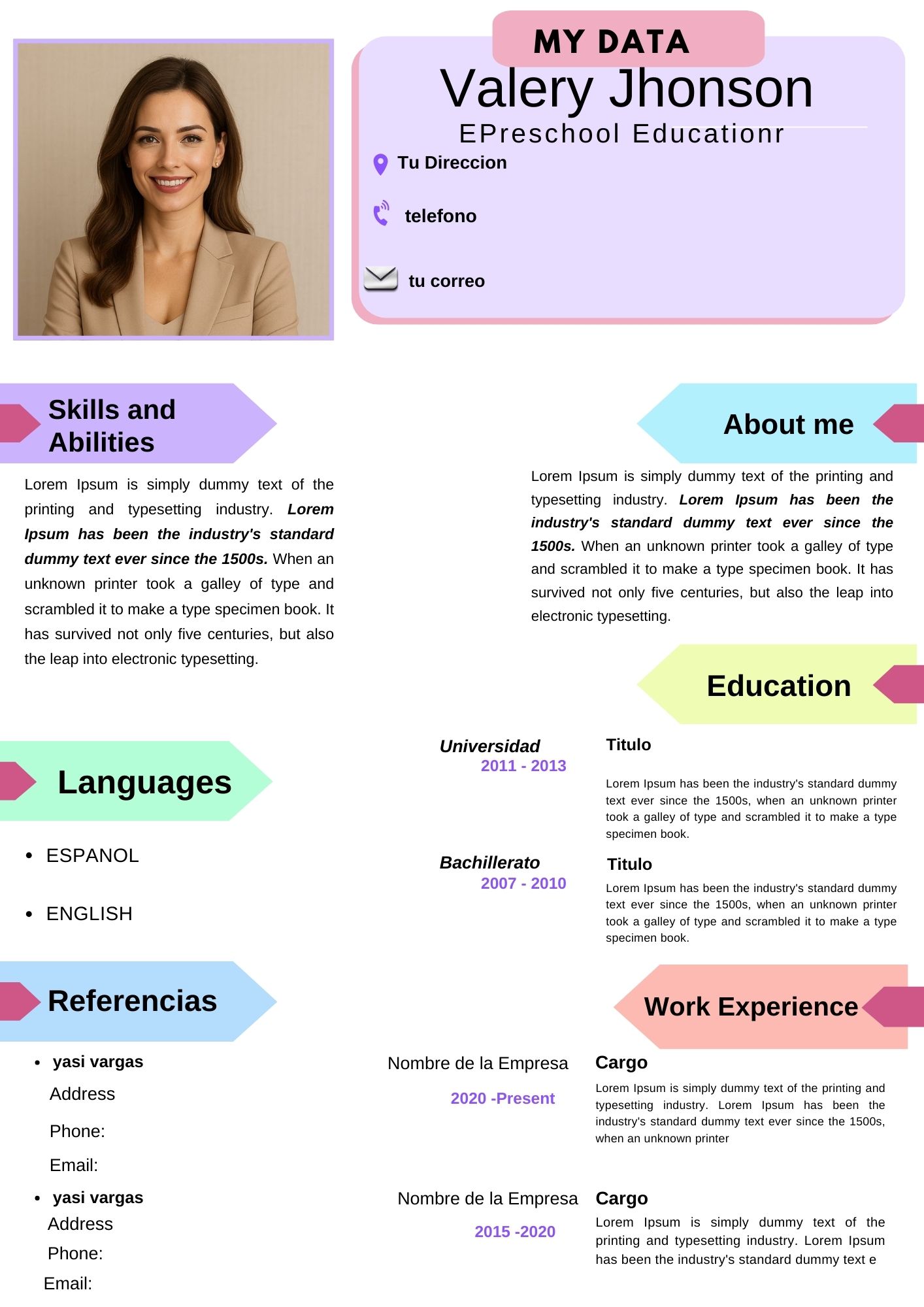
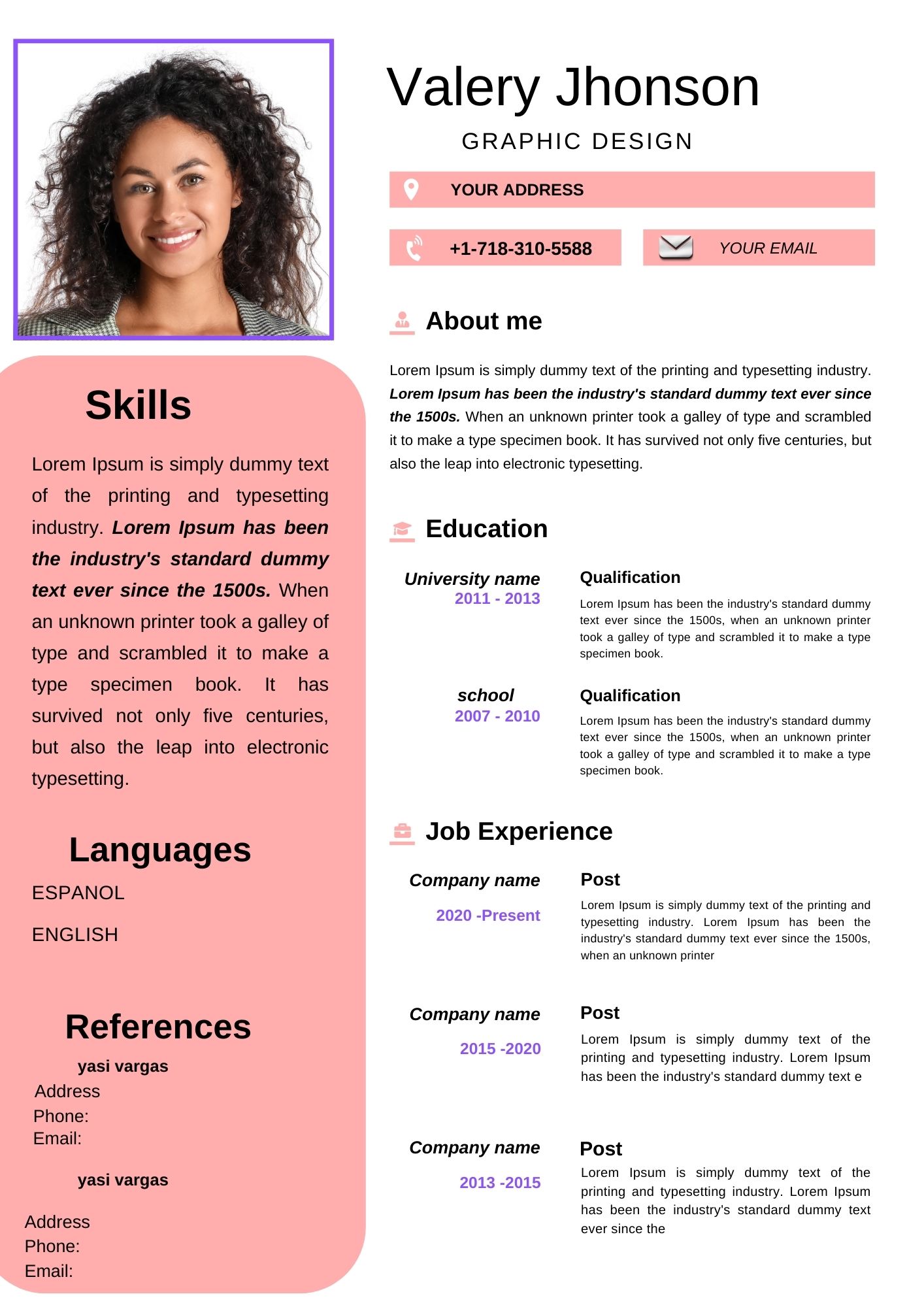
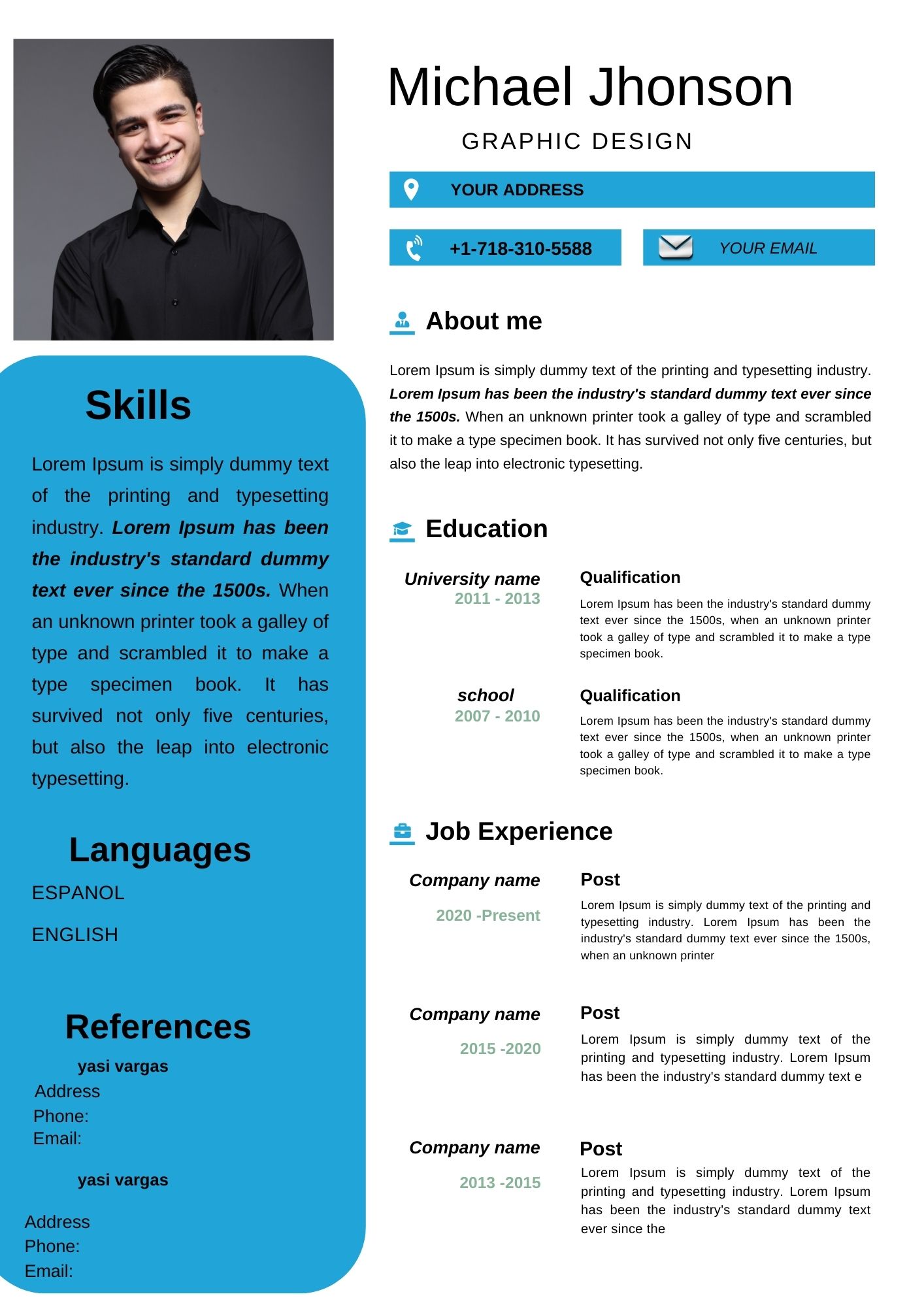
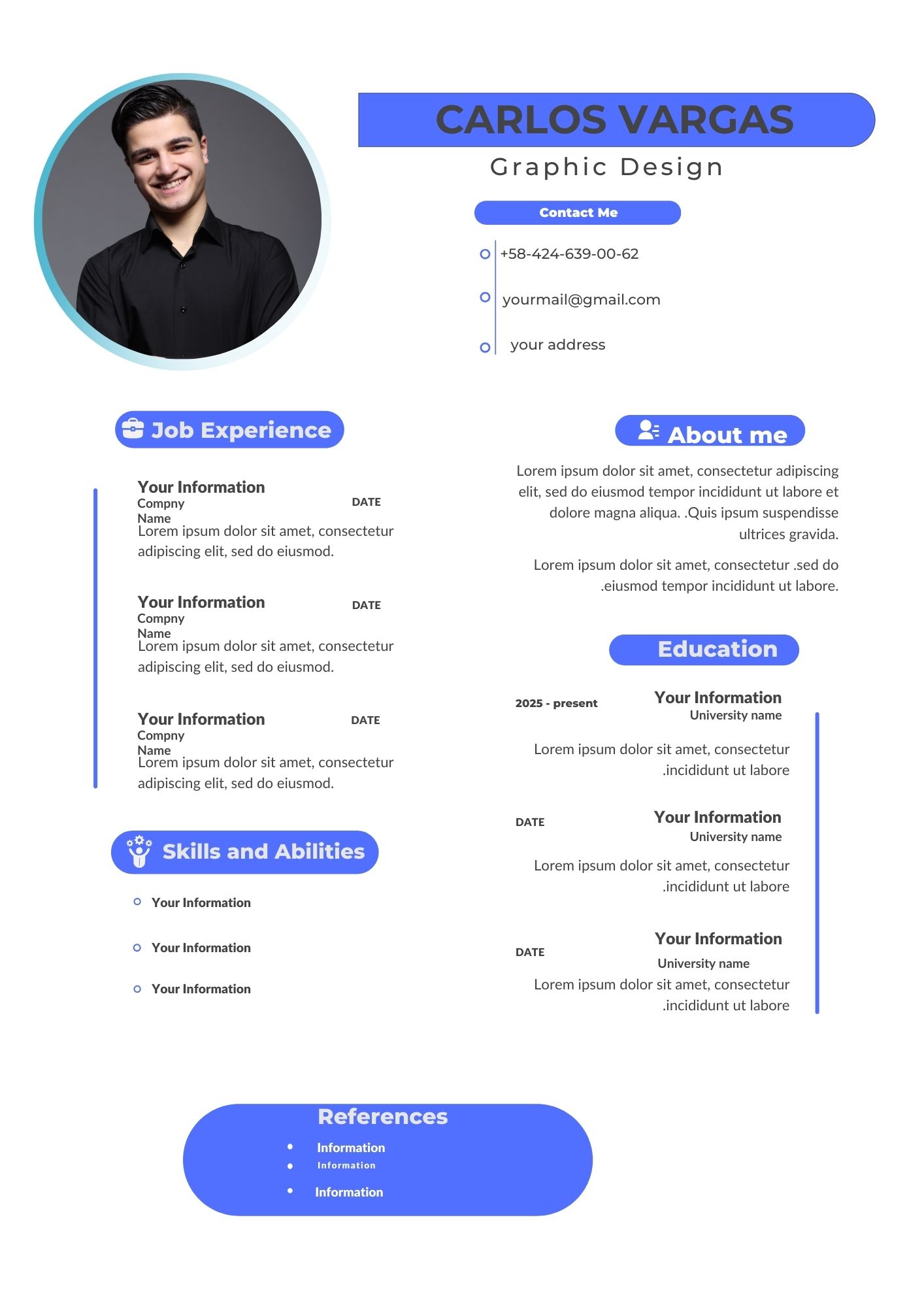
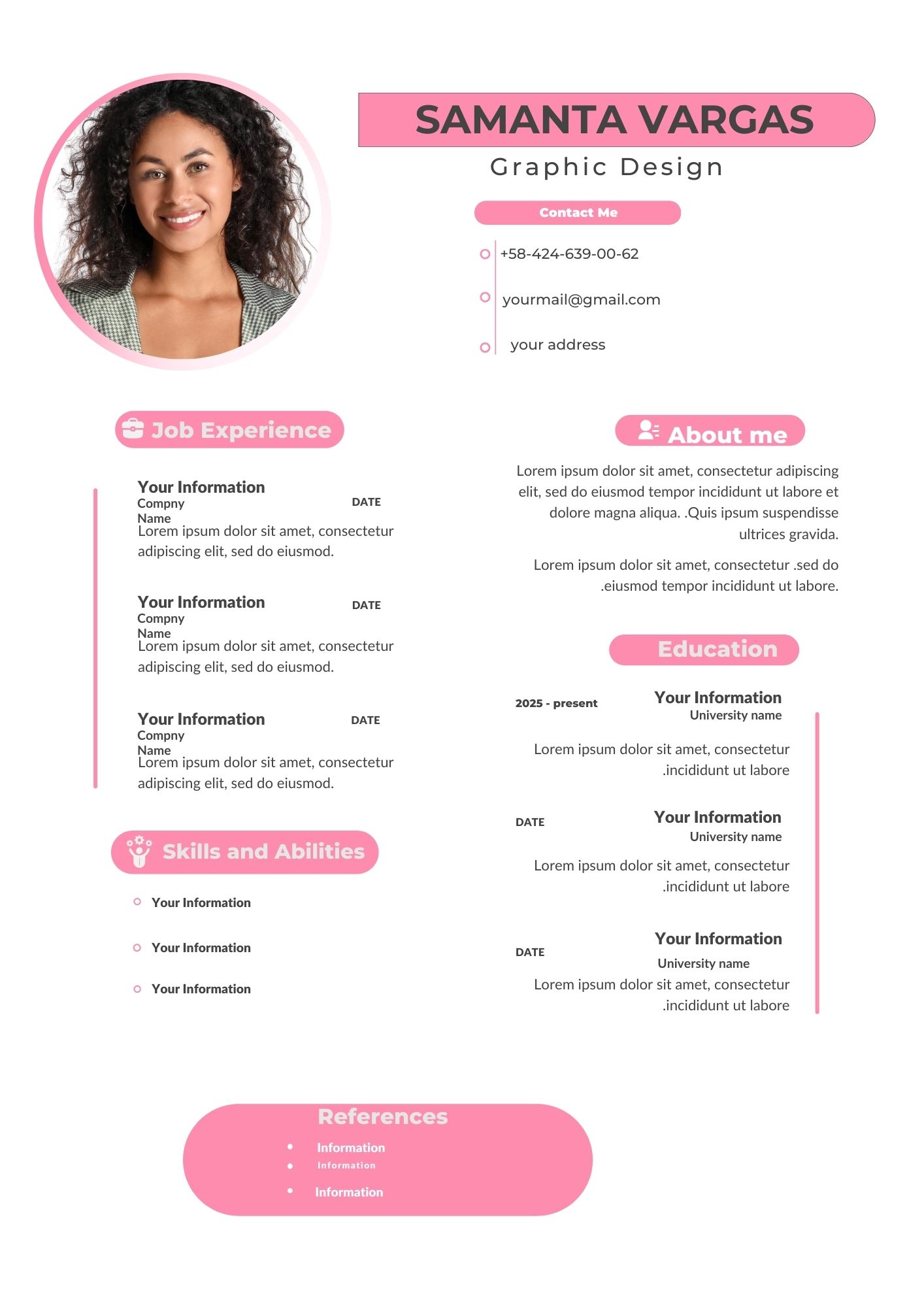
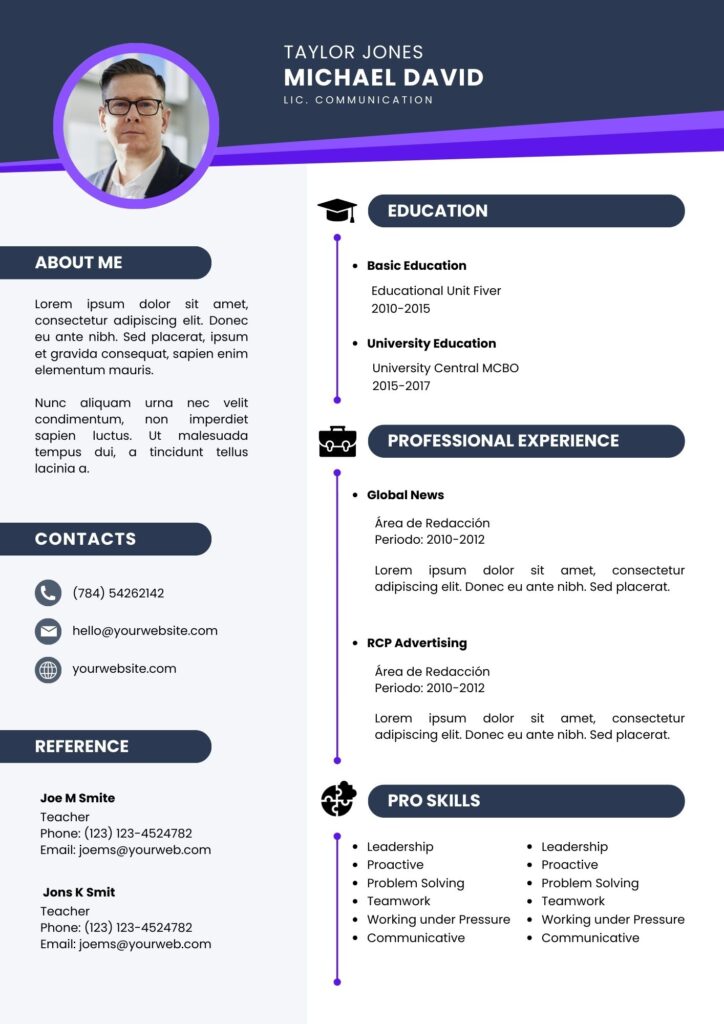
Are you looking for a modern CV template that is not only visually appealing but also easy to edit? Look no further! With Canva’s online editor, you can customize a professional CV template to suit your needs. These templates are perfect for both printing and sending digitally, making them versatile for any job application scenario.
Why Choose a Canva Editable Template?
Canva has become a go-to platform for creating stunning designs without needing advanced graphic design skills. Here’s why you should choose a Canva modern CV template:
- User-friendly interface: Canva’s drag-and-drop features make editing a breeze.
- Time-saving: Pre-designed templates mean you don’t have to start from scratch.
- Professional designs: Stand out from the crowd with sleek, modern layouts.
- Multi-use capabilities: Easily save your CV for digital sharing or printing.
Key Features of This Canva Template
- Fully customizable: Change fonts, colors, and layouts to match your personal style.
- Downloadable formats: Export your CV as a PDF, PNG, or JPG.
- Mobile-friendly editing: Make changes on the go with Canva’s app.
- High-quality design: Professional and modern layouts ensure you make a great impression.
How to Customize Your Canva Template
Step 1: Select the File
Choose your desired modern CV template from Canva’s extensive library. Ensure it aligns with the type of job you’re applying for.
Step 2: Open and Edit
Log in to Canva and open the template. Use the intuitive tools to:
- Add your personal details.
- Include relevant work experience and skills.
- Adjust colors and fonts to match your branding.
Step 3: Save or Print
Once you’re satisfied with your design:
- Download your CV in high-quality PDF for digital submission.
- Print it using a professional printer for a polished look.
Tips for an Outstanding CV
- Keep it concise: Employers spend only a few seconds scanning each CV.
- Use action verbs: Highlight achievements with strong language.
- Tailor your CV: Customize your CV for each job application.
- Proofread thoroughly: Avoid typos or grammatical errors.
Frequently Asked Questions
Can I use these templates for free?
Yes, Canva offers both free and premium templates. You can find excellent options without needing a subscription.
Is it easy to edit the template?
Absolutely! Canva’s platform is designed for users of all skill levels. Editing is as simple as dragging and dropping elements.
Can I print my CV directly from Canva?
Yes, Canva allows you to download print-ready files. You can either print them at home or use a professional printing service.
Ready to Create Your Modern CV Template?
Don’t wait any longer to create a stunning CV that sets you apart. Click below to start editing your Canva modern CV template today and make a lasting impression on potential employers.