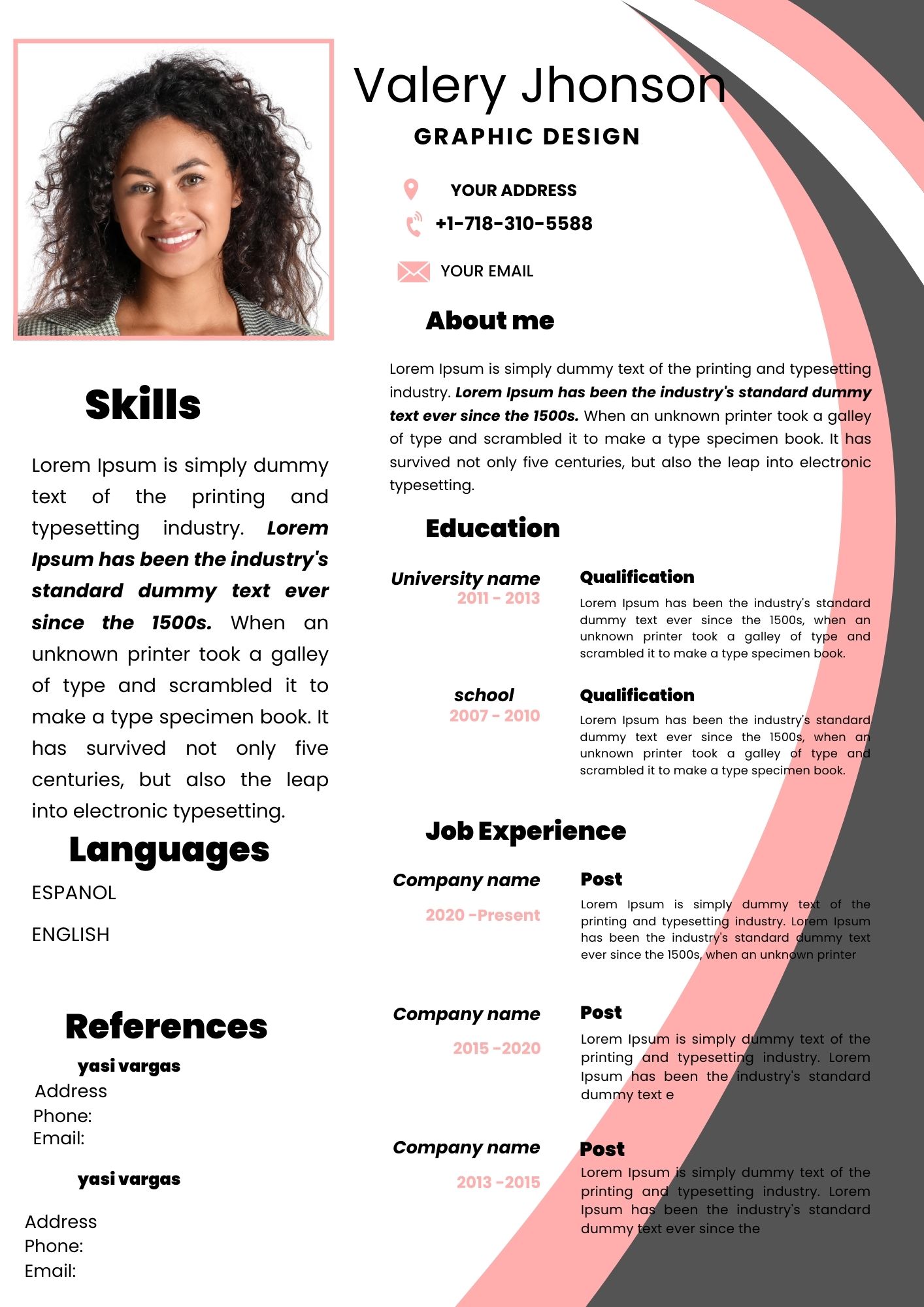
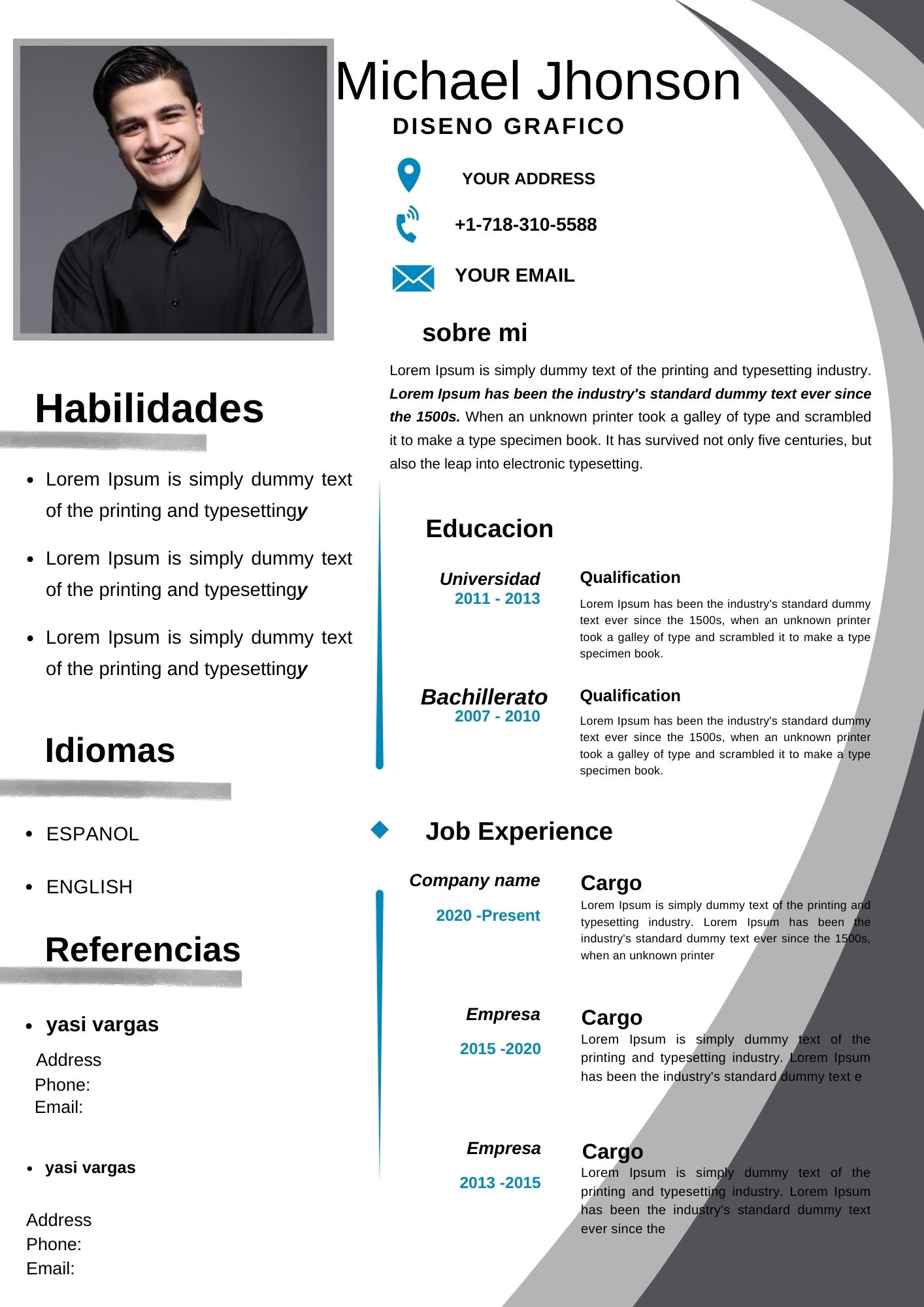
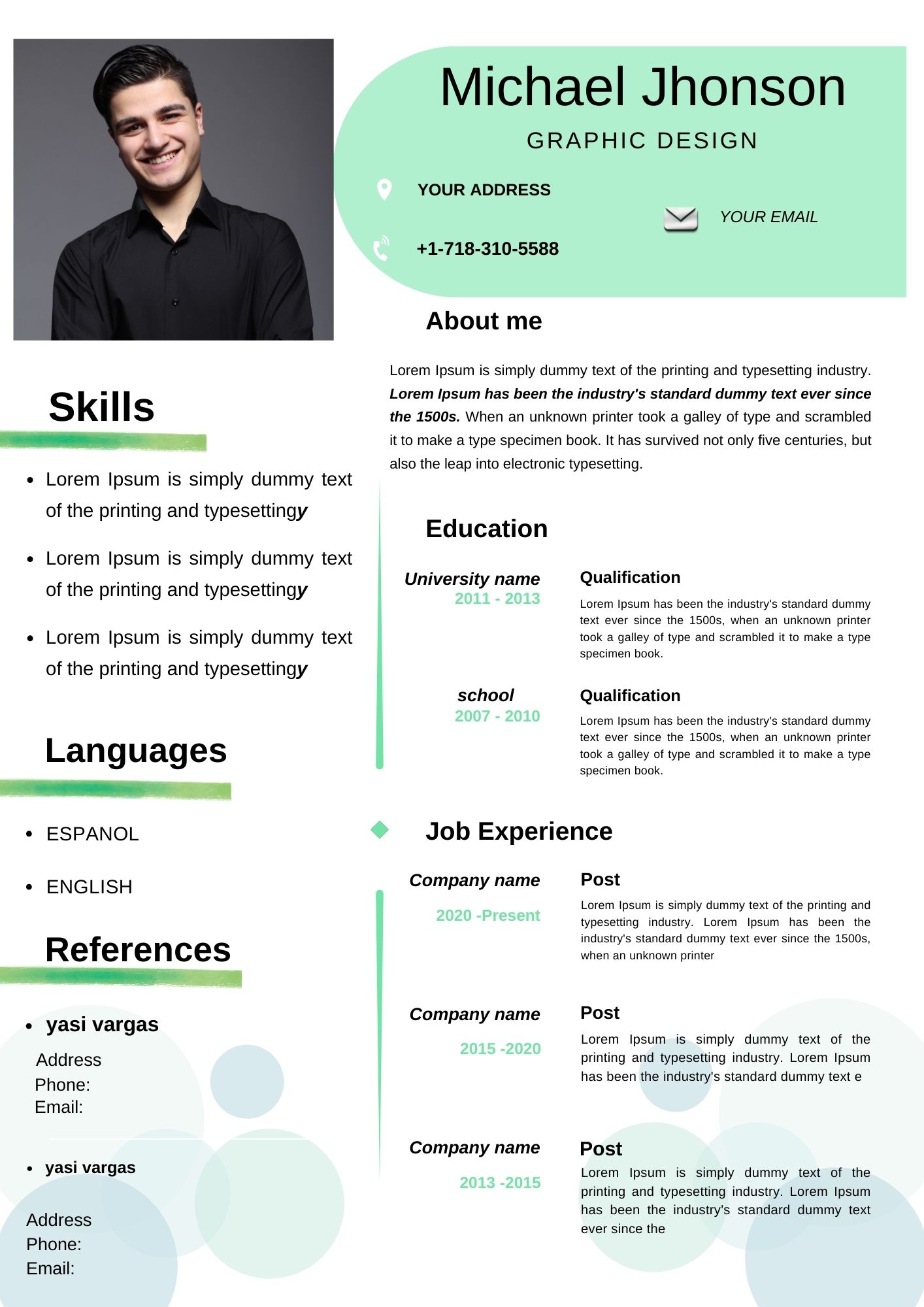
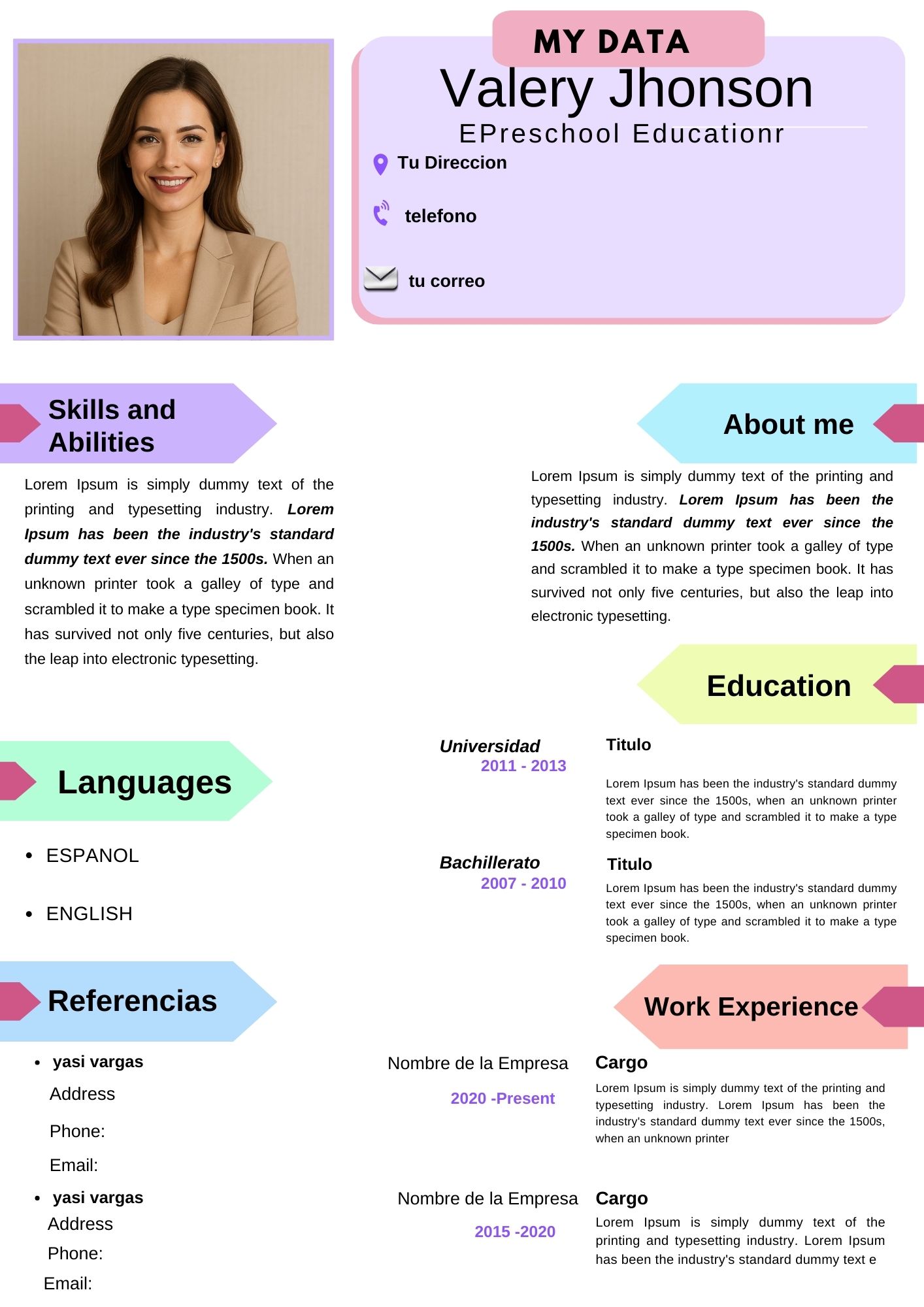
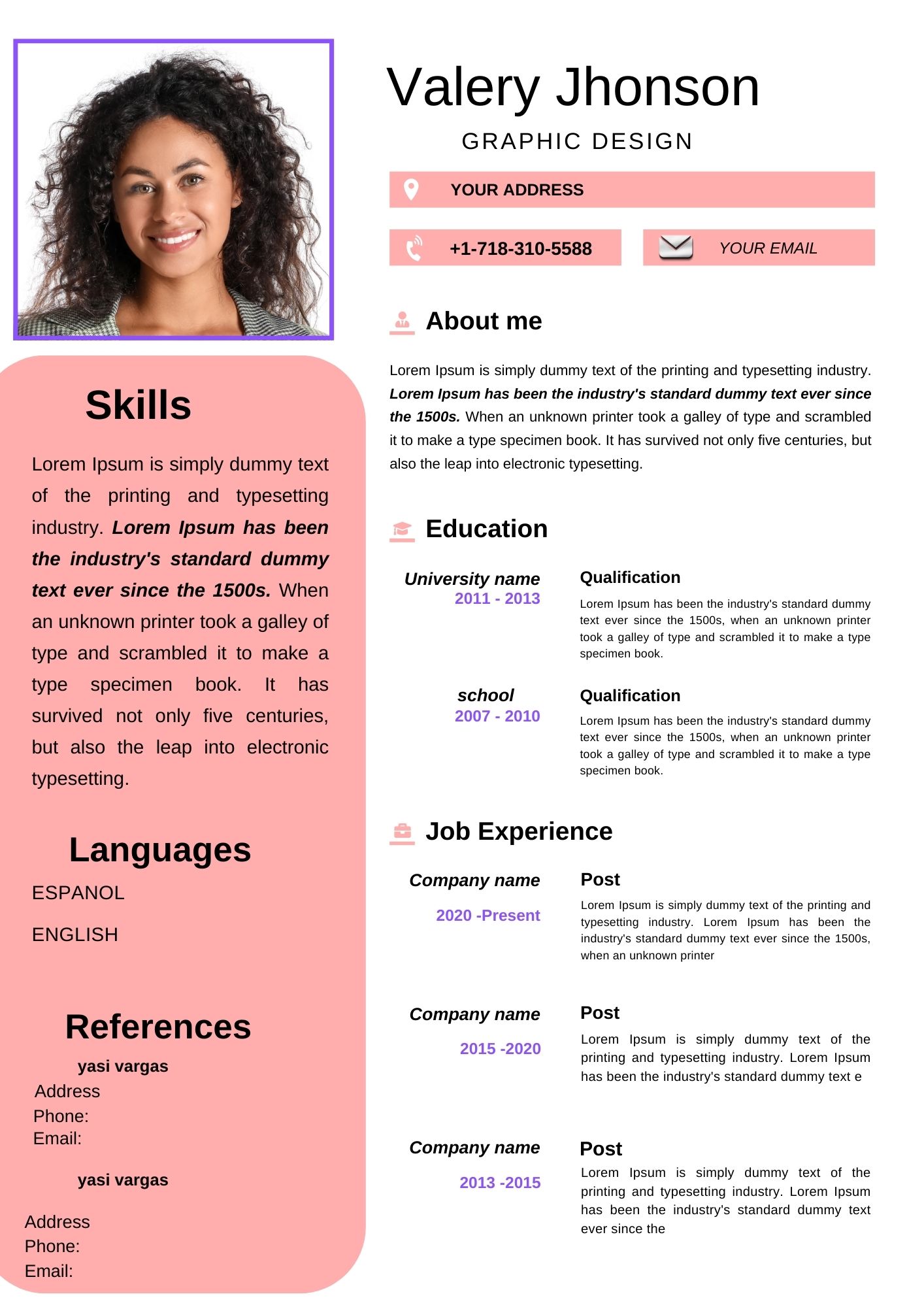
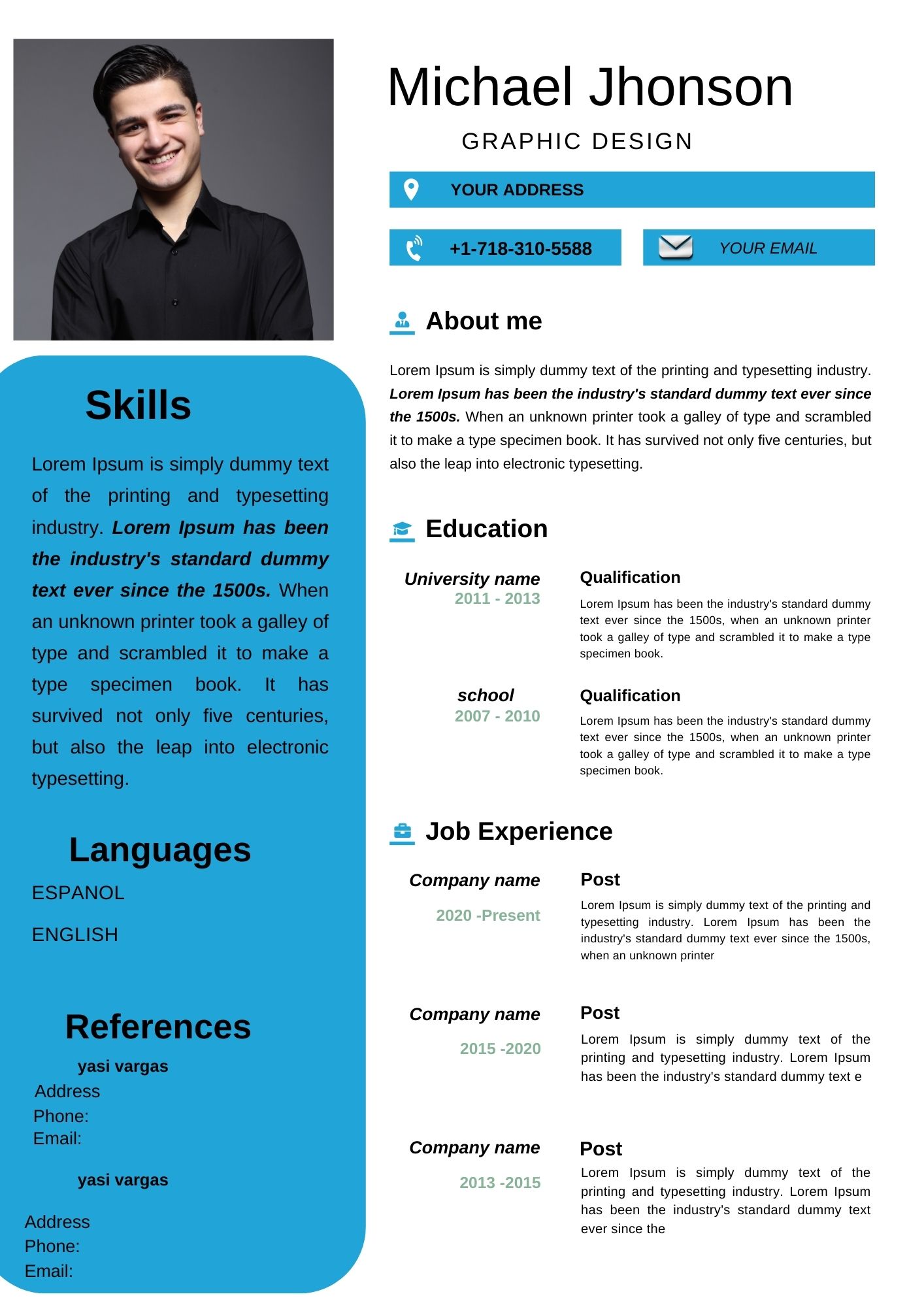
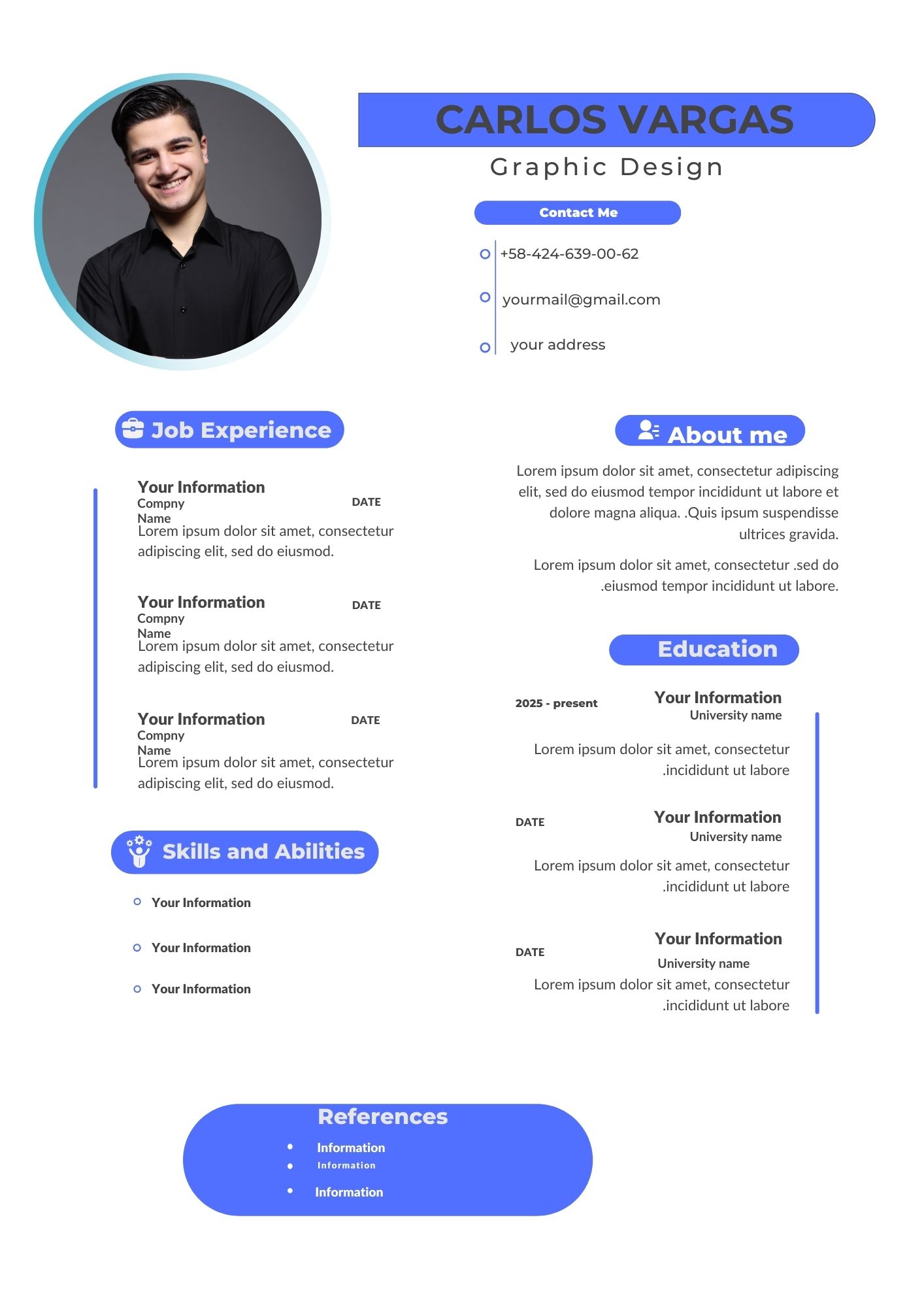
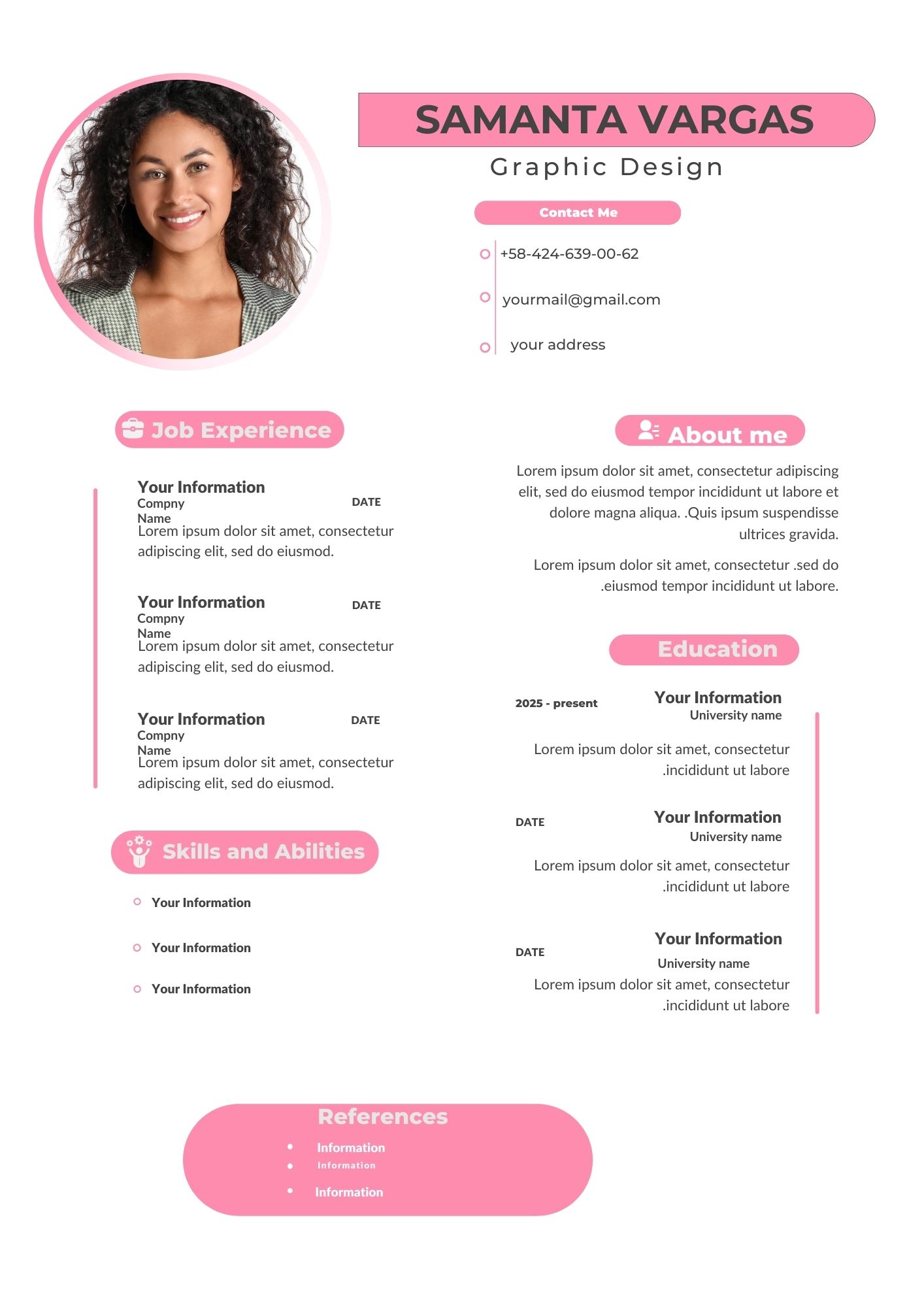
Creating a professional and visually appealing CV has never been easier. Whether you’re looking for your next career move or just updating your resume, Editable Curriculum Vitae (CV) Templates offer the perfect solution. With no need for special software or advanced design skills, you can create a polished and modern CV directly from your browser—on your computer or mobile device.
Here’s everything you need to know about how these templates can simplify your job application process while helping you stand out in a competitive job market.
Why Choose an Editable CV Template?
Using an editable CV template comes with numerous benefits, especially for job seekers eager to present themselves professionally. Here’s why these templates are a game-changer:
1. User-Friendly Customization
Editable CV templates are designed to be easy to modify. You can effortlessly update sections like your name, contact details, education, work experience, and skills to match your unique qualifications and career goals.
2. No Special Software Required
These templates are powered by Canva, an intuitive, browser-based design tool. You don’t need to download any software or have graphic design experience. Simply log in, select your template, and start editing directly from your PC or mobile device.
3. Save Time and Effort
Forget about building a CV from scratch. With a pre-designed template, the layout and formatting are already taken care of, allowing you to focus on crafting compelling content.
4. Professional, Eye-Catching Designs
Editable CV templates feature clean, modern layouts that are both visually appealing and easy to read—qualities that hiring managers appreciate.
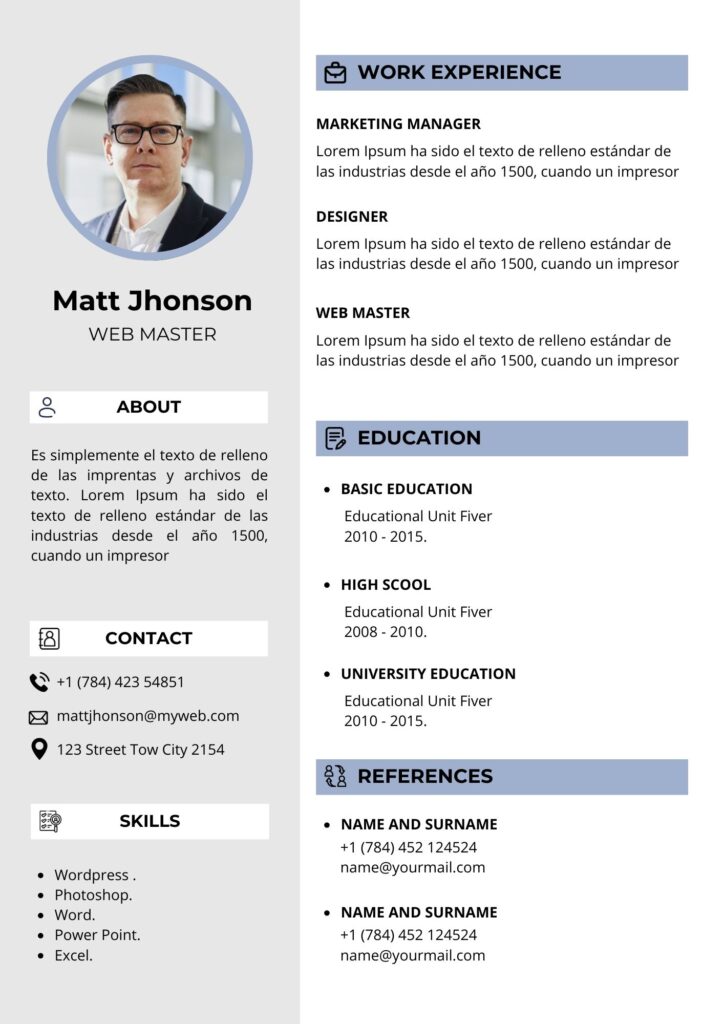
Key Features of This Light Corporate CV Template
Our Light Corporate Editable CV Template offers a perfect blend of professionalism and modern design. Here’s what sets it apart:
1. Fully Customizable Sections
Every part of the CV—from contact details to achievements—can be personalized. Tailor it to reflect your personal brand and highlight your strengths.
2. Browser-Based Editing
No downloads or installations needed. Simply open the template in Canva and start editing. You can make changes anytime, anywhere, whether on a laptop, tablet, or mobile device.
3. Stylish and Minimalist Design
This template features a sleek, corporate-friendly layout that ensures clarity and readability. It’s designed to highlight your qualifications while maintaining a professional look.
4. Editable Fonts and Colors
Adjust fonts, colors, and design elements to align with your industry or personal style. Make your CV unique while keeping it professional.
How to Customize Your CV Template
Follow these simple steps to create a standout CV with ease:
- Select Your Template: Choose the Light Corporate CV Template and open it in Canva.
- Input Your Information: Add your name, contact details, work experience, education, and skills.
- Highlight Your Achievements: Use bullet points to emphasize accomplishments that demonstrate your qualifications.
- Customize Design Elements: Adjust fonts, colors, and icons to match your personal style or industry standards.
- Save and Download: Save your CV as a high-quality PDF to ensure it looks polished when printed or shared digitally.
Tips to Make Your CV Shine
- Start with Action Verbs: Use strong action words like “Designed,” “Implemented,” or “Optimized” to describe your experience.
- Quantify Achievements: Wherever possible, include metrics to demonstrate your impact (e.g., “Boosted sales by 25%”).
- Keep It Clean: Limit your CV to one or two pages, ensuring every section is relevant to the job you’re applying for.
FAQs about Editable CV Templates
Q: Can I customize fonts and colors?
A: Absolutely! The Canva platform allows you to modify fonts, colors, and other design elements to suit your personal preferences.
Q: Is the template mobile-friendly?
A: Yes, you can edit the template on mobile devices. However, for the best experience and precision, we recommend using a desktop or tablet.
Q: What format should I use to save my CV?
A: Always save your CV as a PDF for easy sharing and to maintain its formatting.
Get Started Today
Don’t let a poorly designed CV hold you back from your dream job. With our Light Corporate Editable CV Template, you can craft a standout resume quickly and efficiently—directly from your browser.
Download your editable CV template now and make your first impression unforgettable!