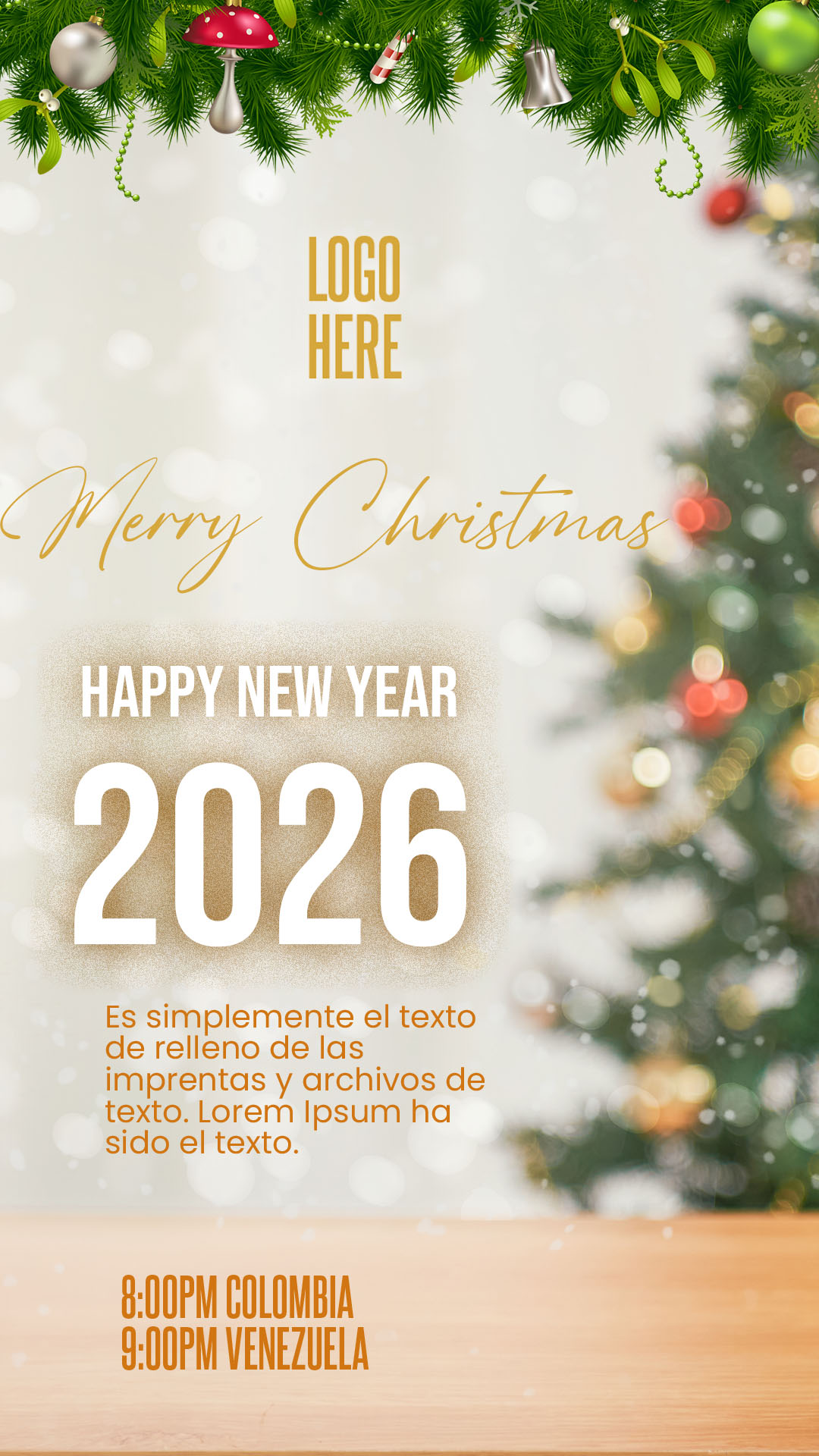
The holiday season is a prime time for events, parties, and special promotions. If you searched for “Flyer de navidad editable en PSD y canva,” you need a design solution that is both festive and flexible. We offer a premium Christmas flyer template available in two essential formats: the professional PSD file for high-quality printing, and the accessible Canva template for quick digital sharing. This dual option ensures that whether you prefer the detailed control of Adobe Photoshop (PSD format) or the ease of the Canva online editor, you can create a beautiful and effective promotion for your Christmas party, corporate gathering, or holiday sale.

¿Por qué elegir una plantilla editable PSD? (Why Choose Our PSD and Canva Template?)
Opting for our dual-format package ensures your Christmas announcement captures the holiday spirit with quality:
- Festive Effects Control (PSD): Use the PSD file and Adobe Photoshop to achieve high-quality effects like realistic snow, glitter, and metallic lettering, crucial for luxury holiday branding.
- Rapid Sharing (Canva): The Canva version is perfect for fast updates to dates, times, or RSVP details, allowing you to share across social media and messaging apps instantly.
- Optimized for Holiday Themes: The template features classic Christmas colors (red, green, gold, silver) with professional layouts designed to highlight key event information, such as date, location, and dress code.
Note: To fully leverage the layers, effects, and print resolution of the PSD file, Adobe Photoshop must be installed on your computer. The Canva template is accessible from any web browser.
Características principales de esta plantilla PSD (Key Features of This Christmas Flyer)
This template is designed for high impact and festive appeal:
- Seasonal Graphics: Includes editable layers for holiday elements like snowflakes, stars, wreaths, and festive ornaments.
- High-Contrast Text Areas: Clear sections are designed for event titles and crucial details, ensuring legibility even with busy backgrounds.
- Dual-Format Delivery: Receive both the native PSD file and the Canva template link within the download package.
Cómo personalizar tu plantilla PSD (How to Customize Your PSD Template)
Here is the process for customizing the professional PSD file of your Flyer de navidad editable en PSD y canva:
Descarga el Archivo (Download the File):
Download the compressed ZIP file containing your template from our resource bank.
Descomprímelo (Unzip It):
Extract the contents of the ZIP file. You will find the PSD template file, the Canva template link, and a crucial text document (.txt).
Abre el archivo PSD (Open the PSD File):
Open the main template file using Adobe Photoshop.
Instala la fuente (Install the Font):
Vital Step: The professional and festive fonts used in the flyer design are not included in the file due to licensing. You must open the accompanying .txt document, which provides external links to download the necessary typefaces. You must install these fonts on your computer before editing the text layers in Adobe Photoshop. For assistance with the process, please ensure you open this video tutorial in a new tab:
Click here for the font installation video tutorial (Opens in a new tab)
Edita las capas y textos (Edit Layers and Texts):
Use the Layers panel in Adobe Photoshop to modify the event name, date, time, location, ticket price, and any special holiday offers.
Guarda y exporta (Save and Export):
Save the final design as a high-quality PDF for professional printing or as an optimized JPG/PNG for digital promotion and social media campaigns.
Consejos (Tips)
- Early Promotion: Holiday dates book up fast. Start promoting your event several weeks in advance using this flyer.
- Contrast: Ensure the text remains highly visible against traditional holiday colors (like deep red or dark green) by using white or gold fonts.
- Include Contact Info: Make sure RSVP, ticketing, and contact information are clearly listed to maximize attendance.
Preguntas frecuentes (FAQ)
Q: Can I change the year on the flyer?
A: Yes. All text, including the year, is fully editable in the PSD file and the Canva template.
Q: Is the Canva version good enough for small-scale printing?
A: The Canva template allows for good quality printing, but the PSD file offers the highest resolution and color fidelity for large-scale professional printing.
Q: Can I use this template for a New Year’s Eve event instead?
A: Absolutely. Simply update the graphics (e.g., replace snowflakes with fireworks) and adjust the main title text.
Llamado a la acción para editar (Call to Action)
Get your holiday event noticed! Download the Flyer de navidad editable en PSD y canva now and create a stunning promotional piece that captures the magic of Christmas!
[DOWNLOAD FREE CHRISTMAS FLYER TEMPLATE]
Download “#0451 Download in PSD format here” 0451.zip – Downloaded 0 times – 28.95 MB