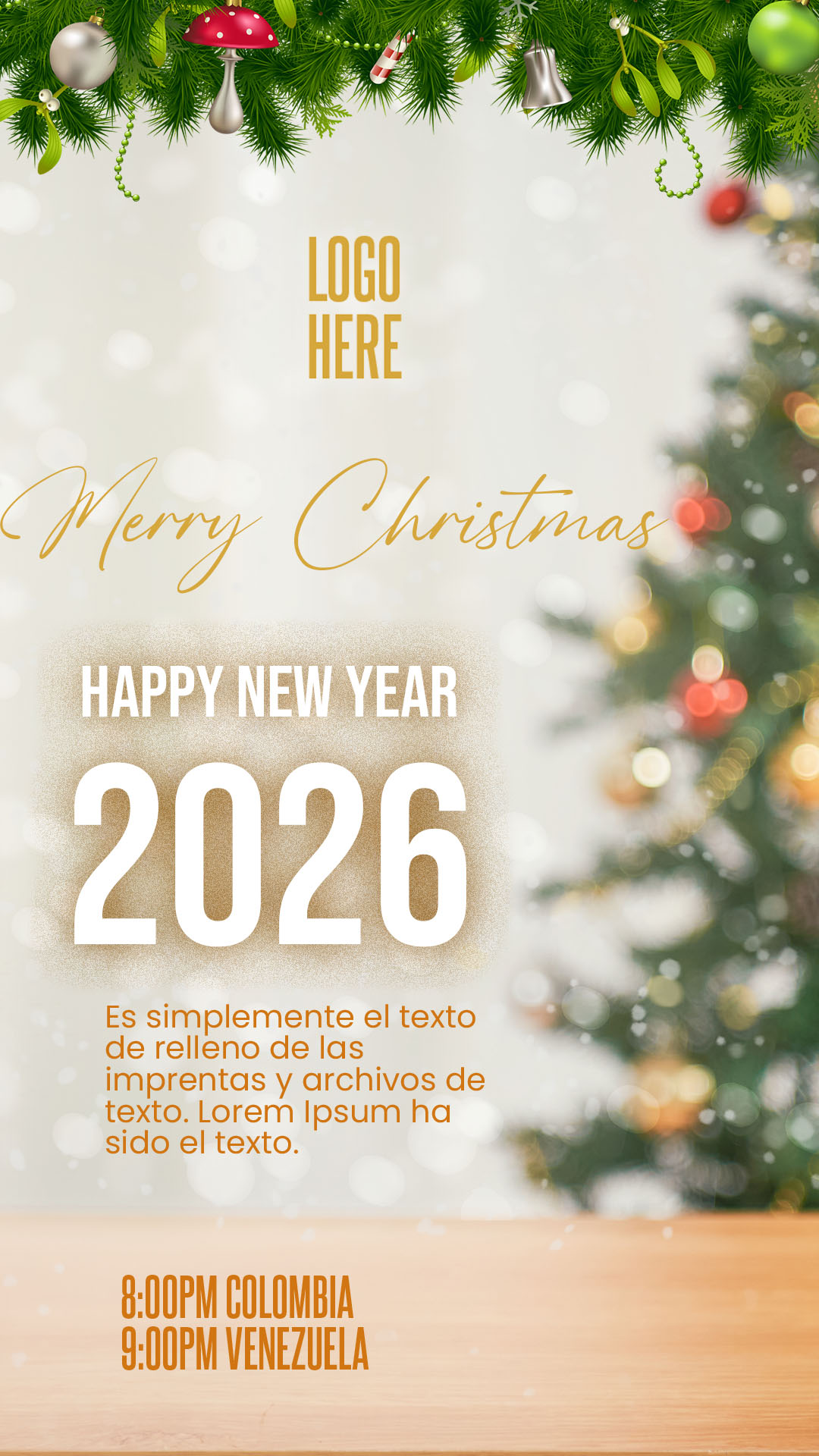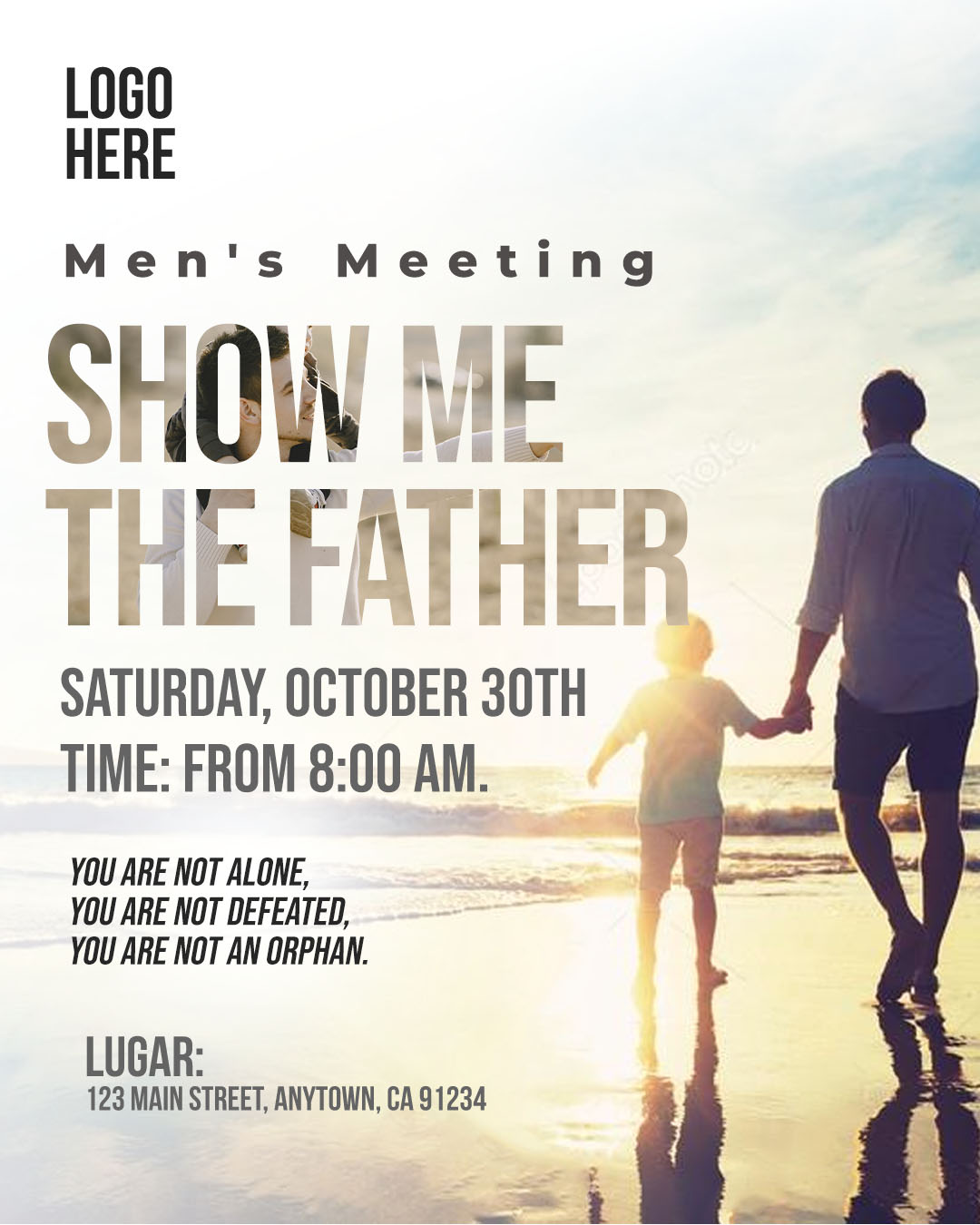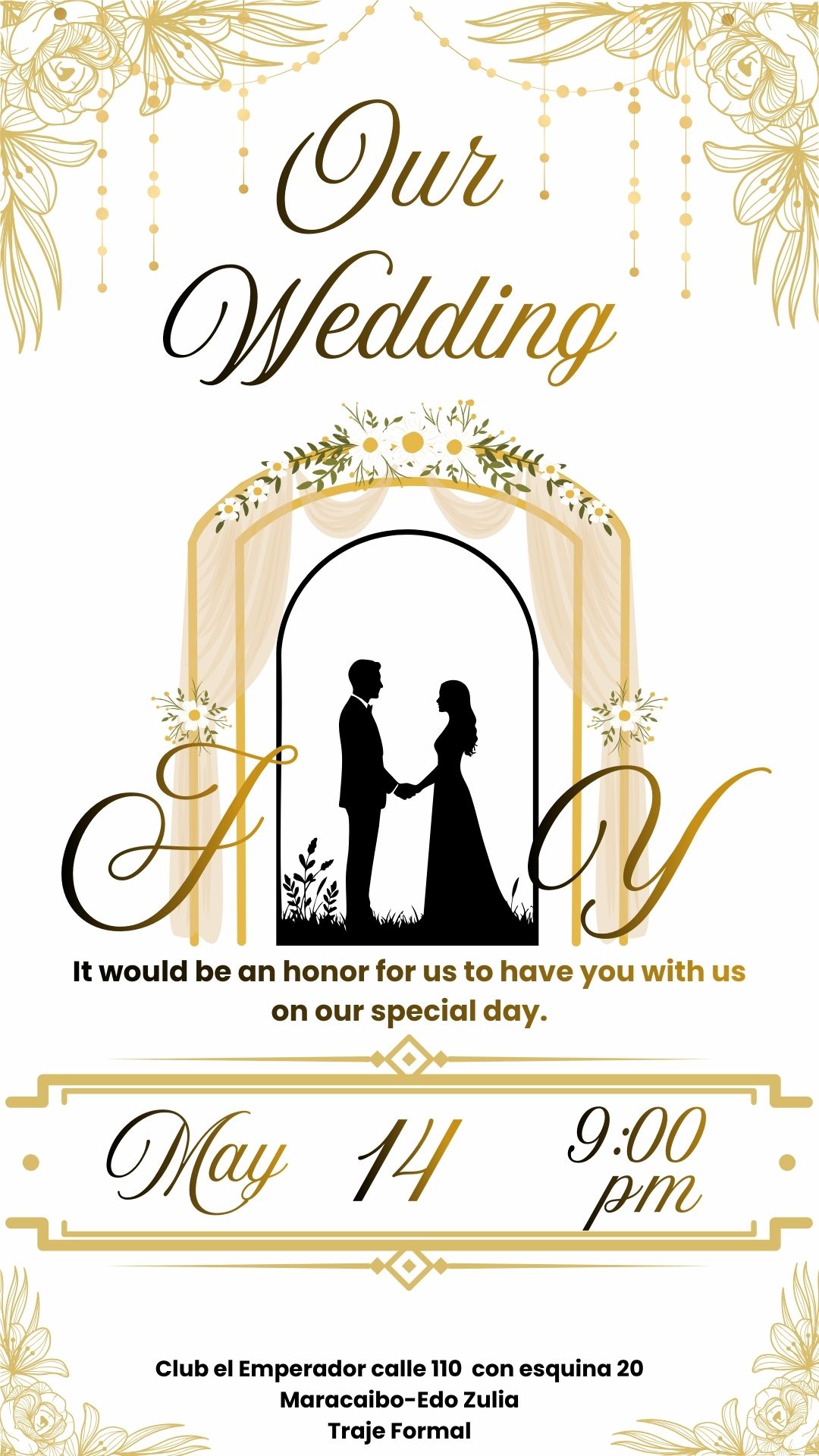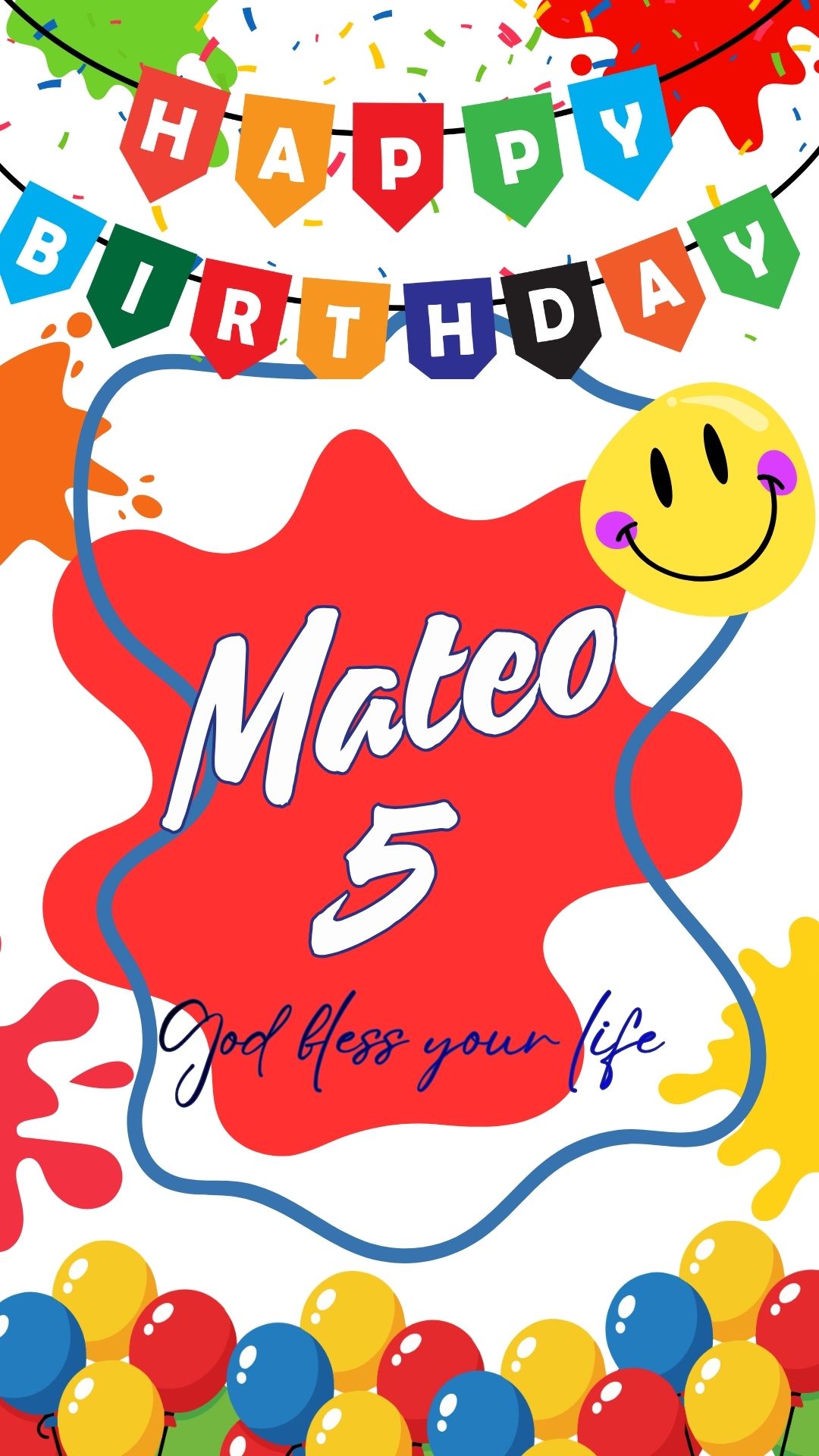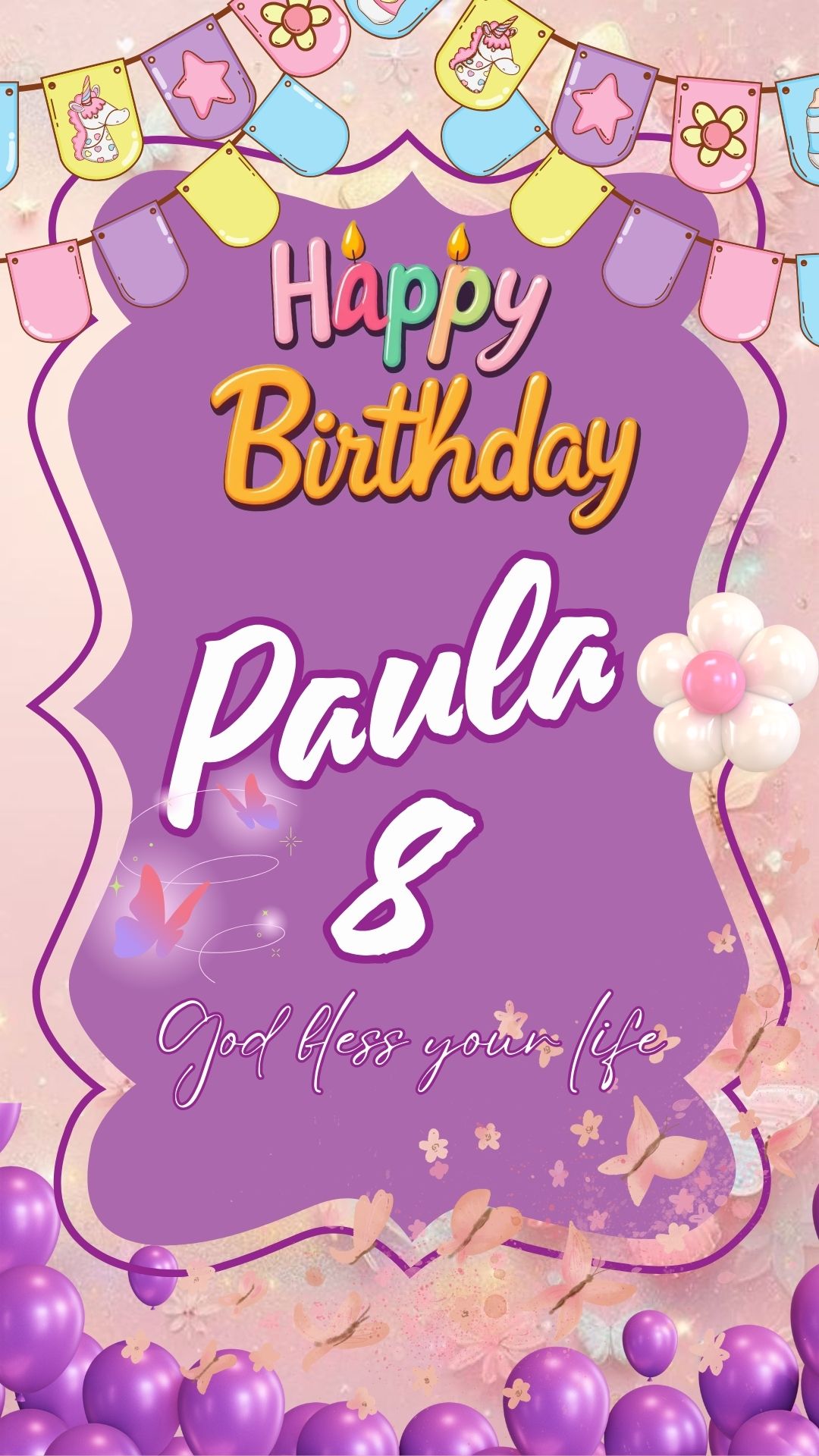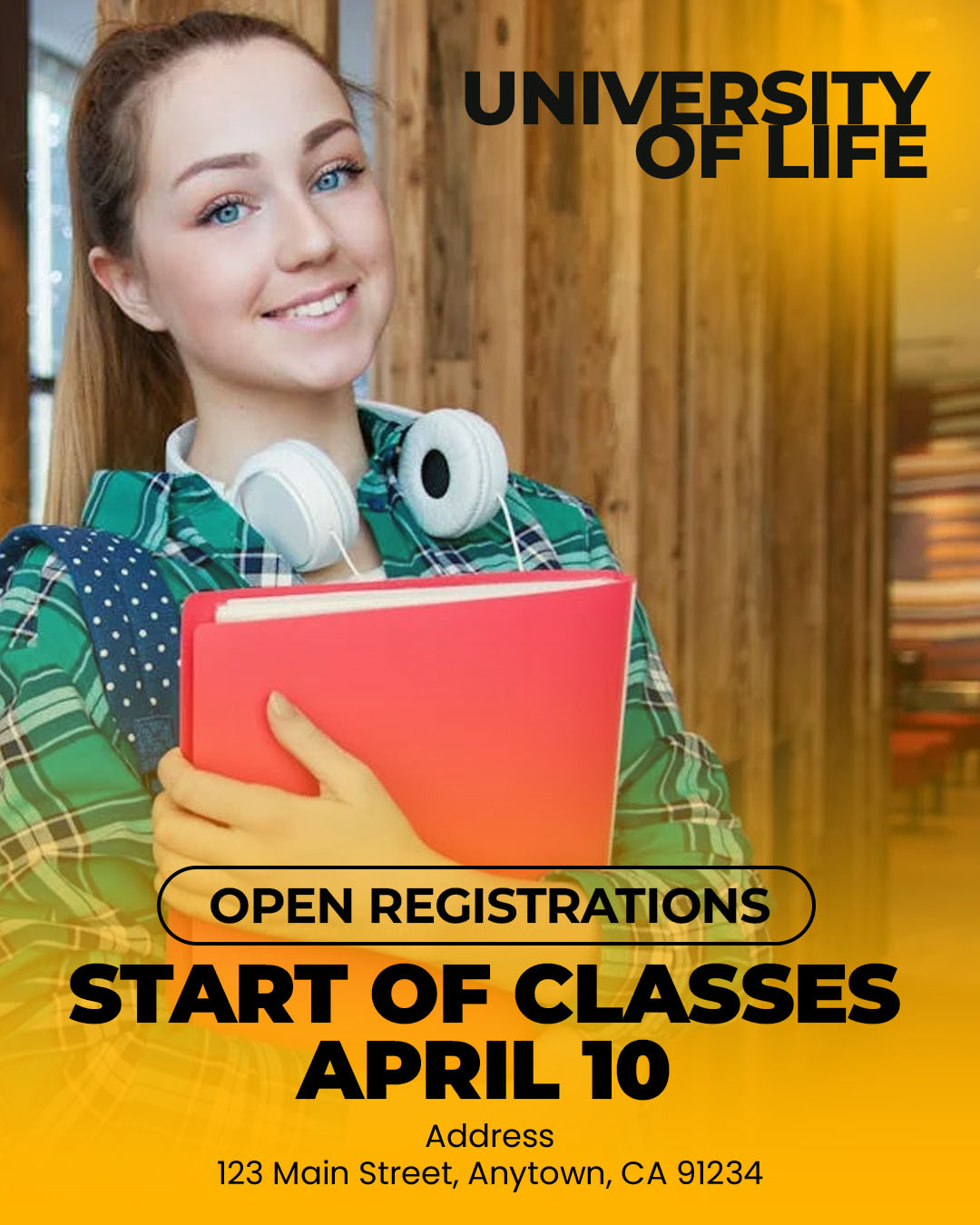
The announcement of a new school year or the start of classes is a crucial time for attracting new students and informing current ones. If you searched for “Flyer de inicio de clases editable en canva y psd,” you need a promotional tool that combines an attractive design with maximum editing flexibility. We offer a premium template available in PSD and Canva formats, ideal for any educational institution, from language schools to vocational training academies. This dual option allows you to choose between the detailed control of Adobe Photoshop (PSD format) or the speed and accessibility of Canva for effective and professional promotion.

¿Por qué elegir una plantilla editable PSD? (Why Choose Our PSD and Canva Template?)
Opting for this dual-format package ensures your start of classes announcement is seen and remembered:
- Superior Editing Flexibility: Use the PSD file and Adobe Photoshop for advanced layer management, allowing you to change specific graphic elements, such as pencils, books, or blackboards, with precision.
- Speed and Convenience (Canva): The Canva version is perfect for coordinators or non-technical staff who need to quickly update enrollment deadlines or course lists from any device.
- Success-Oriented Design: The template is optimized with cheerful, clean colors and typography that conveys trust and professionalism—key elements in the educational sector.
Note: To fully utilize the printing features and graphic effects of the PSD file, Adobe Photoshop must be installed on your computer. The Canva template is fully functional online.
Características principales de esta plantilla PSD (Key Features of This PSD Template)
This template has been designed for the effective promotion of the start of classes:
- Visual Educational Theme: Incorporates iconic graphic elements (books, backpacks, rulers, etc.) that can be easily rearranged or replaced.
- Highlighted Key Sections: Clear areas for the enrollment deadline, the start date of classes, programs offered, and contact information.
- Easy Photo Insertion: Layers are set up so you can easily add photos of students or facilities, providing credibility and relatability.
Cómo personalizar tu plantilla PSD (How to Customize Your PSD Template)
Below is the process for customizing the professional PSD file of your Flyer de inicio de clases editable en canva y psd:
Descarga el Archivo (Download the File):
Download the compressed ZIP file containing your template from our resource bank.
Descomprímelo (Unzip It):
Extract the contents of the ZIP file. You will find the PSD template file, the link to the Canva template, and a crucial text document (.txt).
Abre el archivo PSD (Open the PSD File):
Open the main template file using Adobe Photoshop.
Instala la fuente (Install the Font):
Vital Step: The clear, cheerful, and legible fonts used in the flyer design are not included in the file due to licensing. You must open the accompanying .txt document, which provides external links to download the necessary typefaces. You must install these fonts on your computer before editing the text layers in Adobe Photoshop. For assistance with the process, please ensure you open this video tutorial in a new tab:
Click here for the font installation video tutorial (Opens in a new tab)
Edita las capas y textos (Edit Layers and Texts):
Use the Layers panel in Adobe Photoshop to modify the course title, enrollment information, benefits of studying at your institution, and contact details.
Guarda y exporta (Save and Export):
Save the final design as a high-quality PDF for posters or as an optimized JPG/PNG for promotion on social media and websites.
Consejos (Tips)
- Focus on Urgency: Use phrases like “Limited Spaces” or “Enroll Today” to encourage immediate registration.
- Highlight Benefits: Don’t just announce classes; emphasize what students will learn or achieve.
- Use Institutional Colors: Adapt the flyer’s color palette to your school or academy’s colors to reinforce your brand.
Preguntas frecuentes (FAQ)
Q: Is the Canva template suitable for printing flyers on paper?
A: The Canva template allows downloading as a PDF for printing, although the PSD file and Adobe Photoshop offer more precise control over color profiles for professional printers.
Q: Can I use this template for a university?
A: Yes. You can easily replace the child-oriented graphics with more formal or academic images (libraries, diplomas) to adapt it to a higher level.
Q: Can I modify the text layout without being an expert?
A: Yes. The layers are intuitively organized, allowing users with basic knowledge of Adobe Photoshop to move and edit the main text blocks.
Llamado a la acción para editar (Call to Action)
Prepare your institution for the next cycle! Download the Flyer de inicio de clases editable en canva y psd now and make sure your announcement captures the attention of thousands of future students.
[DOWNLOAD FREE BACK TO SCHOOL FLYER TEMPLATE]
Download “#0449 Download the FREE IN PSD” 0449.zip – Downloaded 0 times – 12.44 MB