Why Choose an Editable Canva Template?
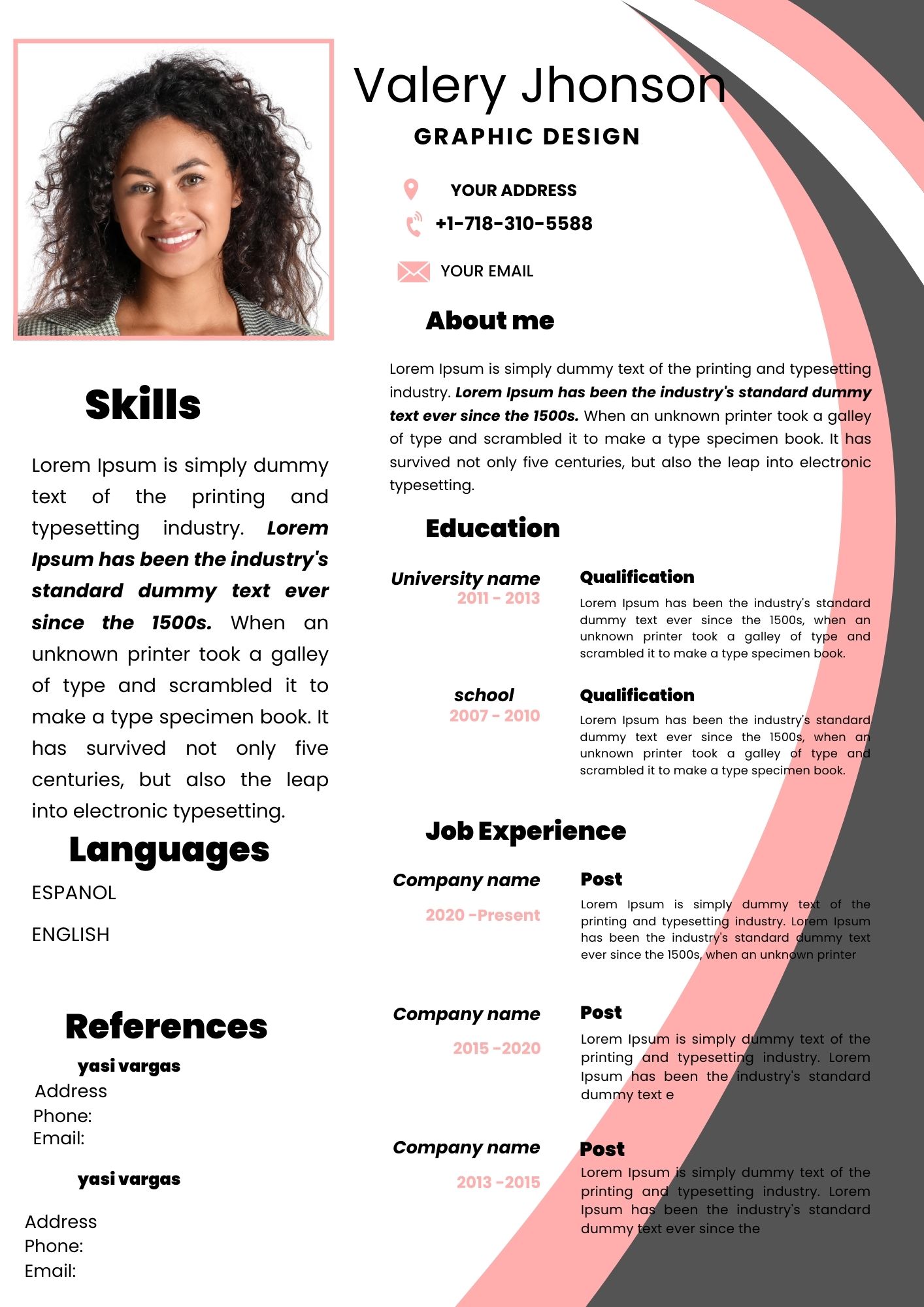
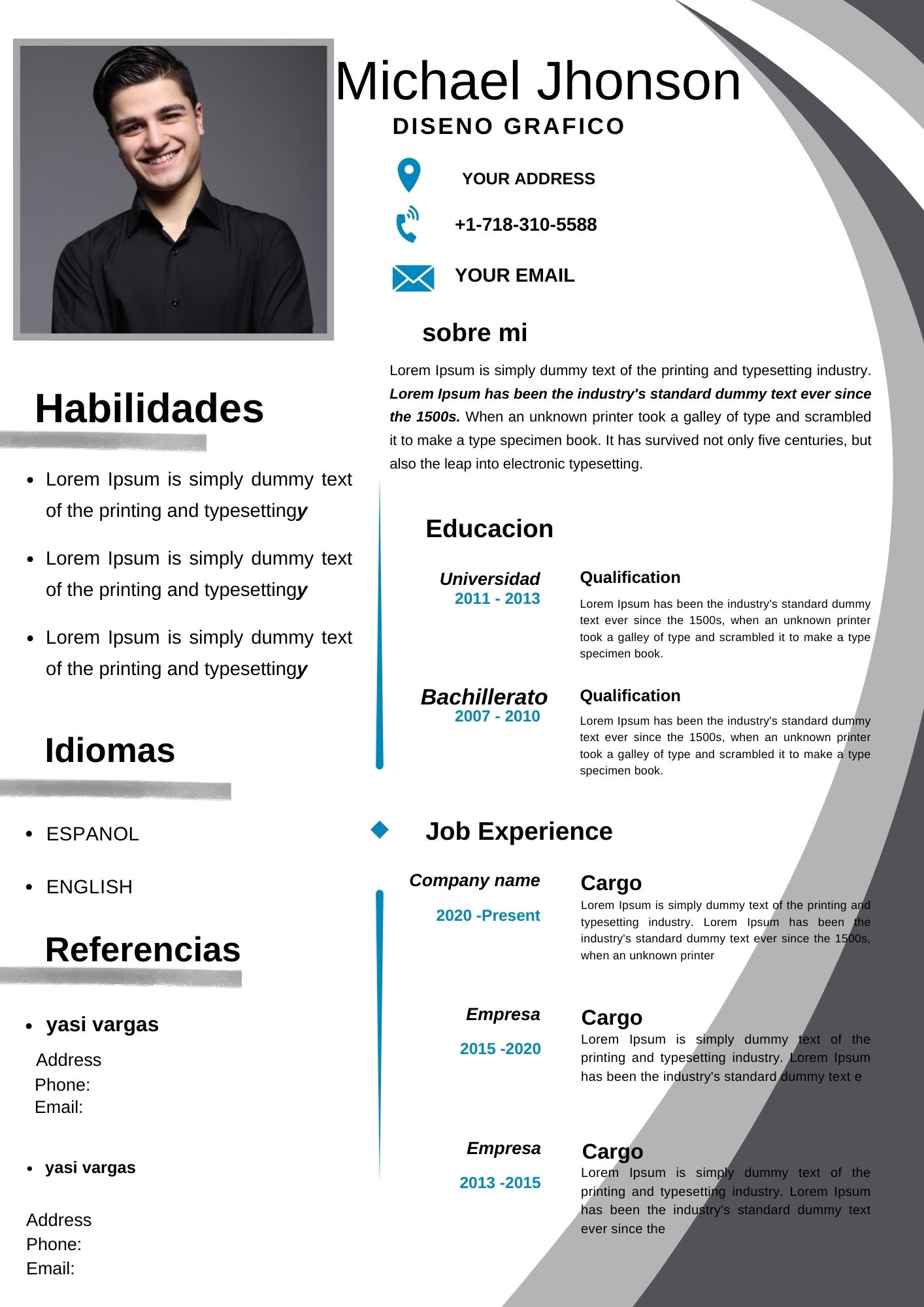
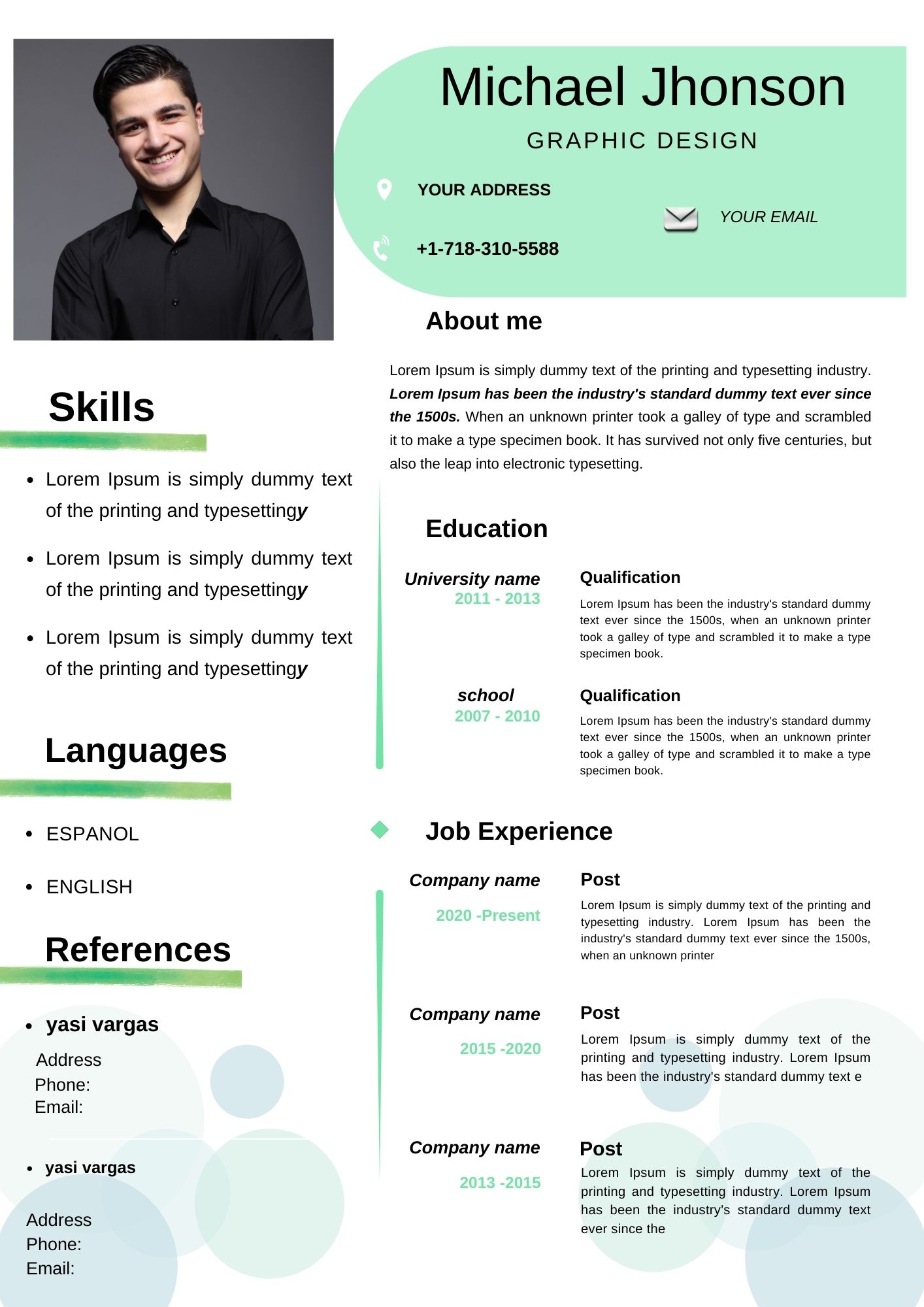
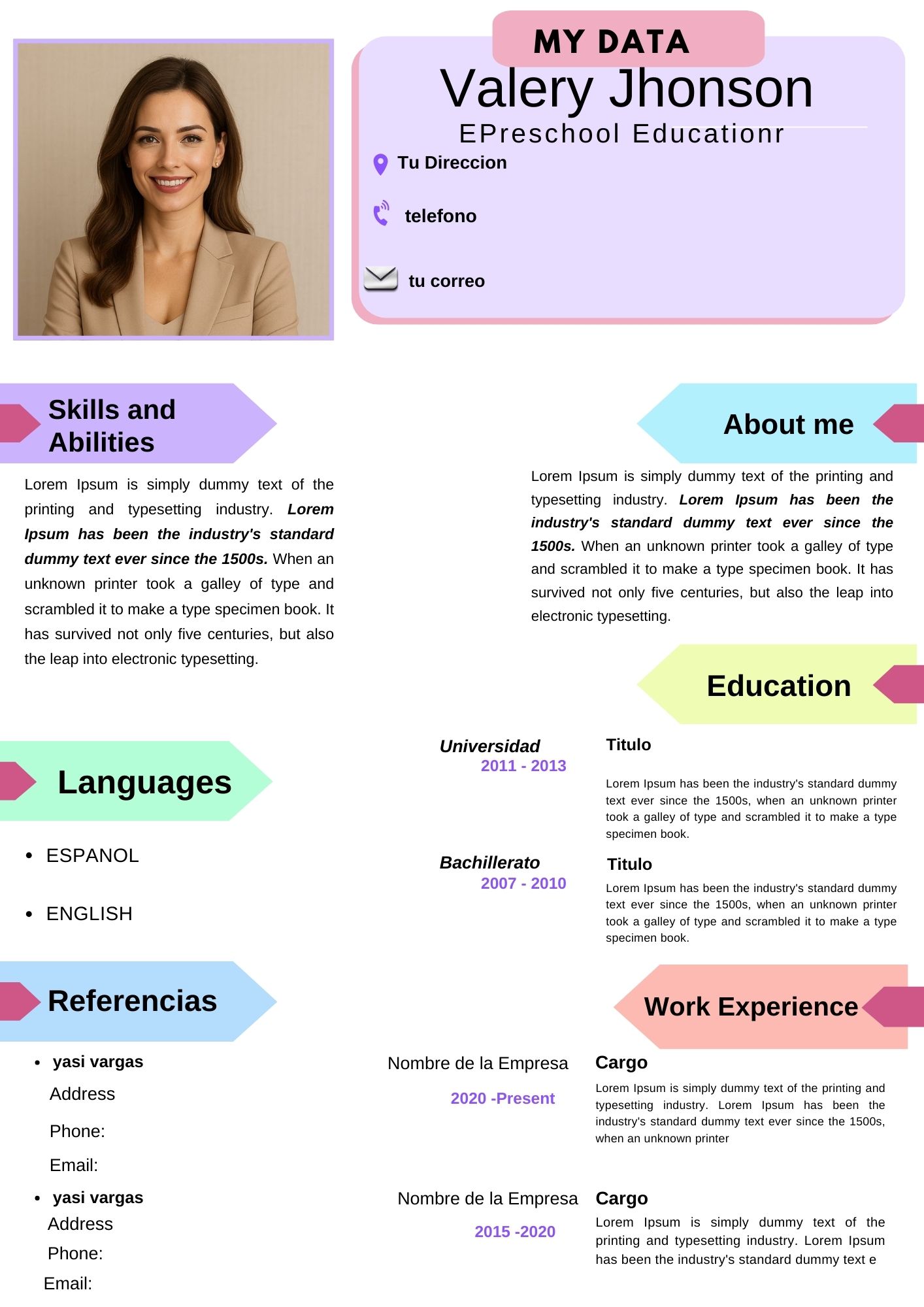
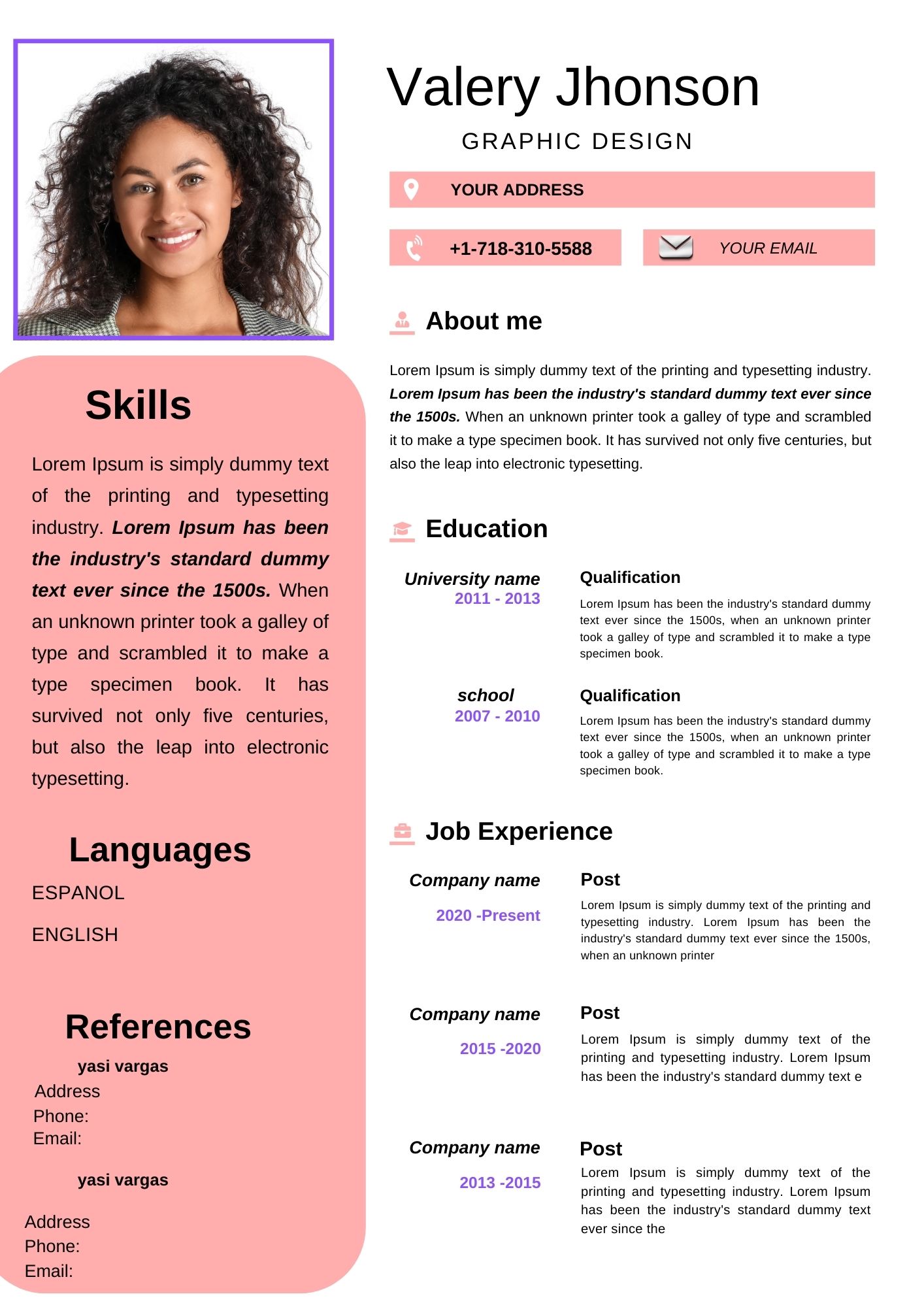
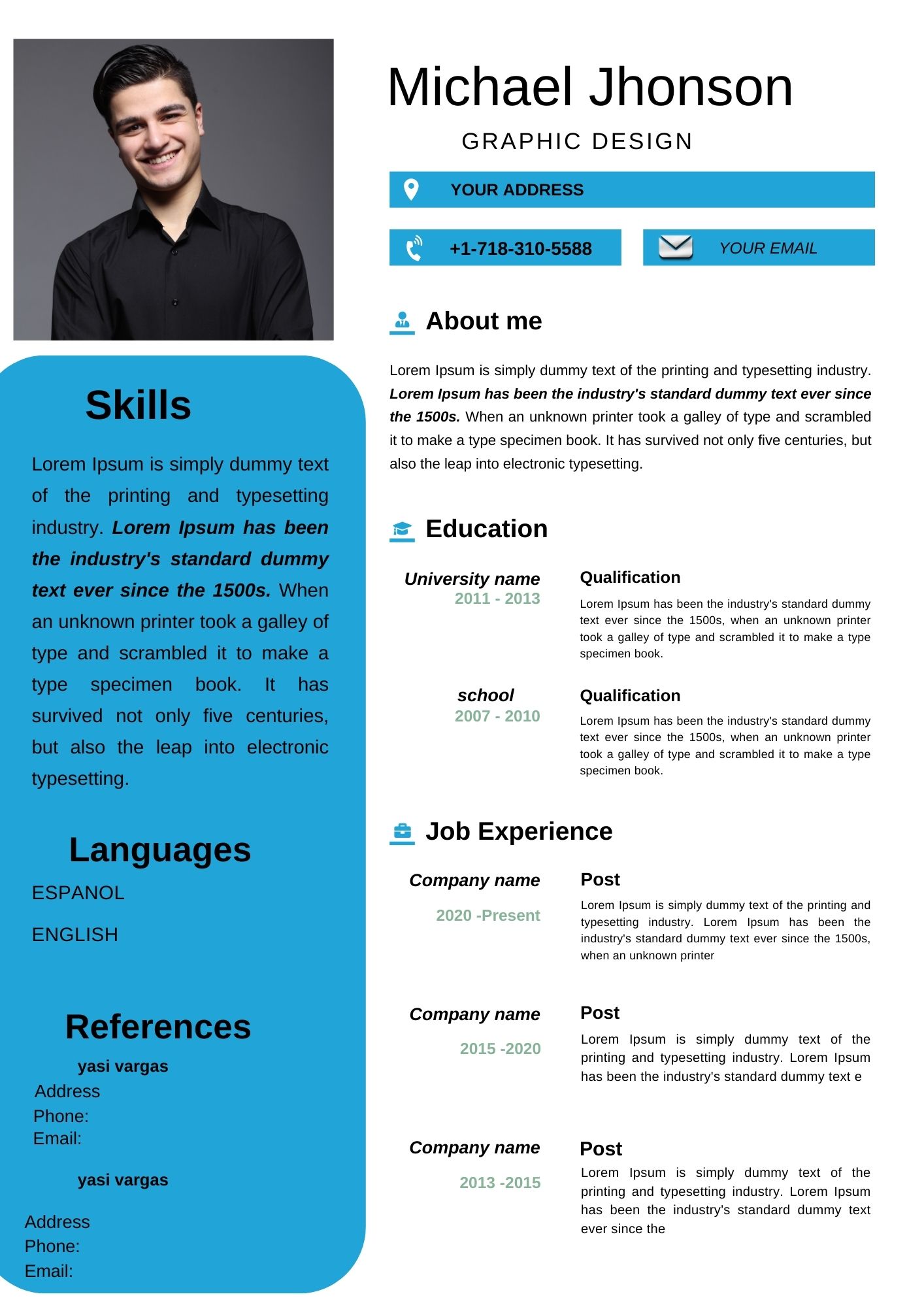
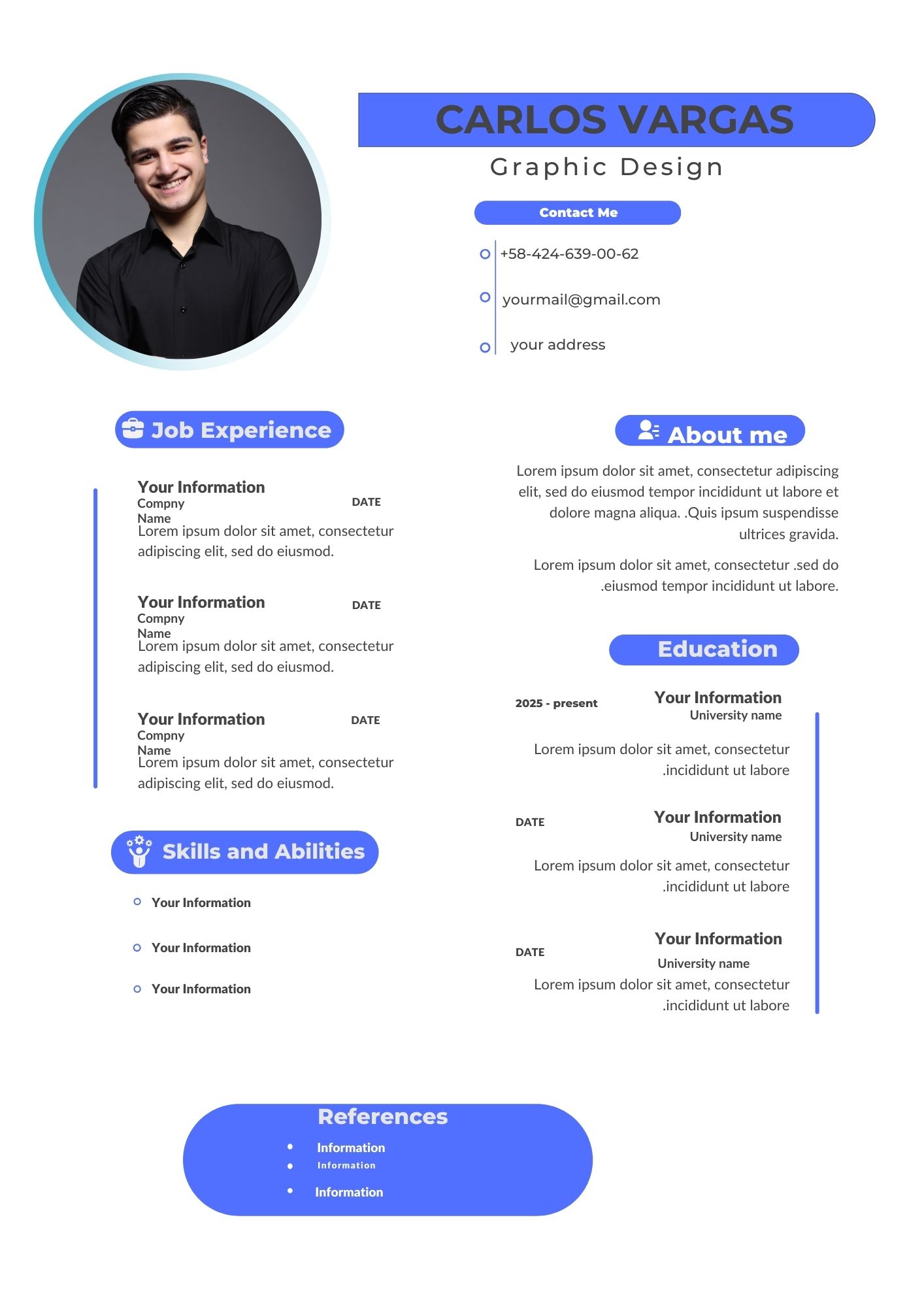
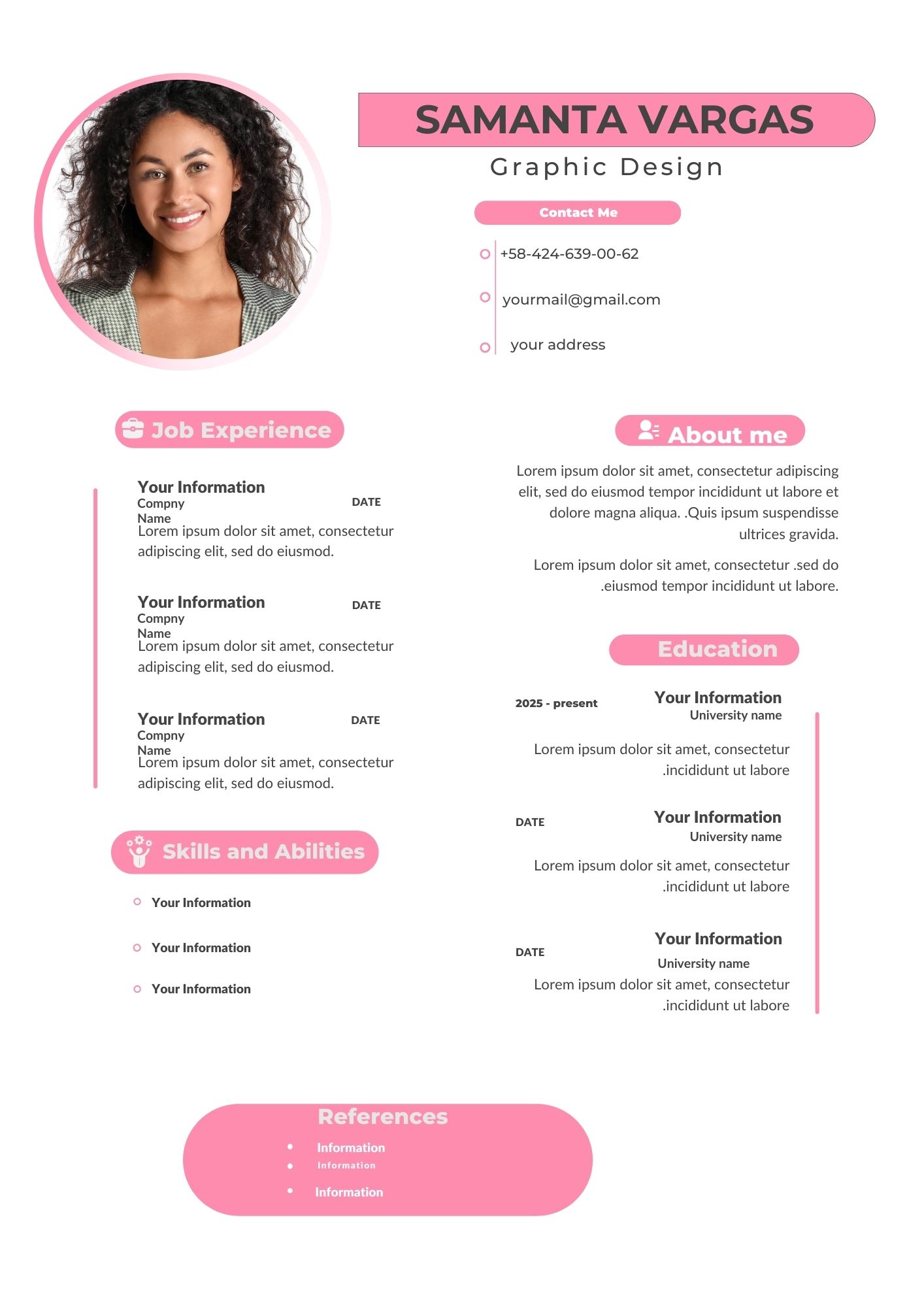
Creating a professional resume has never been easier with a Pink CV Template Canva. Whether you need a stylish, modern, or creative CV, using a Canva resume template allows you to edit and customize it online in just a few clicks. These templates are perfect for job seekers who want to stand out while keeping a professional look.
Main Features of This Canva CV Template
- Fully Editable: Modify fonts, colors, and layout easily.
- Designed for Print & Digital Use: Download in PDF, PNG, or JPG formats.
- User-Friendly: No design skills required; simply edit and personalize.
- ATS-Friendly: Optimized structure for better readability by applicant tracking systems.
- Free & Premium Versions Available: Choose the option that suits your needs.

How to Customize Your Canva Template
1. Select the File
Once you find the best pink CV template on Canva, click on the link to open the template in Canva. Make sure you are logged into your account.
2. Open and Edit
- Change the text to match your personal details.
- Adjust fonts, colors, and images to fit your style.
- Add or remove sections based on your experience and preferences.
3. Save, Share, or Print
- Download your resume as a PDF for printing or PNG/JPG for digital submission.
- Share the link directly with employers or attach it to job applications.
- Print using high-quality paper for a professional look.
Tips for a Perfect Resume Design
- Keep your content clear and concise.
- Use professional fonts and color schemes.
- Highlight your achievements rather than job duties.
- Save different versions for various job applications.
Frequently Asked Questions
1. Can I use Canva for free to edit my resume? Yes! Canva offers free editing tools, though some premium elements may require a subscription.
2. Is this Pink CV Template Canva-compatible with ATS? Yes, this template is designed to be ATS-friendly when saved in a text-based PDF format.
3. Can I change the pink color to another shade? Absolutely! Canva allows you to modify the color scheme to match your preference.
Edit Your Pink CV Template Now!
Take your job application to the next level with this Pink CV Template Canva. Click the link below to start customizing your professional resume today!