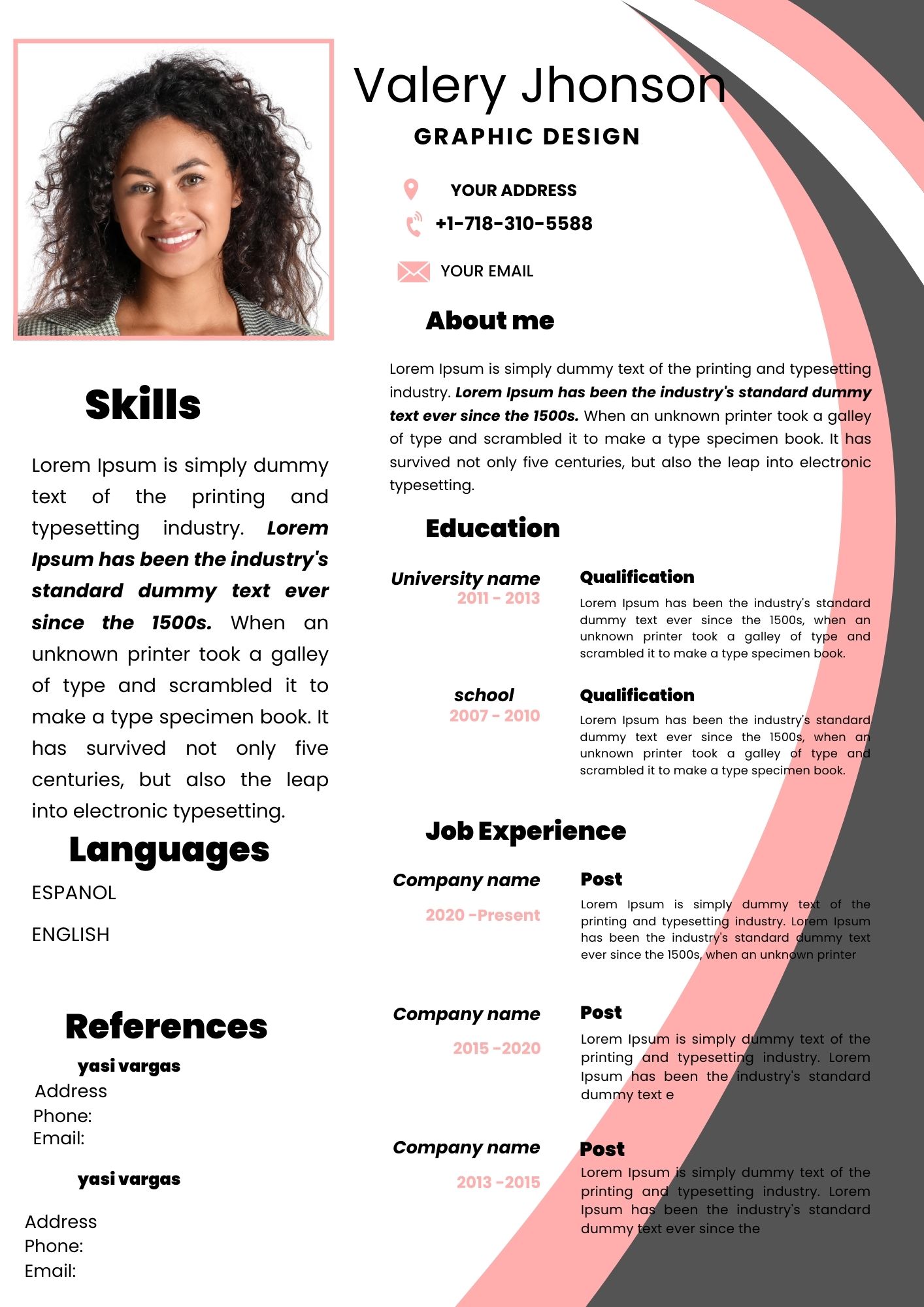
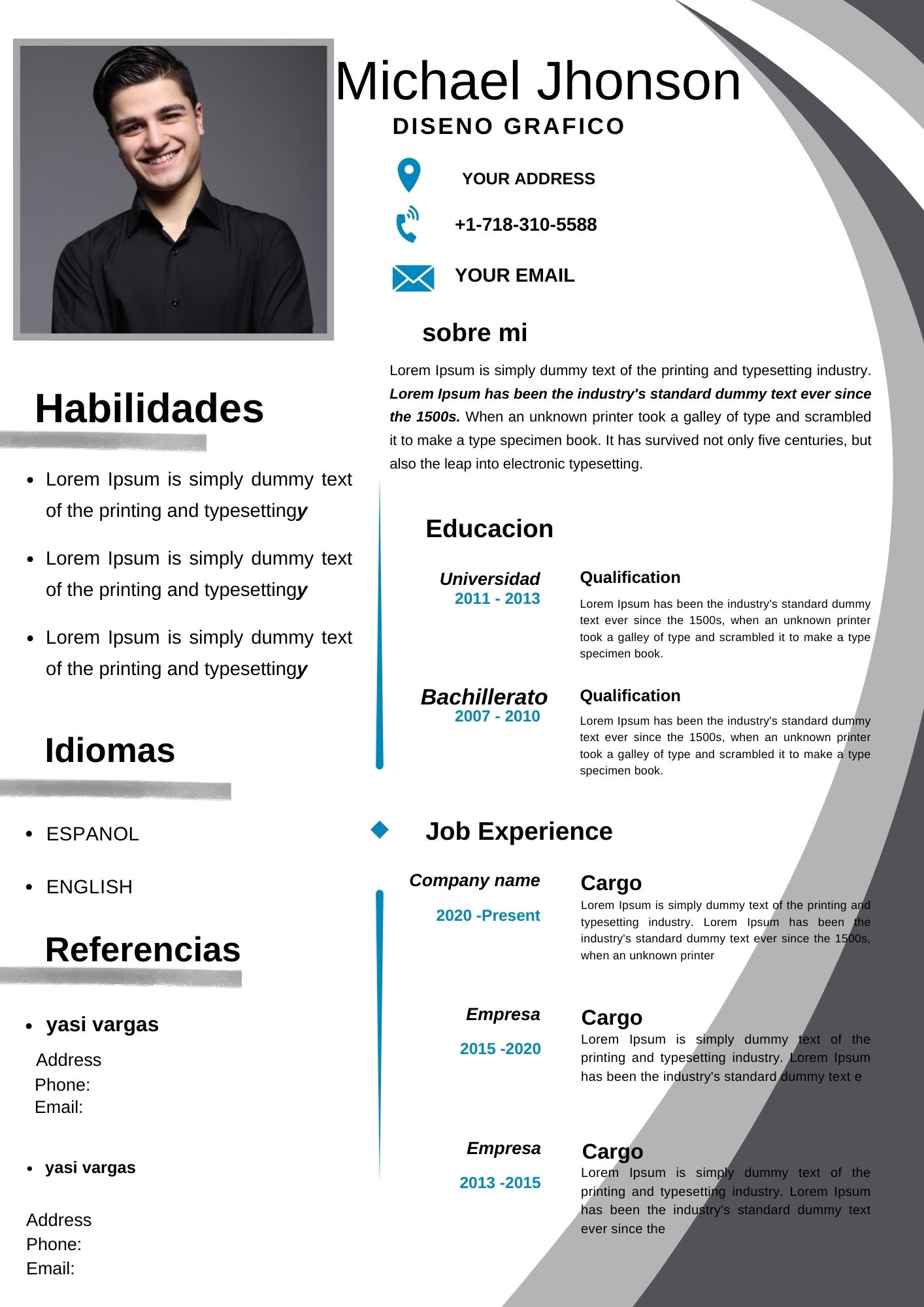
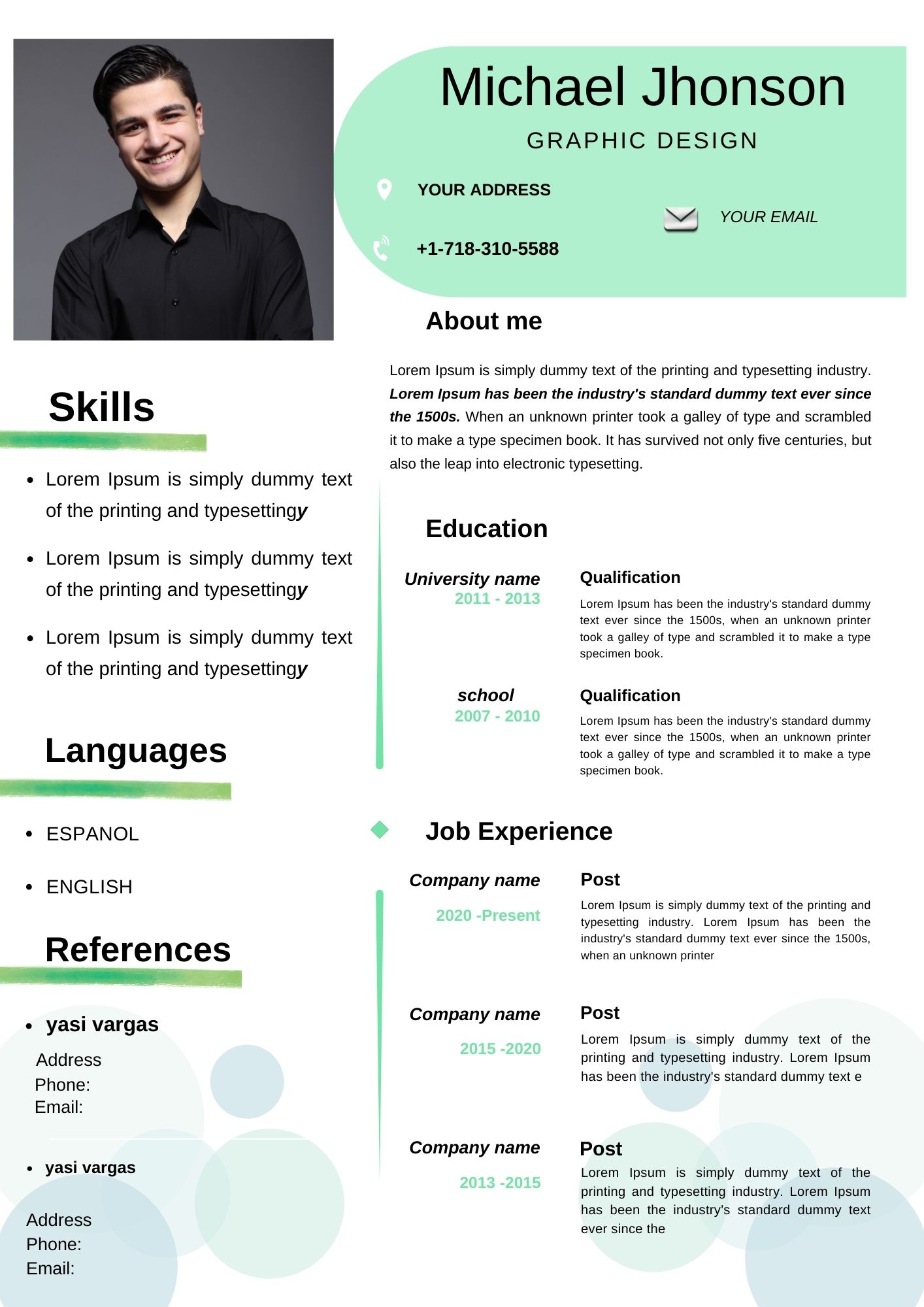
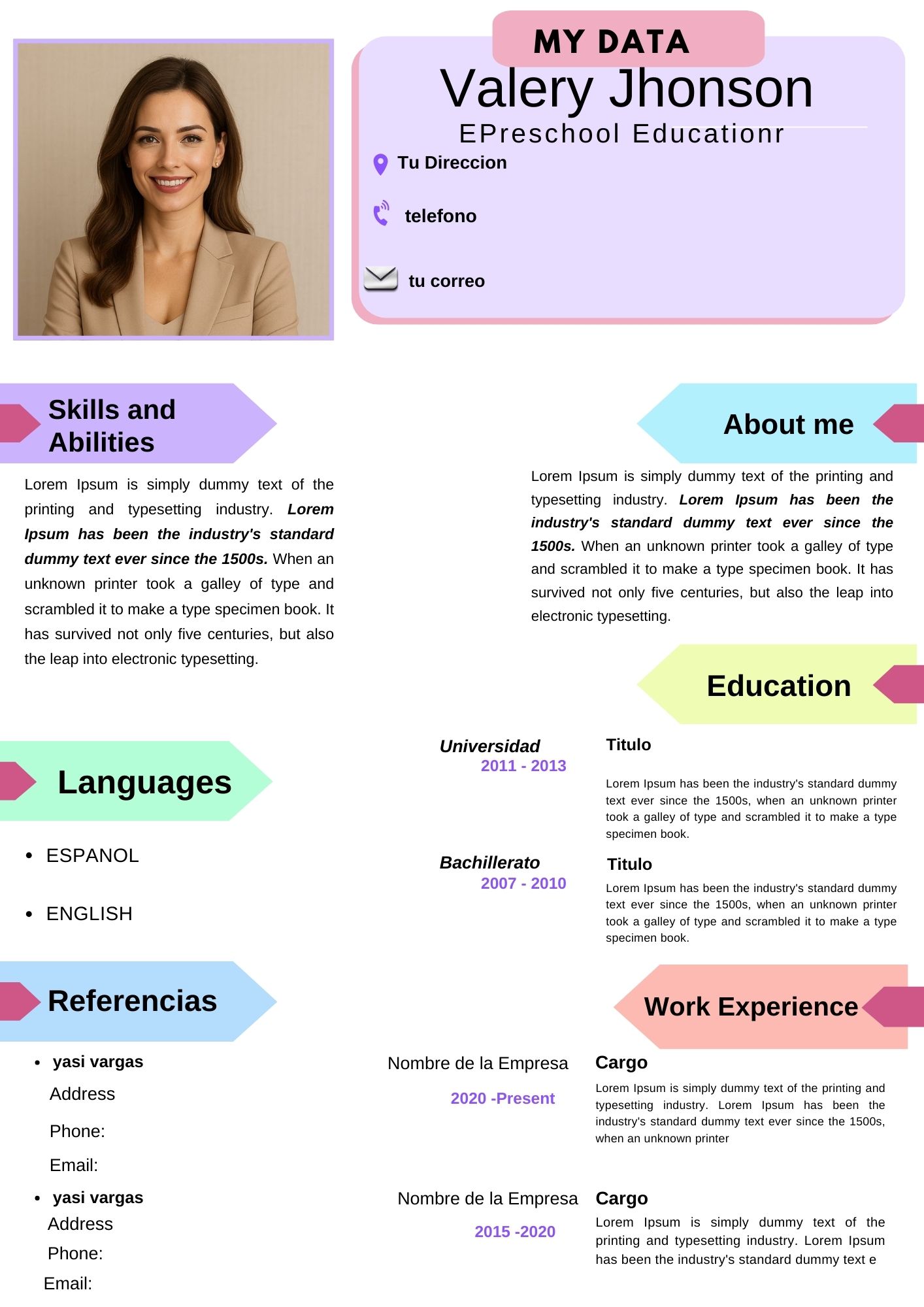
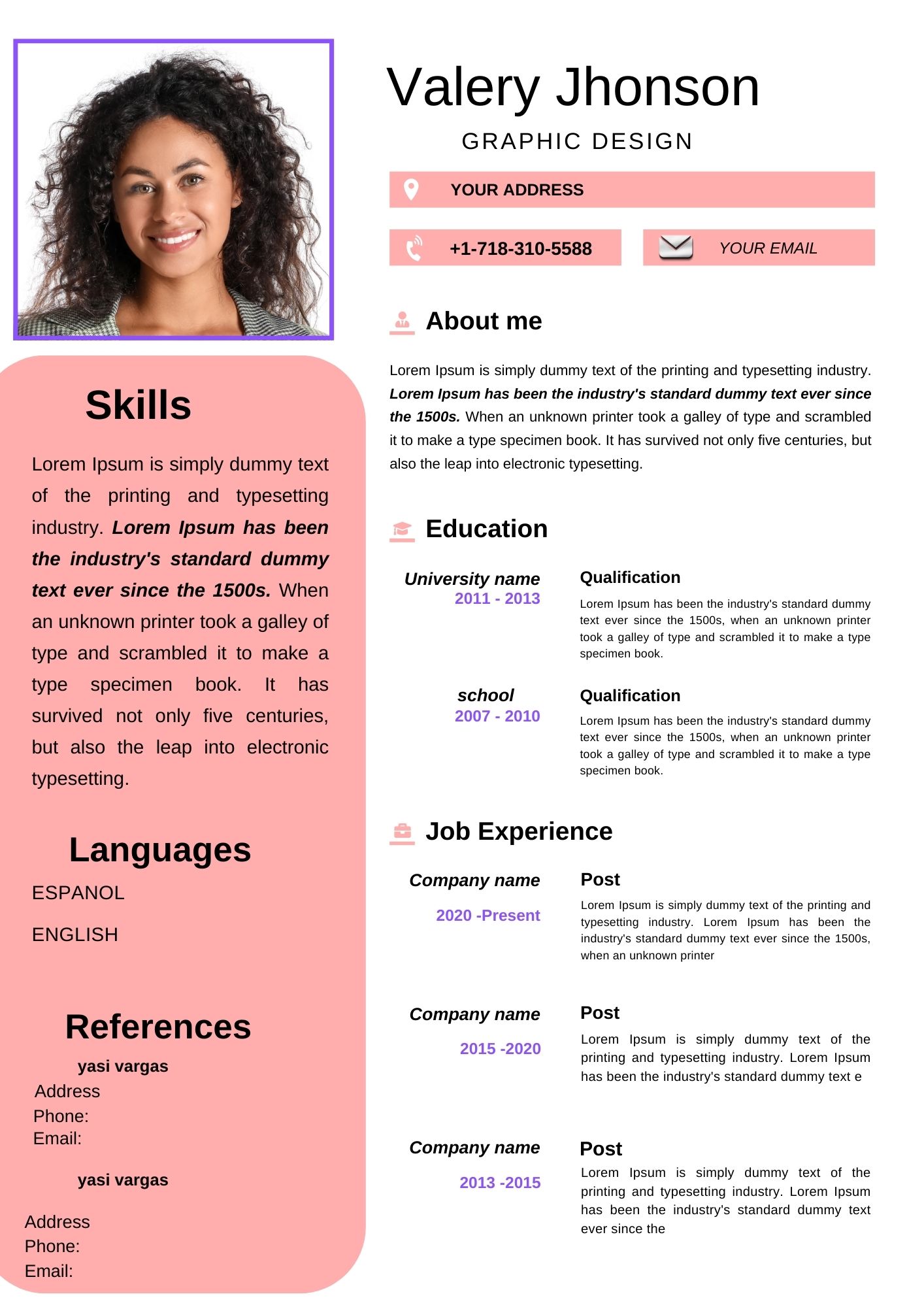
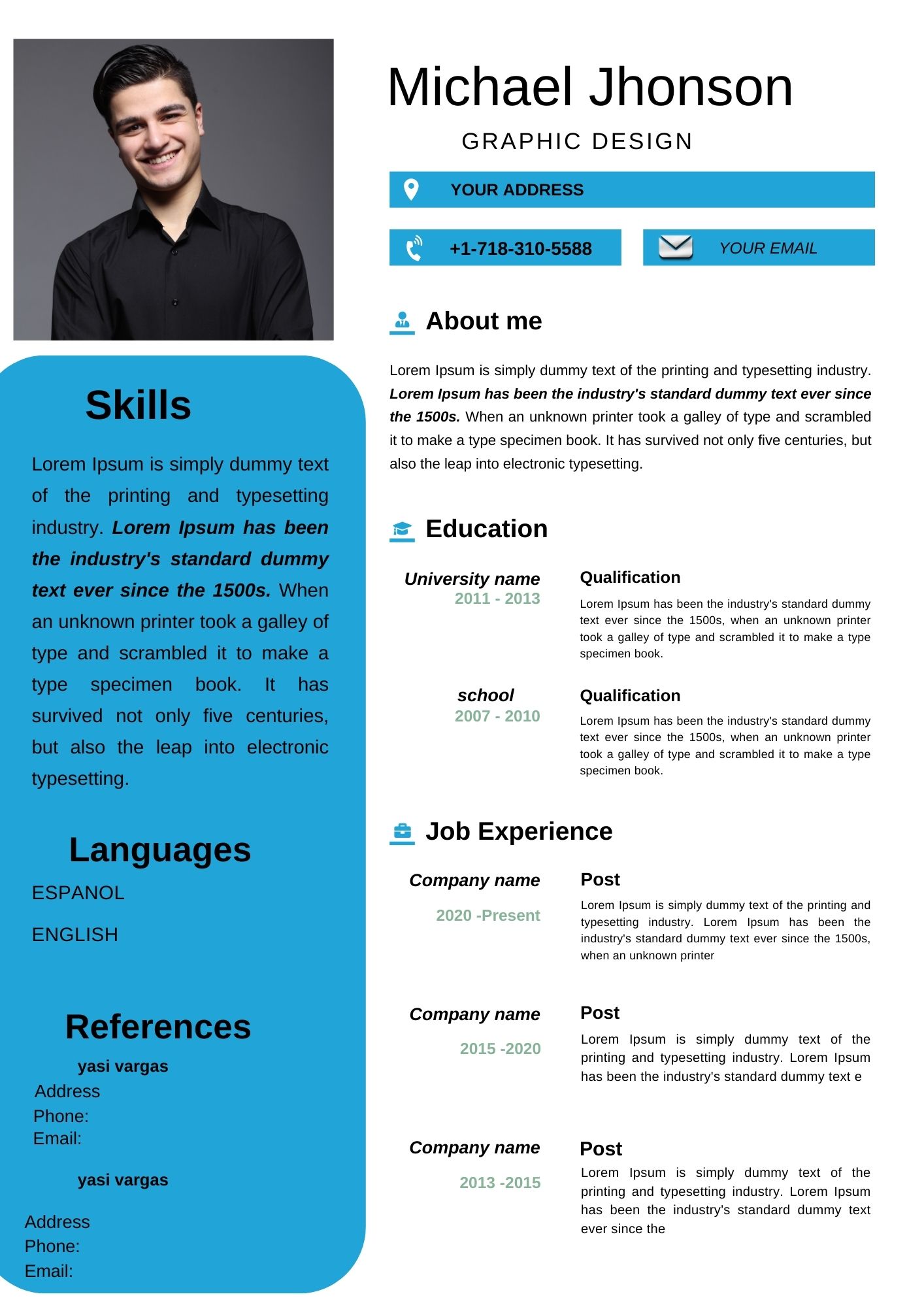
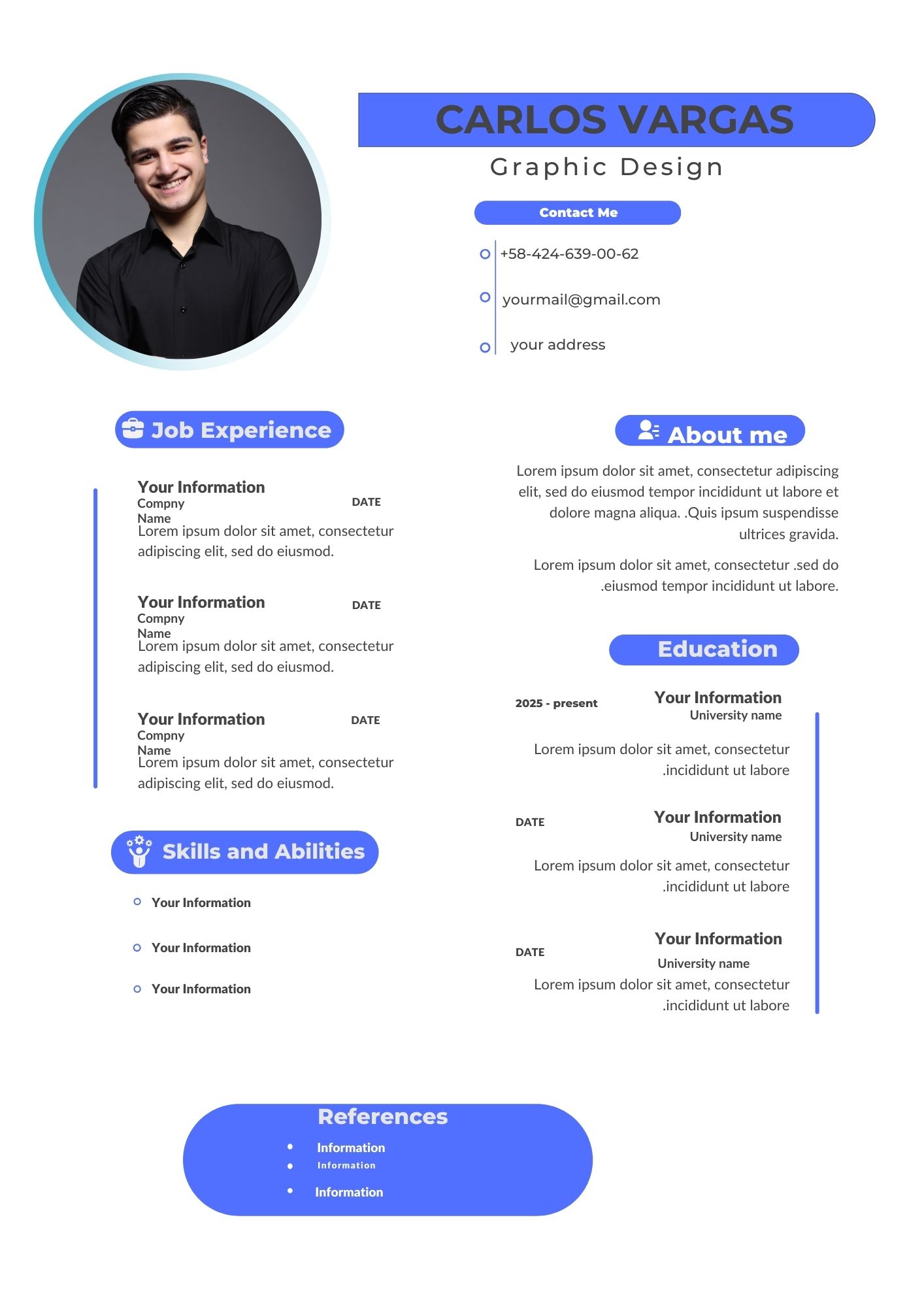
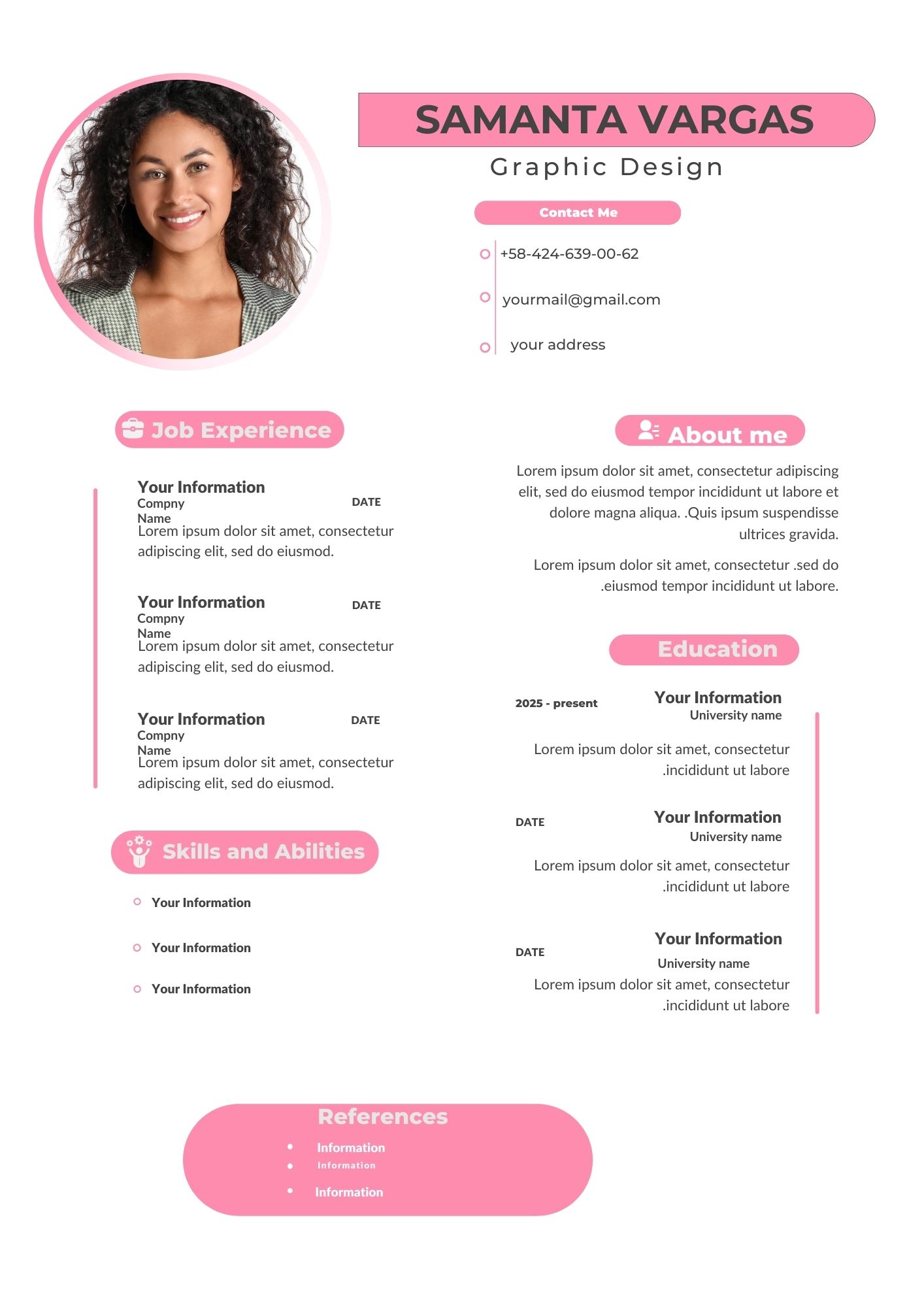
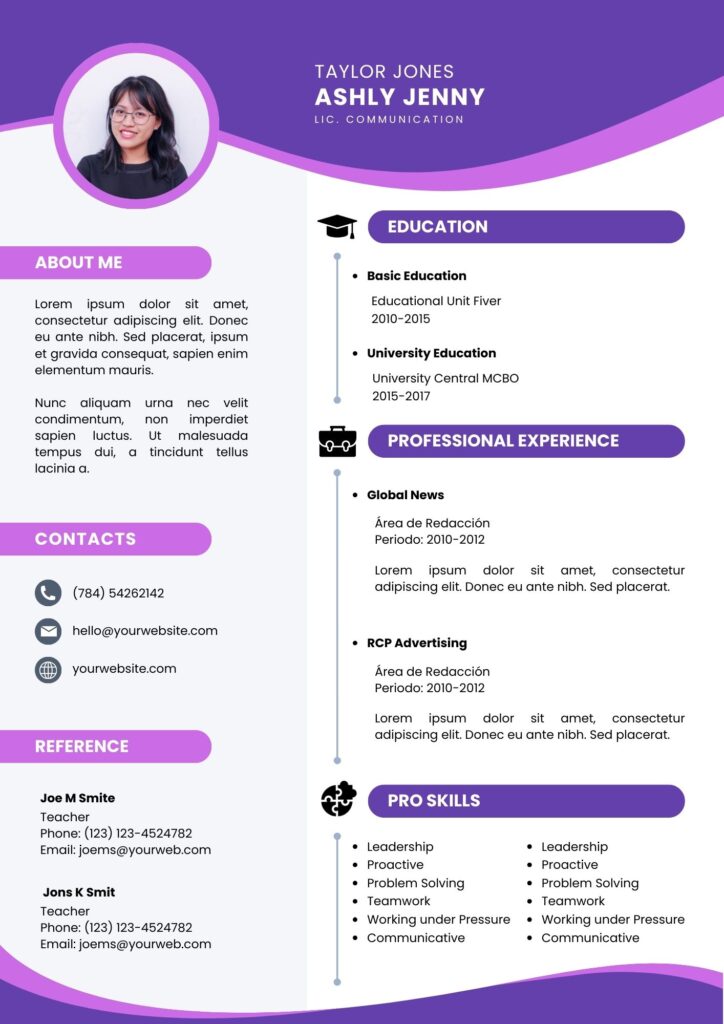
Creating a resume that stands out is essential in today’s competitive job market. With the Violet CV Template Canva, you can design a professional and visually appealing resume effortlessly. Whether you need it for printing or digital submission, this template is fully customizable to suit your needs.
Why Choose an Editable Canva Template?
Canva is a user-friendly design platform that allows anyone to create stunning visuals without advanced design skills. Choosing a Violet CV Template in Canva provides several advantages:
- Easy drag-and-drop interface
- No software installation required
- Fully customizable elements
- Accessible from any device with an internet connection
Key Features of This Canva Template
This Violet CV Template Canva comes with features that make it both stylish and practical:
- Modern and elegant design: Perfect for creative professionals and corporate job seekers.
- Editable sections: Modify text, fonts, colors, and images effortlessly.
- Print-ready format: Download in PDF or high-resolution formats.
- Digital sharing: Send your resume via email or upload it to job portals with ease.
How to Customize Your Template
Customizing your Violet CV Template Canva is simple. Follow these steps:
Select the File
Once you download the template, open the Canva link provided. Ensure you are logged into your Canva account to start editing.
Open and Edit
- Click on the template to open it in Canva.
- Edit the text, change colors, and upload your photo if needed.
- Adjust layout elements to match your personal style.
Save, Share, or Print
- Save your customized resume in PDF, PNG, or JPG format.
- Print it for in-person interviews or share it digitally via email or LinkedIn.
Tips for an Outstanding Resume
- Keep your content clear and concise.
- Highlight key achievements and relevant skills.
- Use professional fonts and colors that complement the violet theme.
- Proofread before saving to avoid errors.
Frequently Asked Questions
Q: Do I need a Canva Pro account to edit this template?
A: No, this template works perfectly with the free version of Canva.
Q: Can I change the colors of the template?
A: Yes! You can fully customize the colors, fonts, and layout.
Q: Is this template print-ready?
A: Yes, you can download it in high resolution for printing or digital use.
Get your template today!
Ready to create a stunning resume? Download your Violet CV Template Canva now and make a lasting impression on recruiters!