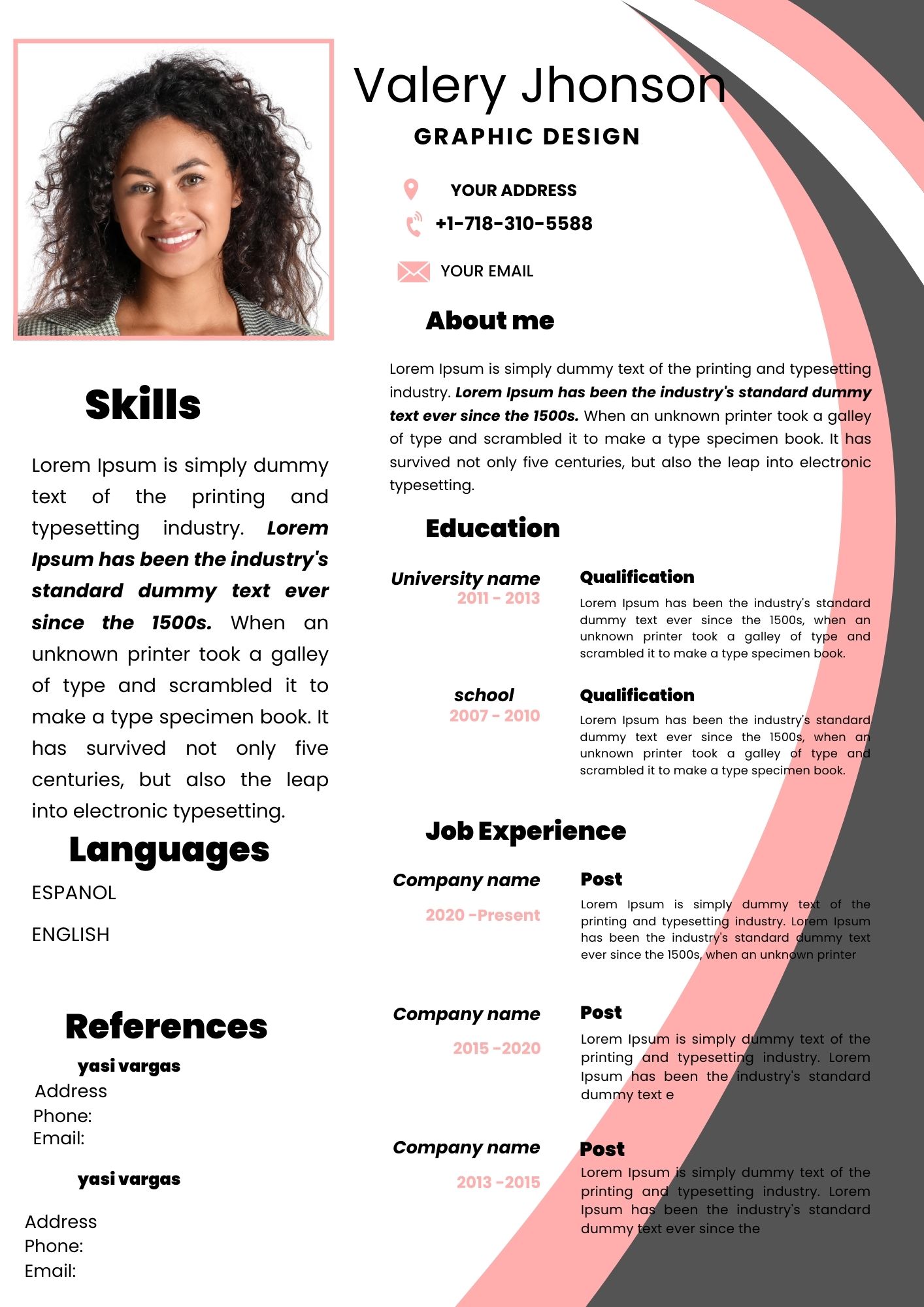
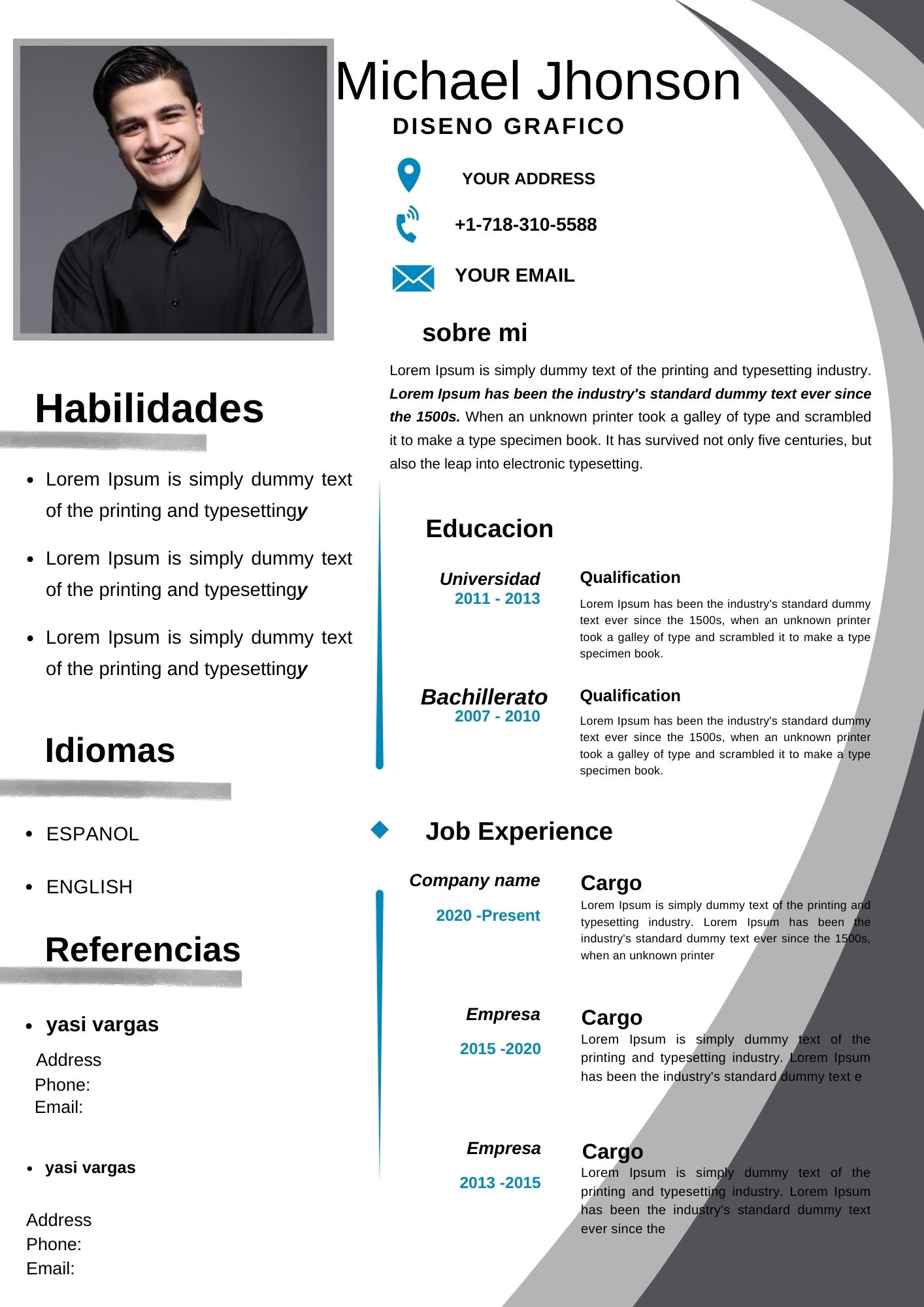
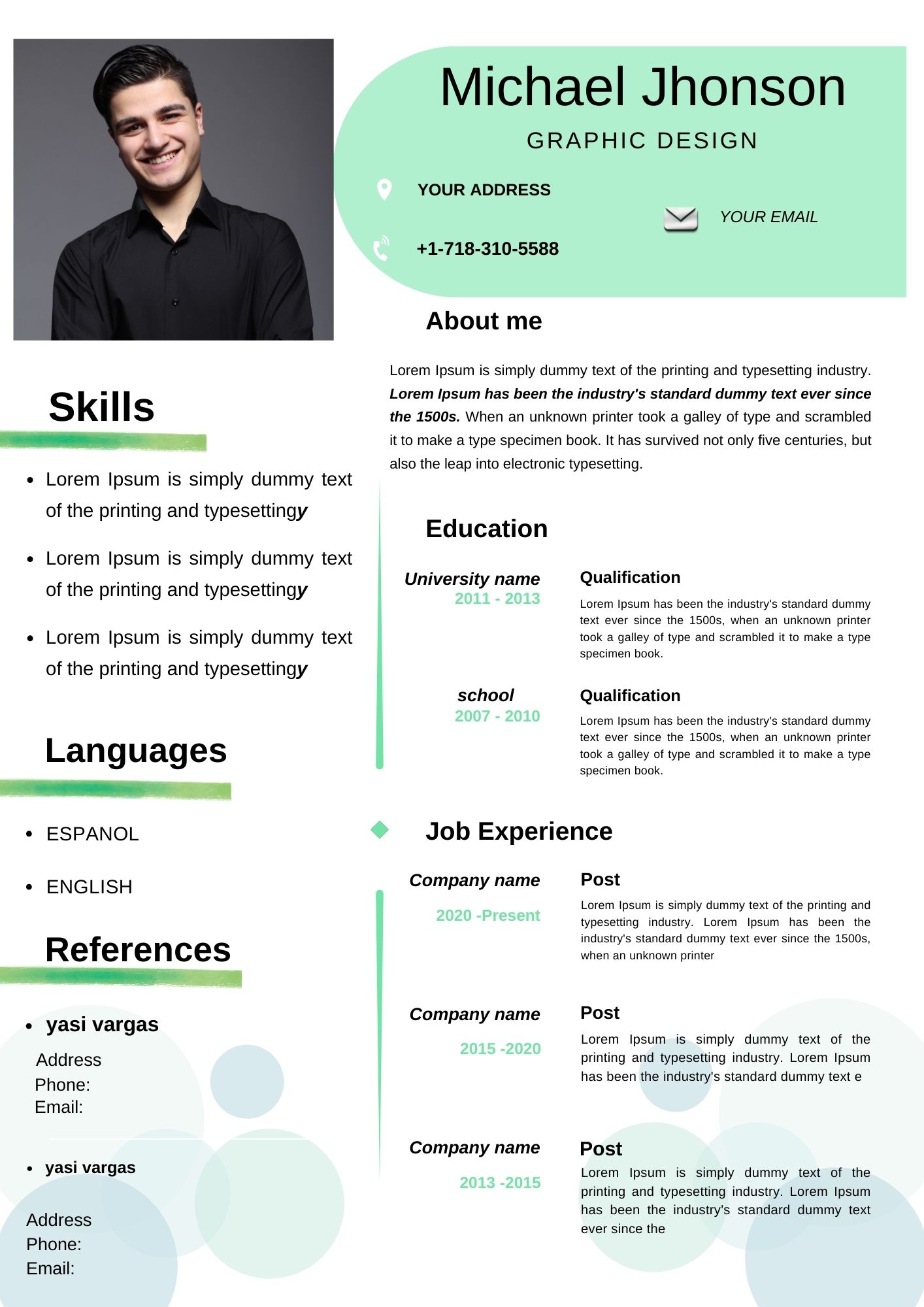
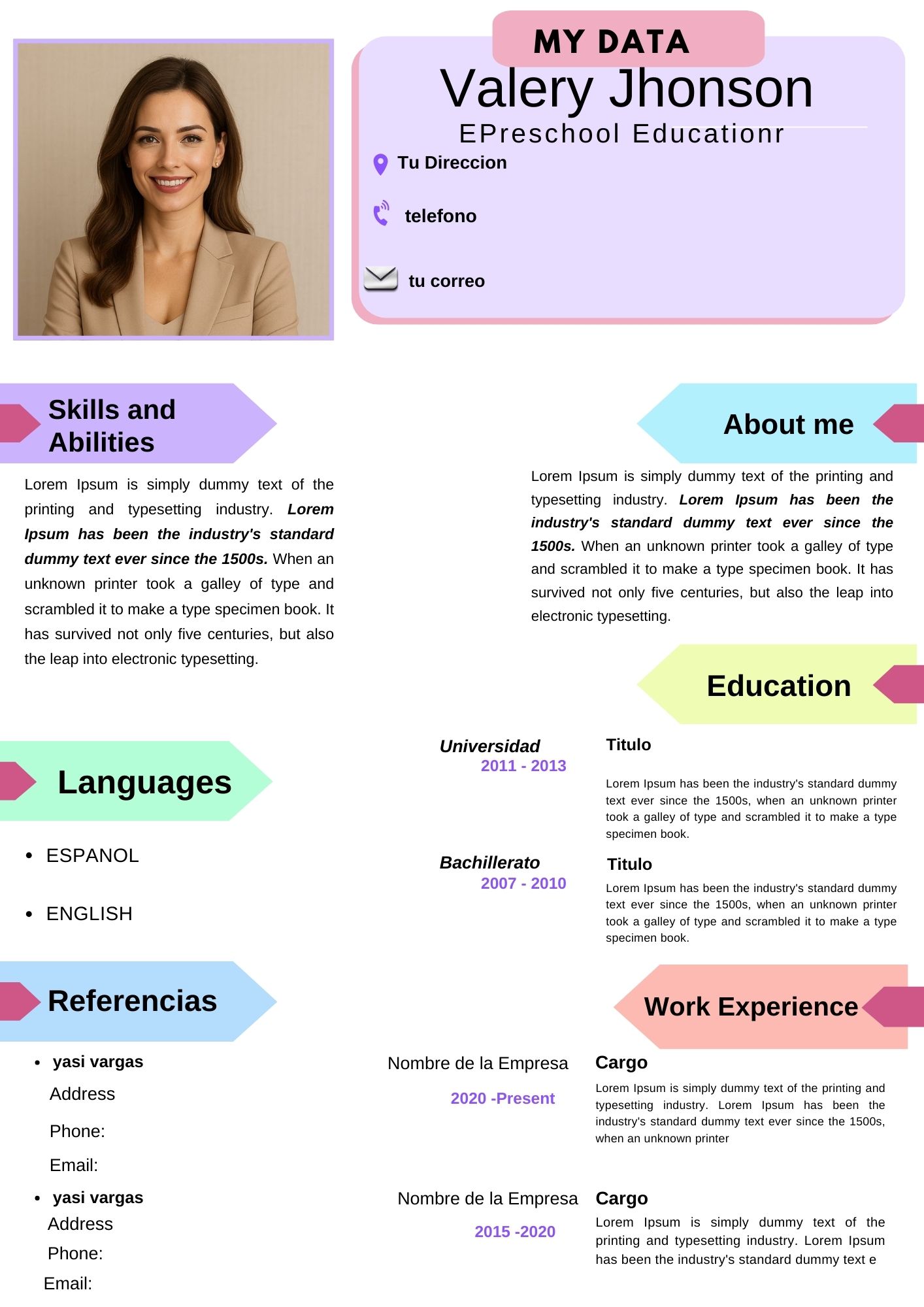
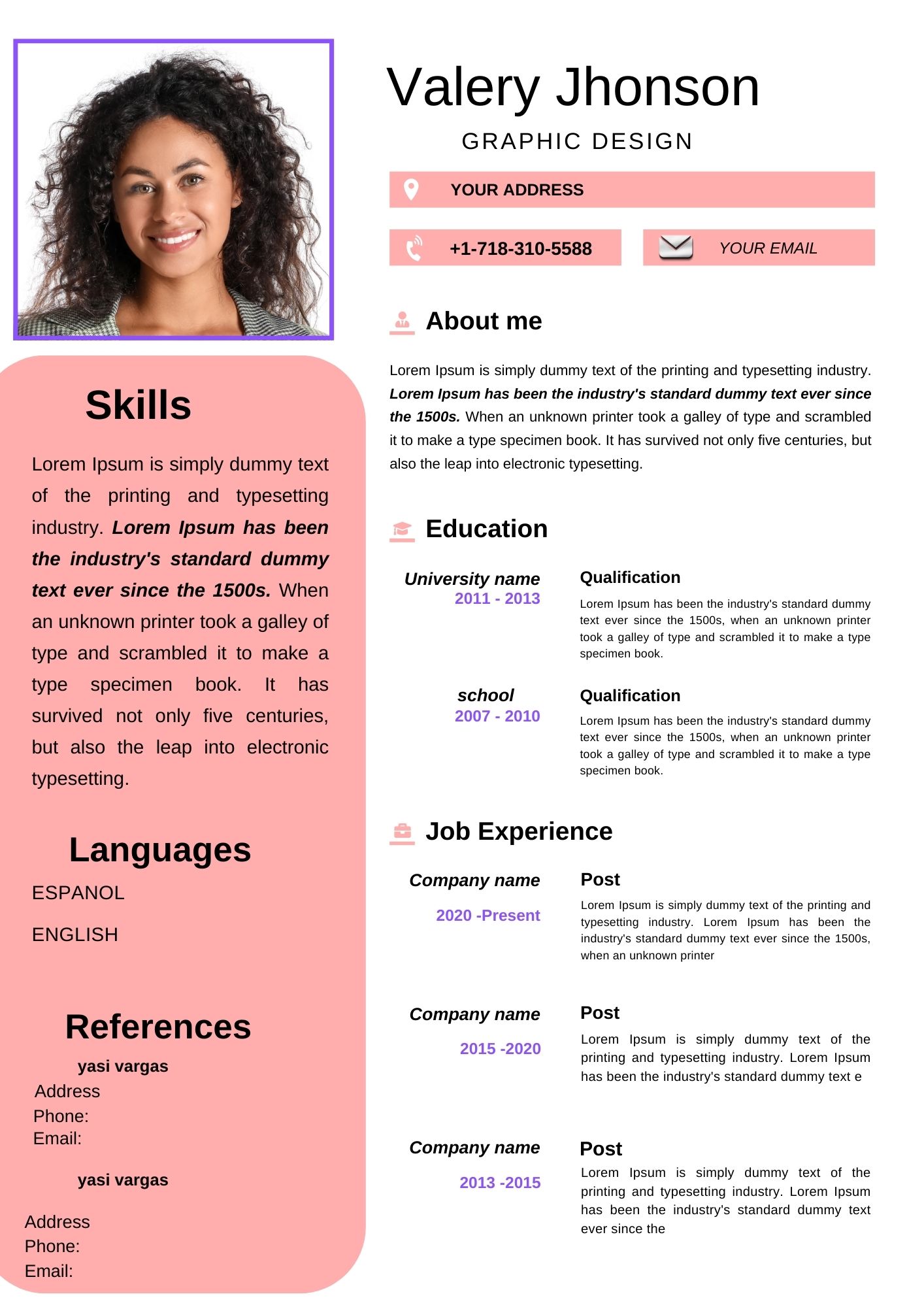
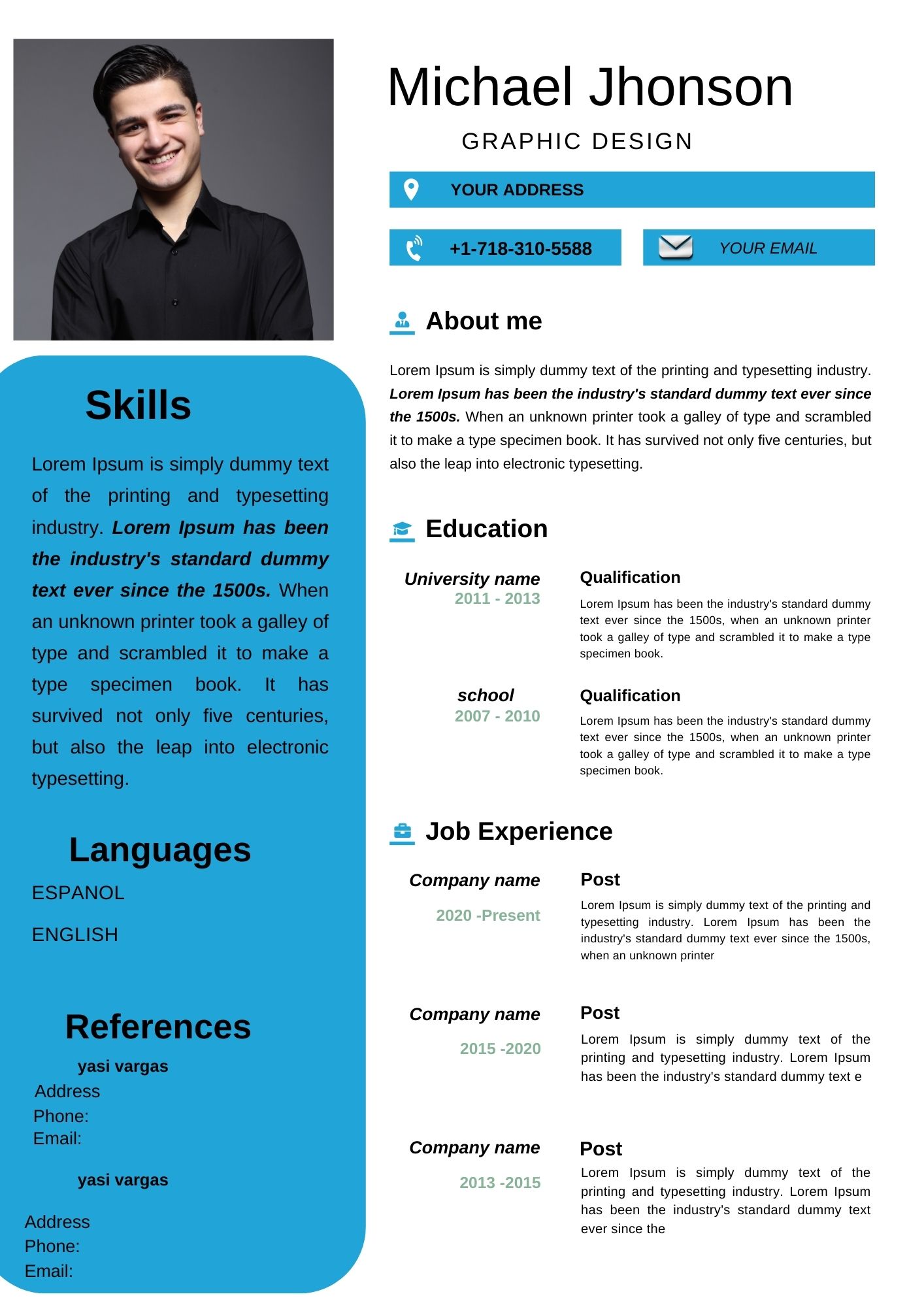
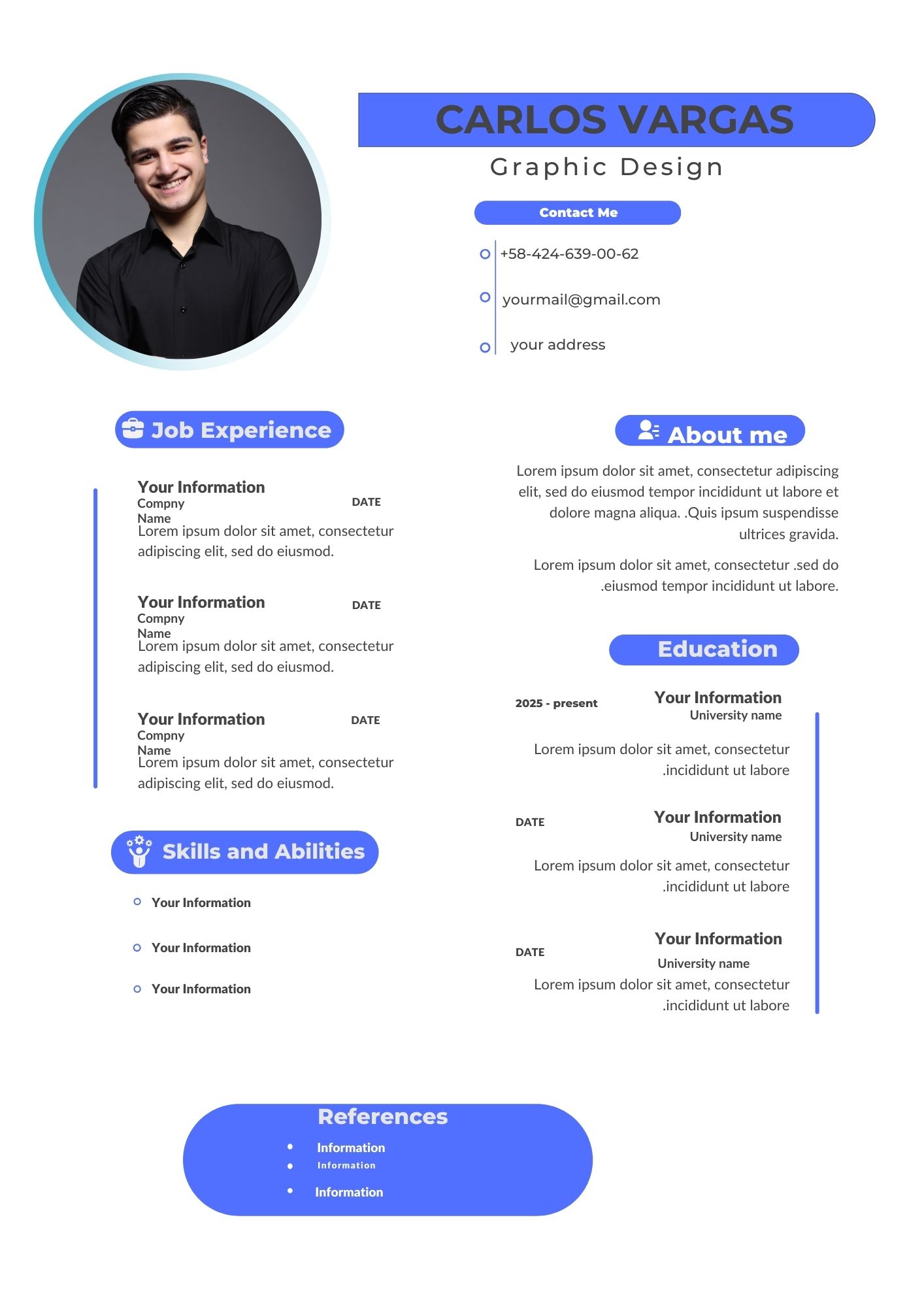
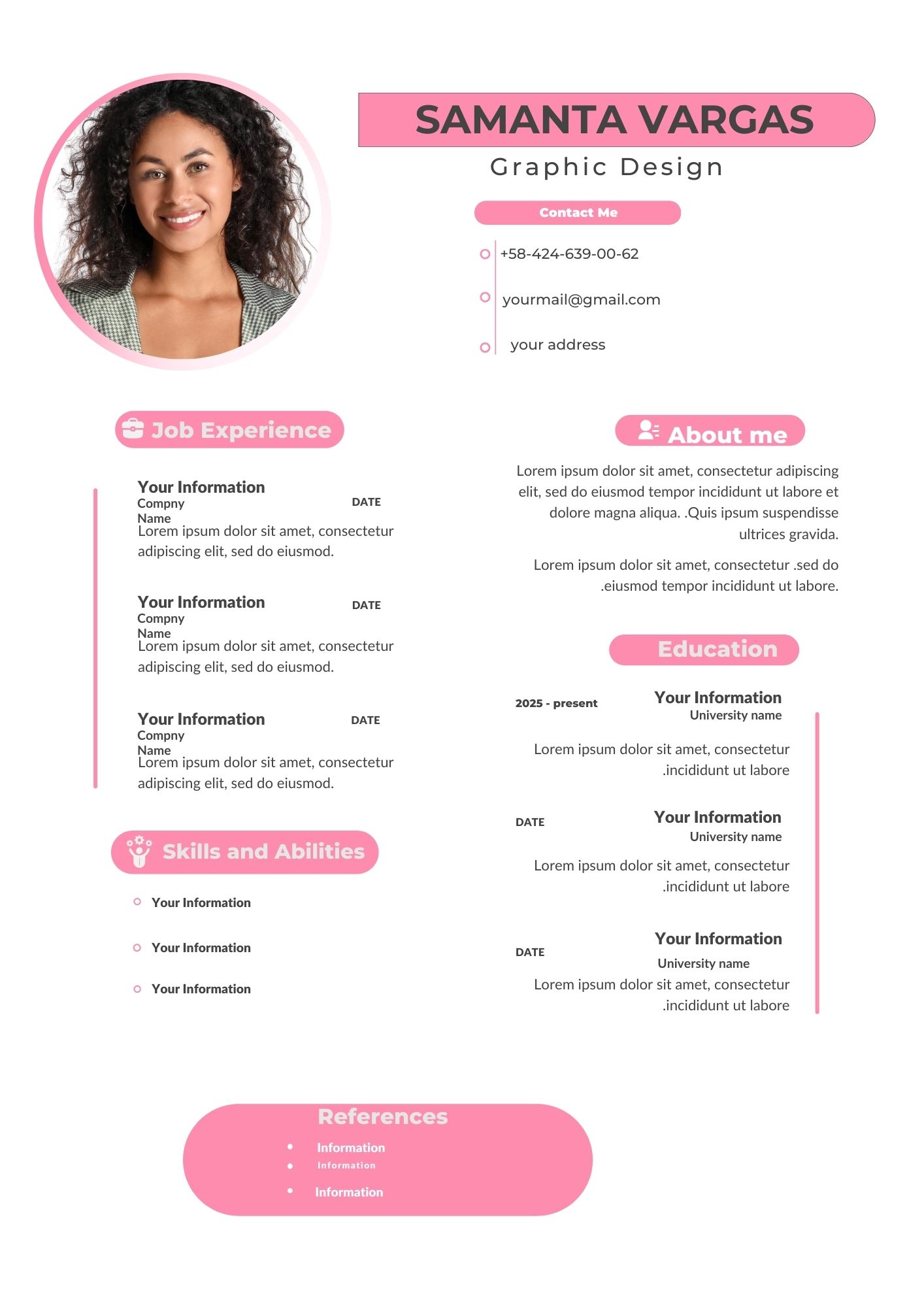
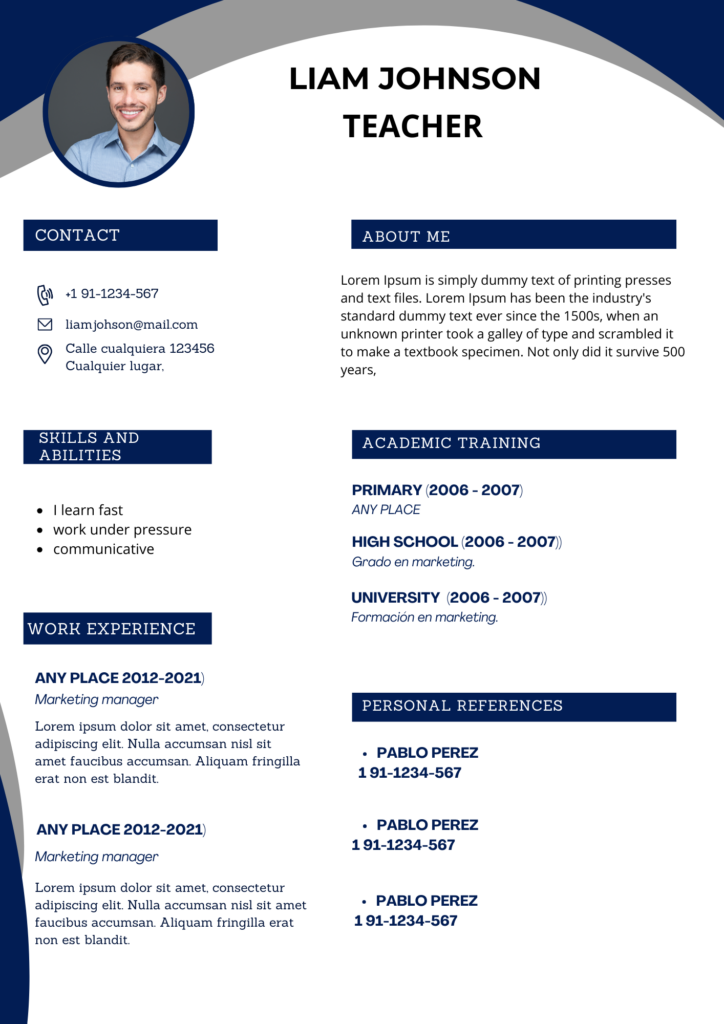
Are you tired of generic resume templates? Want to create a standout CV that will grab the attention of potential employers? Look no further! Canva’s modern resume templates offer a fresh and customizable approach to crafting your professional profile. In this article, we’ll explore the benefits of using Canva for your resume and provide you with a step-by-step guide on how to create a visually appealing and effective CV.
Why Choose a Canva Editable Template?
- Customization: Canva offers a wide range of customizable templates, allowing you to tailor your resume to your unique skills and experiences.
- Visual Appeal: Canva’s drag-and-drop interface makes it easy to create visually stunning resumes with a professional look.
- Variety of Templates: Whether you prefer a minimalist or creative design, Canva has a template to suit your style.
- Accessibility: Canva is a user-friendly platform that can be accessed from any device with an internet connection.
Key Features of Canva Resume Templates
- Pre-designed layouts: Canva offers a variety of pre-designed resume templates that you can easily customize to fit your needs.
- Drag-and-drop interface: Easily add and rearrange elements such as text, images, and shapes.
- Huge library of fonts and graphics: Choose from a vast collection of fonts, icons, and illustrations to create a unique look.
- Collaboration features: Work with others on your resume and share it with potential employers.
How to Customize Your Template
- Select a Template: Choose a template that aligns with your personal style and the industry you’re targeting.
- Open and Edit: Once you’ve selected a template, you can easily customize it by adding your own text, images, and colors.
- Save, Share, or Print: When you’re finished, you can download your resume as a PDF, PNG, or JPG file, or share it directly with potential employers.
Tips
- Use strong keywords: Incorporate keywords related to your industry and the job you’re applying for throughout your resume.
- Keep it clean and simple: Avoid clutter and use a clear and consistent design.
- Tailor your resume to each job: Customize your resume for each job application to highlight the most relevant skills and experiences.
- Proofread carefully: Typos and grammatical errors can create a negative impression.
FAQs
- Can I use Canva for free? Yes, Canva offers a free version with a wide range of templates and features.
- Can I download my resume as a PDF? Yes, you can download your resume in various formats, including PDF, PNG, and JPG.
- Can I collaborate with others on my resume? Yes, Canva allows you to share your designs with others and collaborate in real-time.
Call to Action
Ready to create a stunning resume? Start designing your professional profile today with Canva’s free resume templates. Visit Canva.com and explore the endless possibilities!